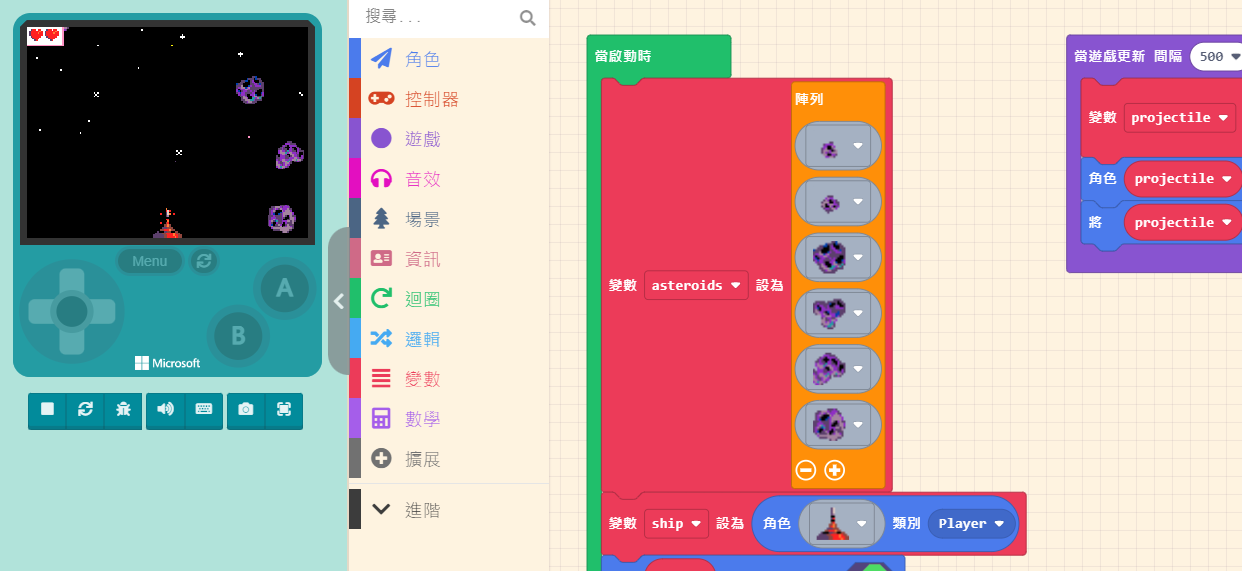
First, open the game designed in the previous unit. We are going to add an “Enemy.”
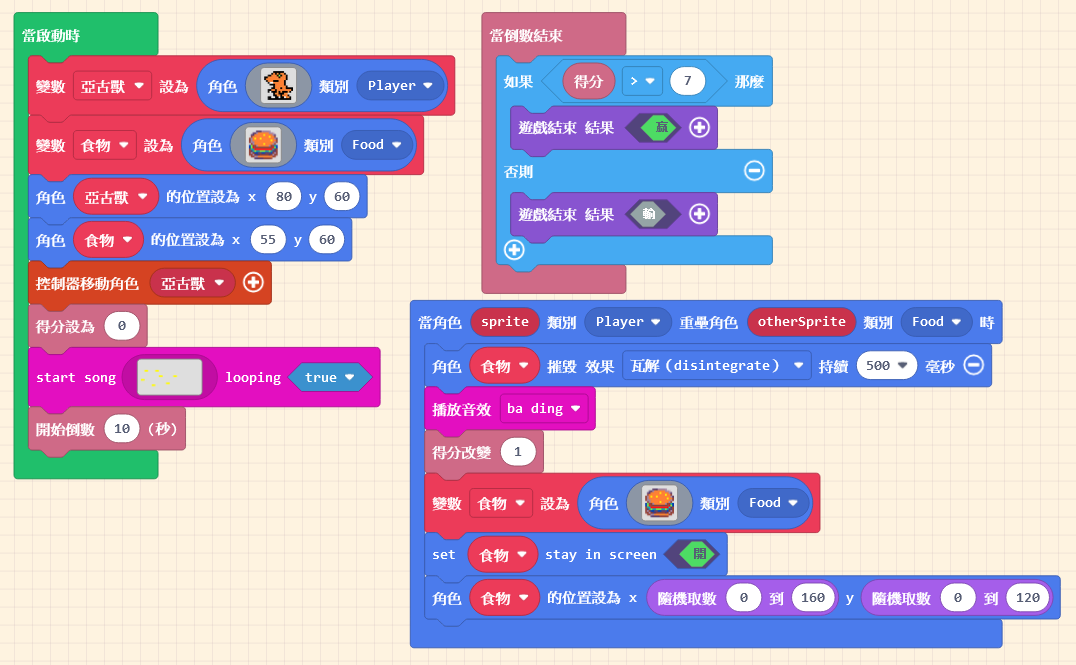
You should be familiar with adding sprites. Click on “Sprites” in the Block Toolbox, use the create sprite block, and place it inside “on start.”
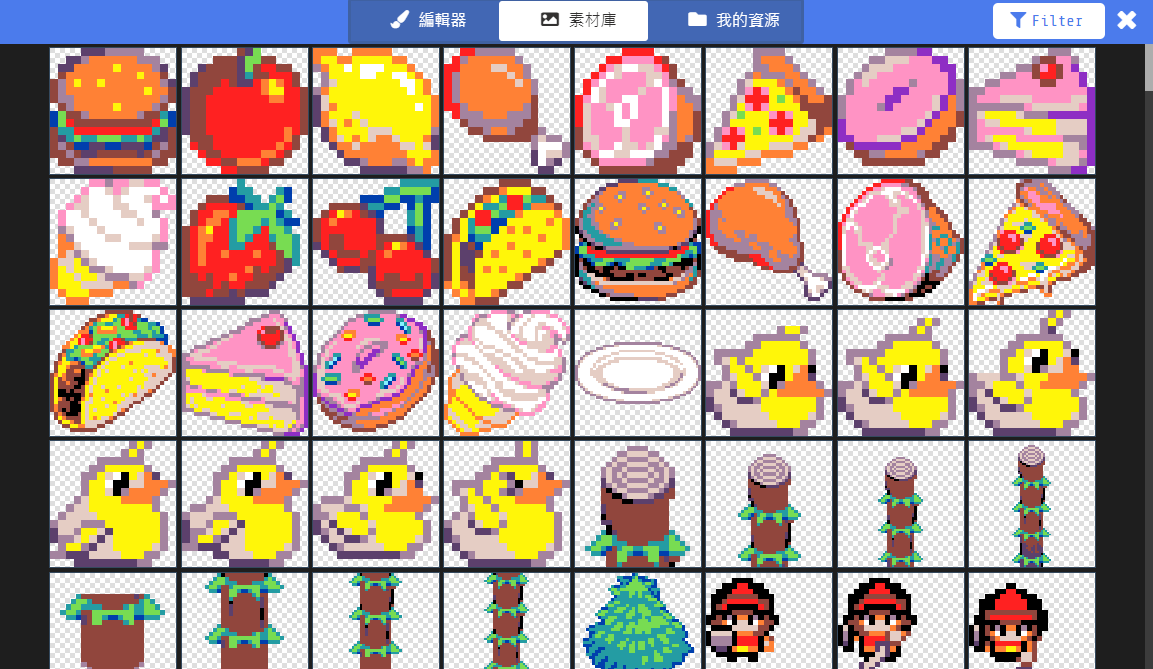
You can design the sprite’s pattern yourself, just like the editor did, or use a pattern from the Gallery. Since it’s a villain, remember to make it look fierce!👹👹👹
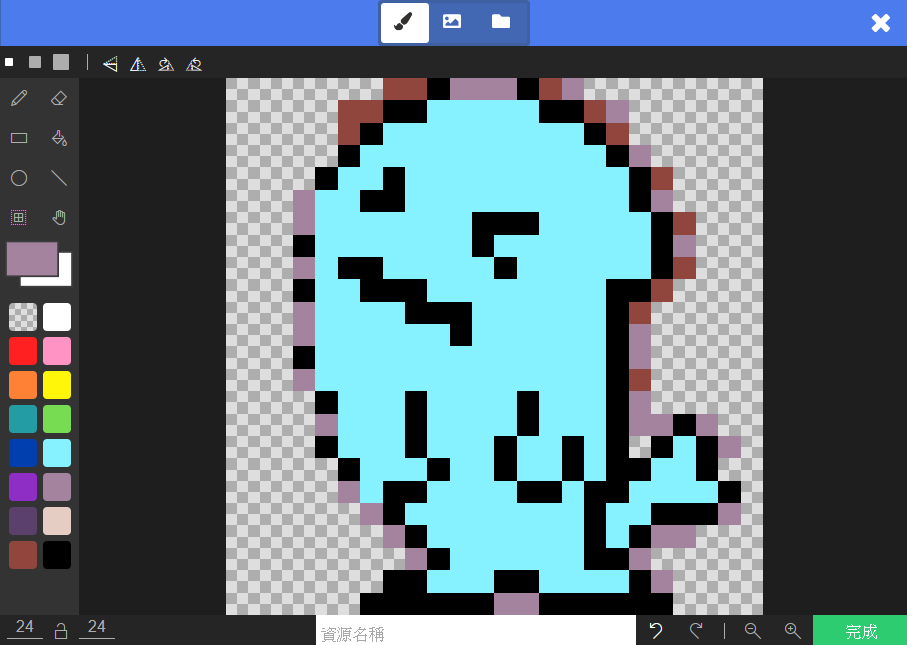
After designing the pattern, besides remembering to “Rename the Variable,” please set the “Kind” to “Enemy.”