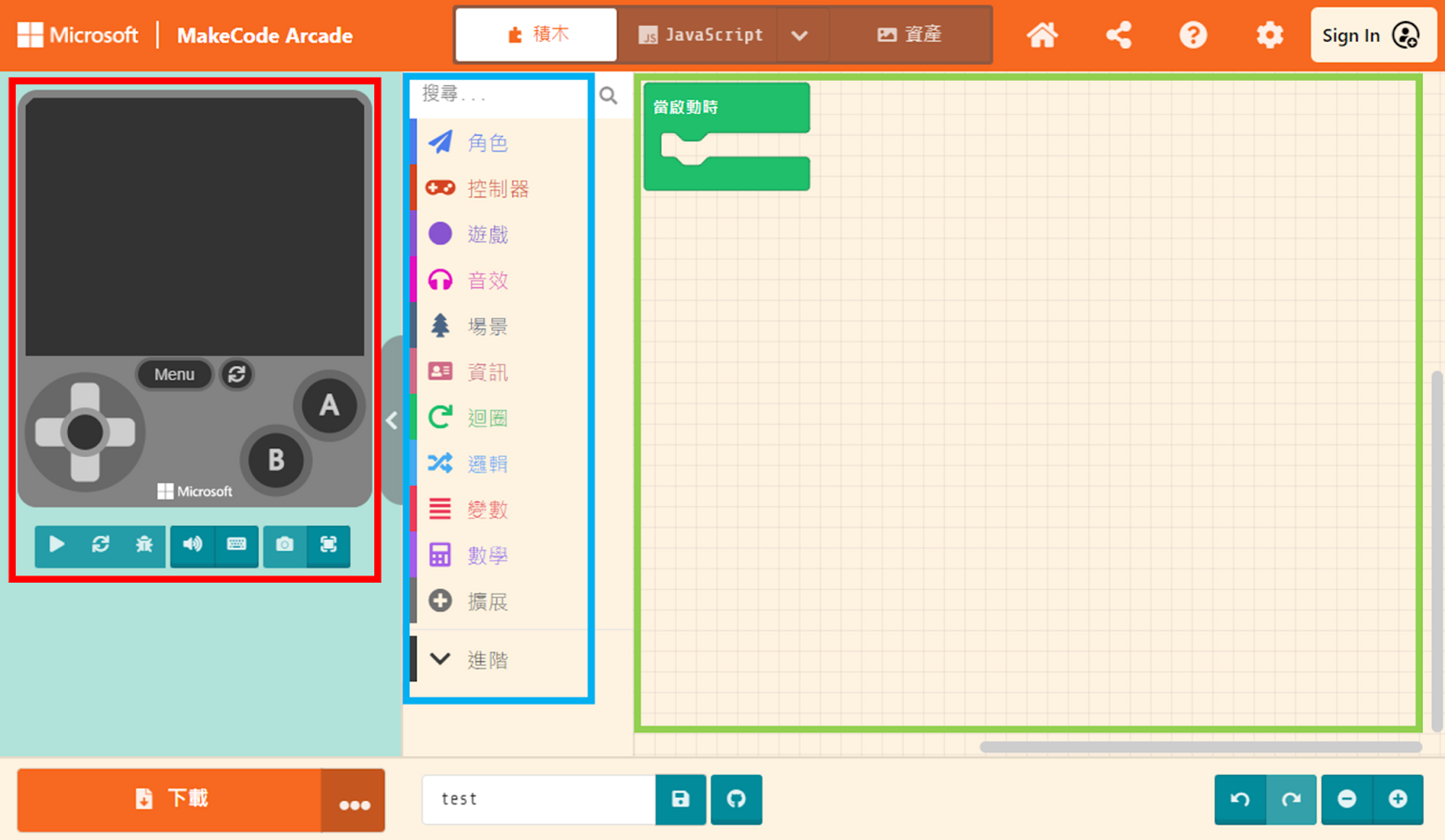
The Workspace takes up the largest area of the interface. This is where you implement game functions by “assembling” code blocks. Once you drag a block into the Workspace, it becomes active.
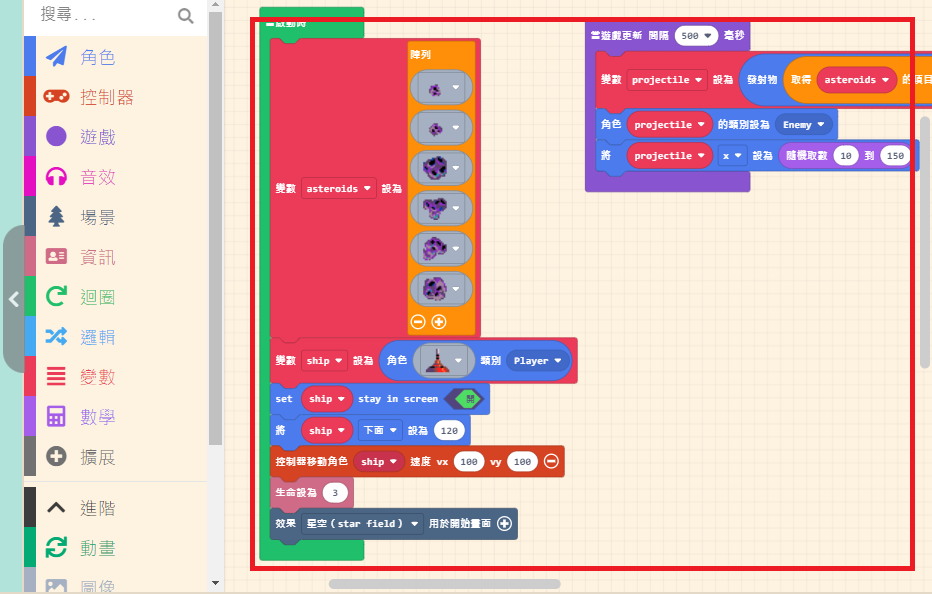
The Workspace takes up the largest area of the interface. This is where you implement game functions by “assembling” code blocks. Once you drag a block into the Workspace, it becomes active.
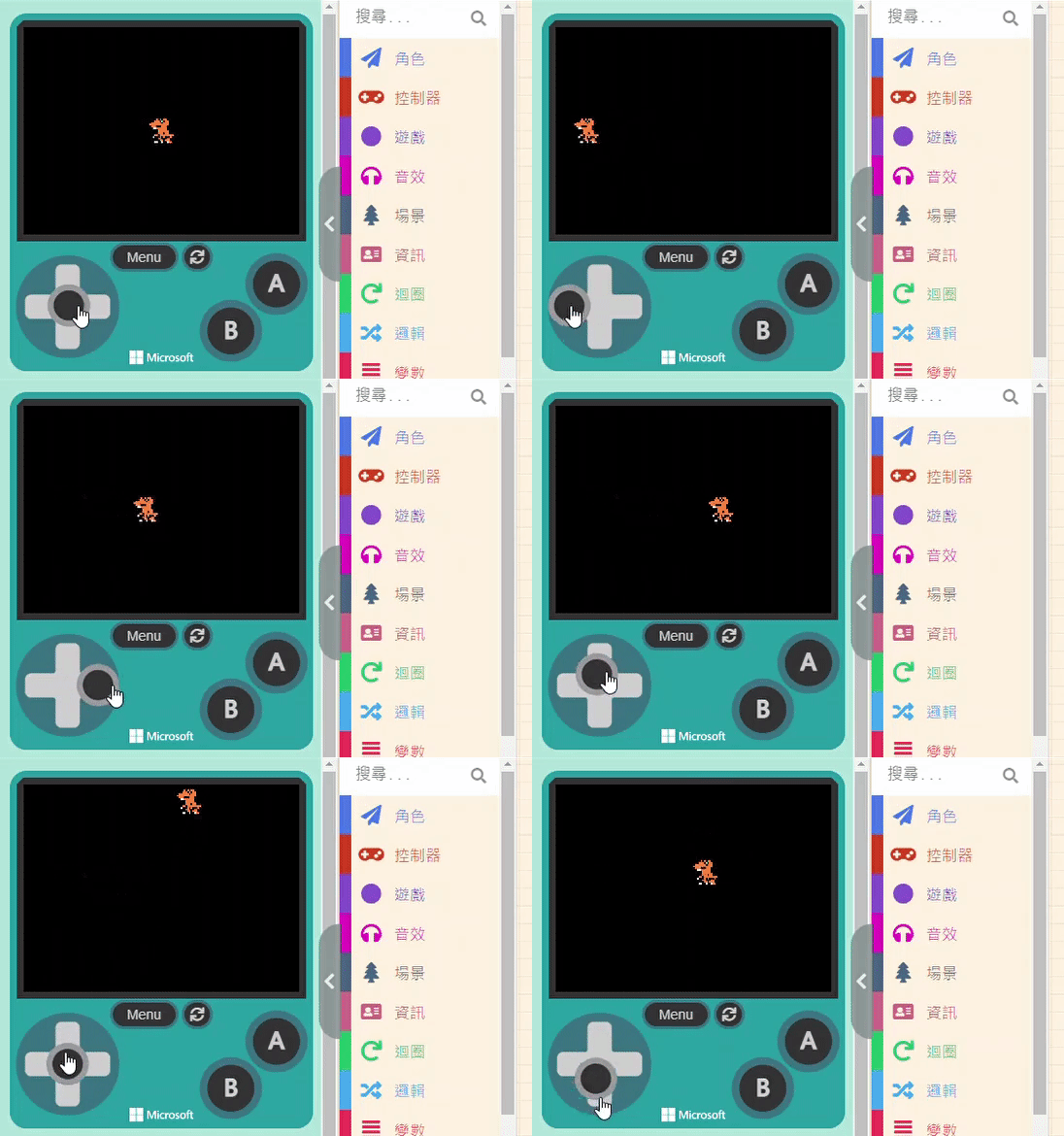
Now that the Sprite is drawn, we can’t just let it sit motionless in the center of the screen, right? Let’s make […]
MakeCode Arcade is primarily divided into three main sections. From left to right, they are the Game Simulator, the Block Toolbox , […]
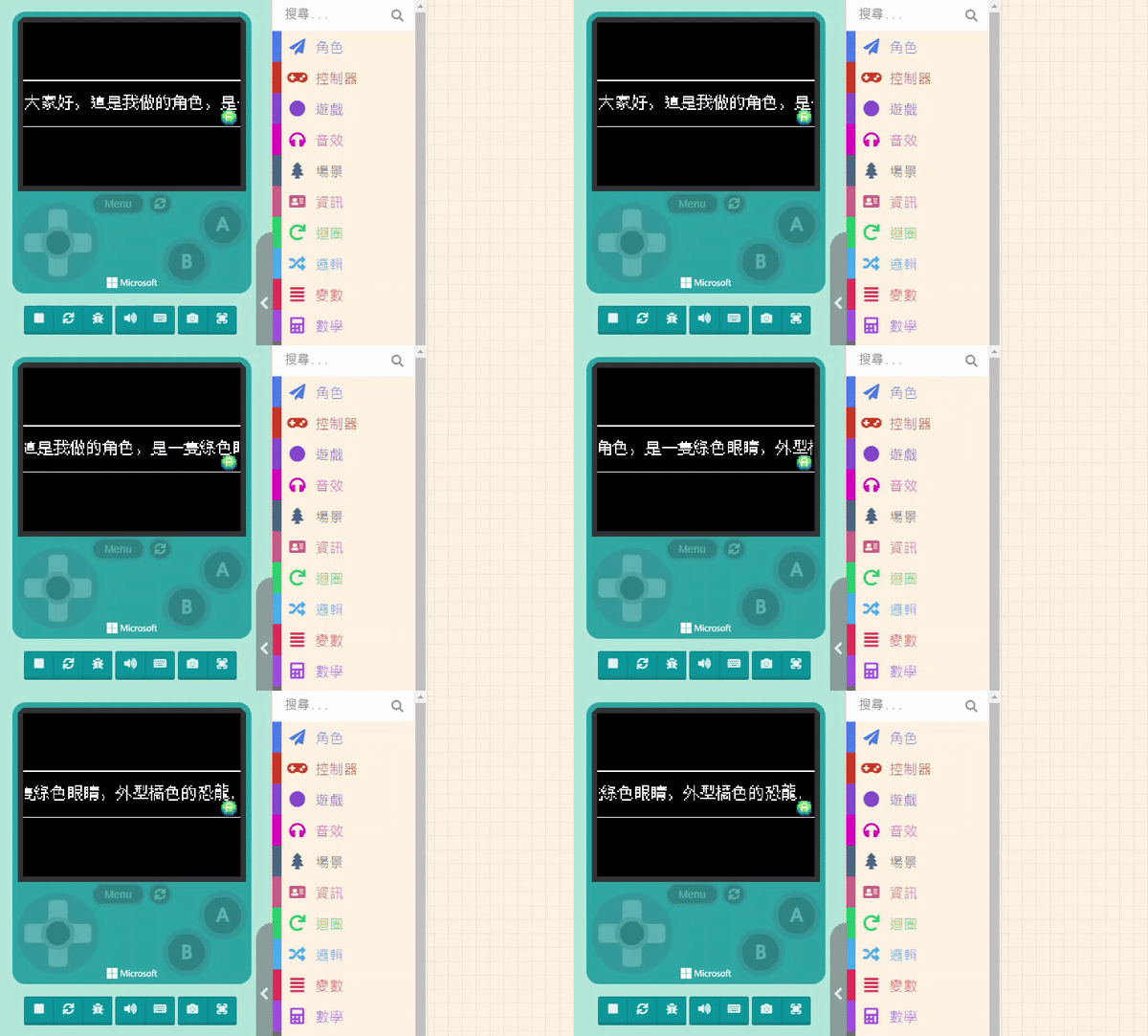
Please prepare the Sprite you created. Of course, you can also select one from the Gallery. The features related to “Prompts” are […]
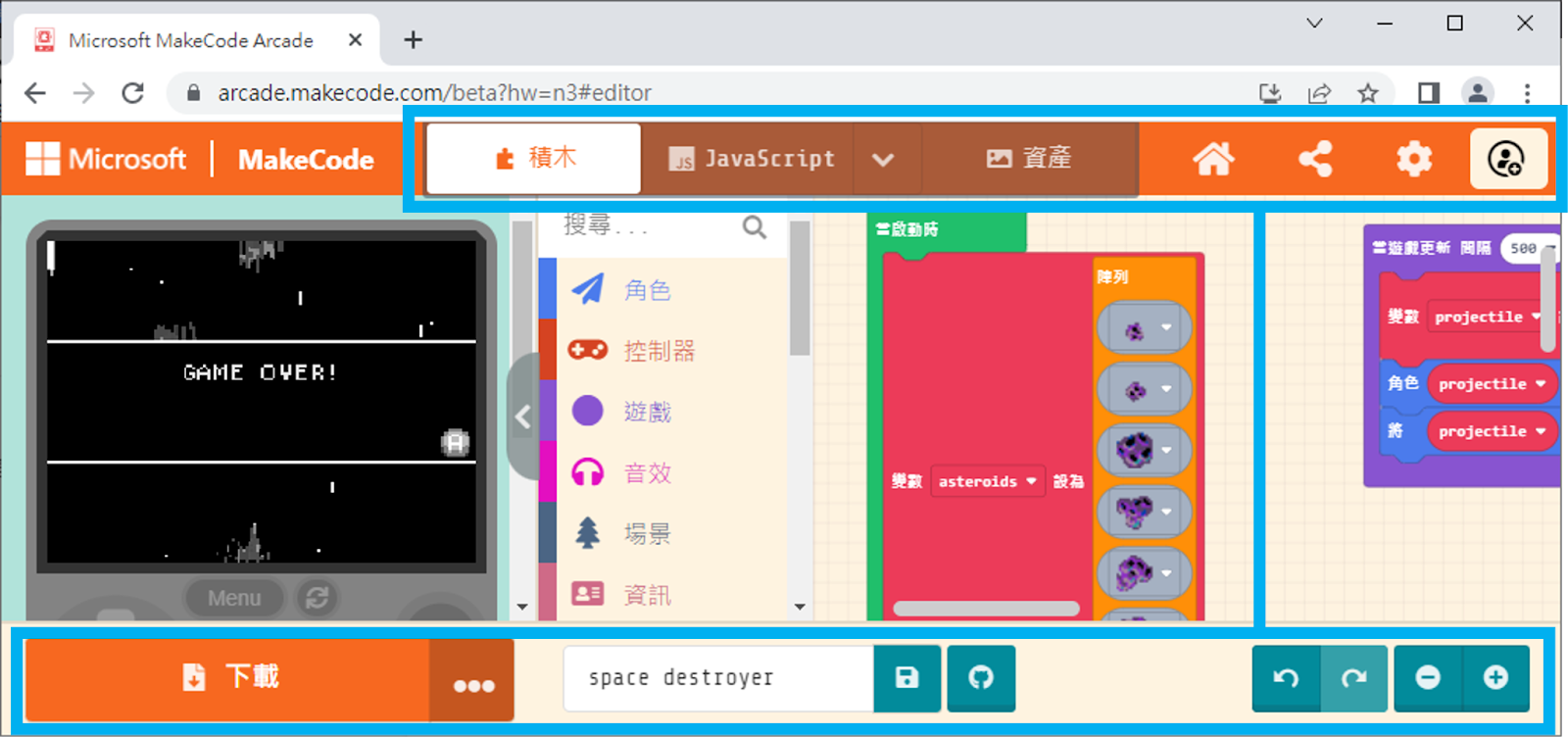
At the top and bottom of the interface, there are various operation options. Those who have used MakeCode before should be familiar […]