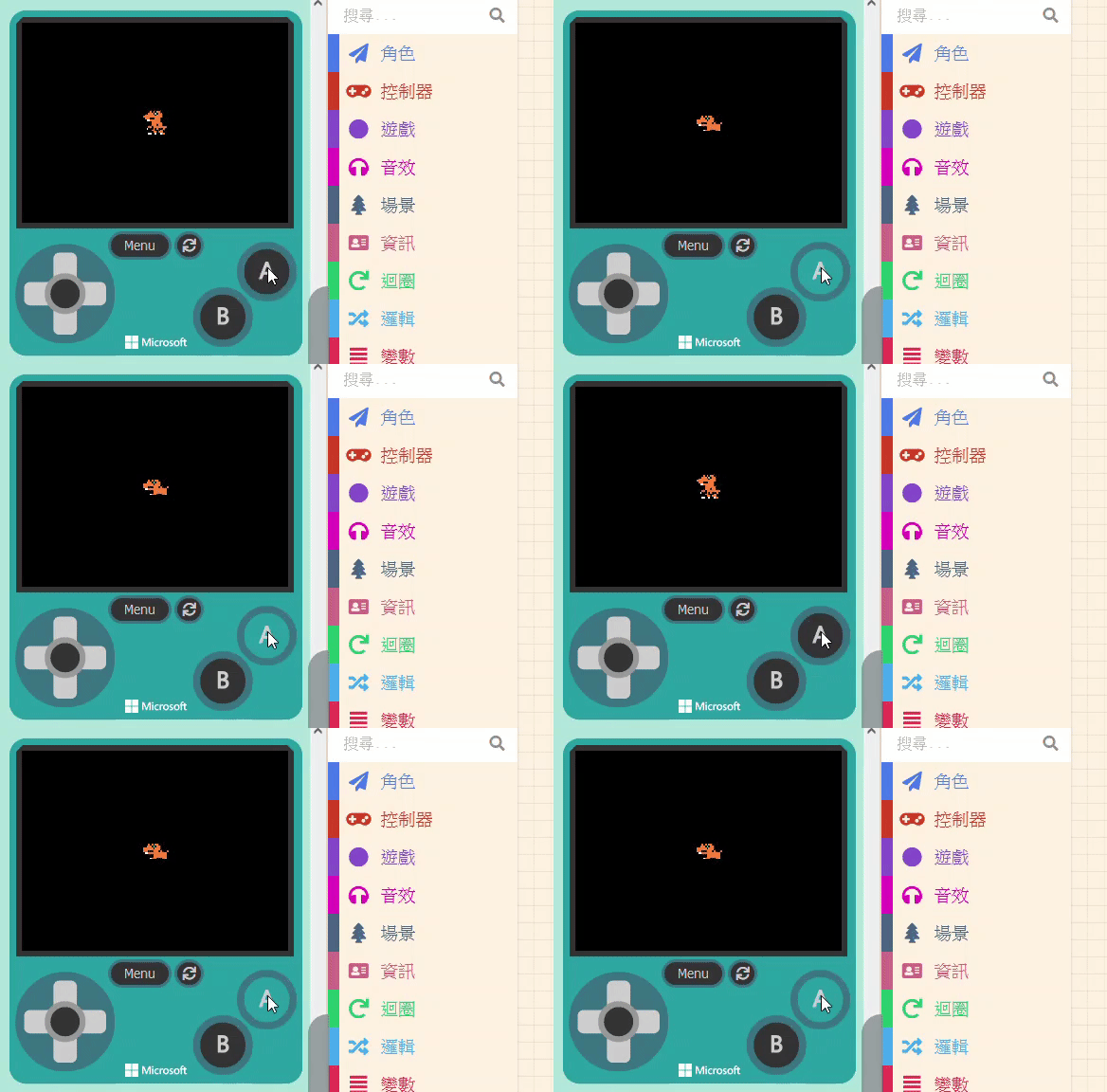
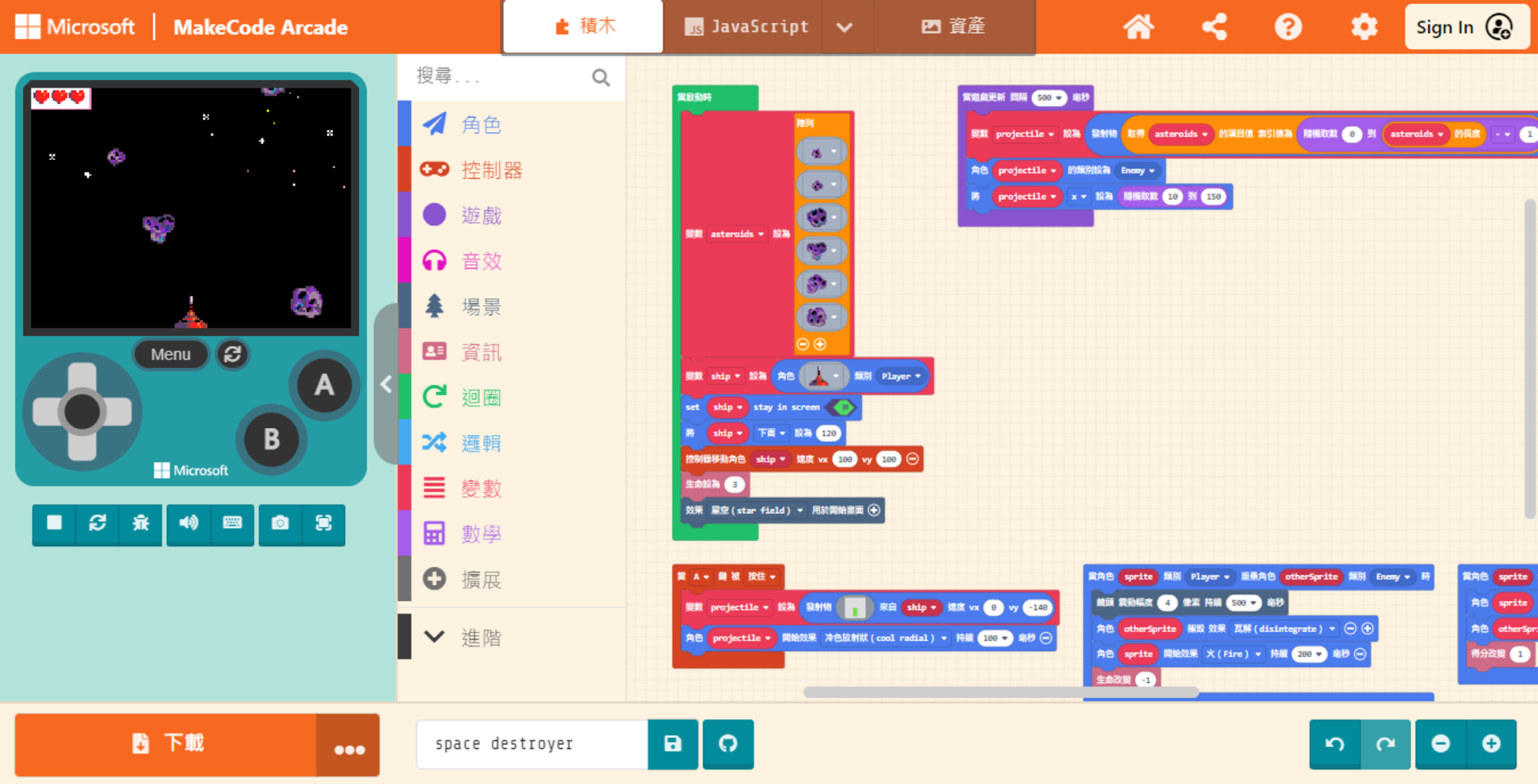
If you want to design a game like the Google Dino Game, the character needs to “Jump” and “Crouch.” For crouching, we also use the method of changing the sprite’s image.
However, unlike projectiles where we spawn new objects, here we are modifying the existing character, so the process is slightly different.
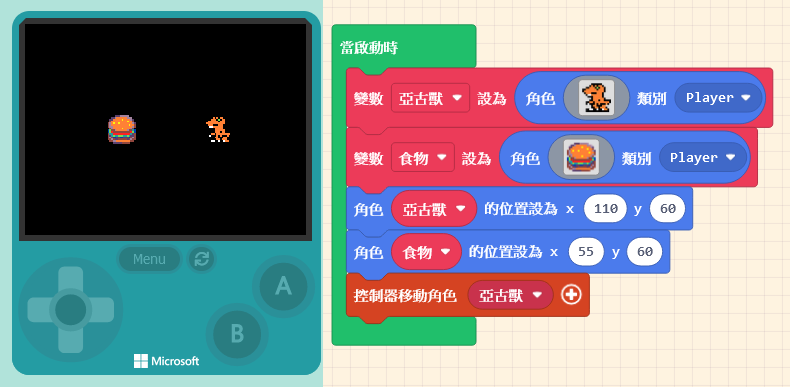
To change the sprite’s appearance, we can use the “set [mySprite] image to [ ]” block found in the “Sprites” category.
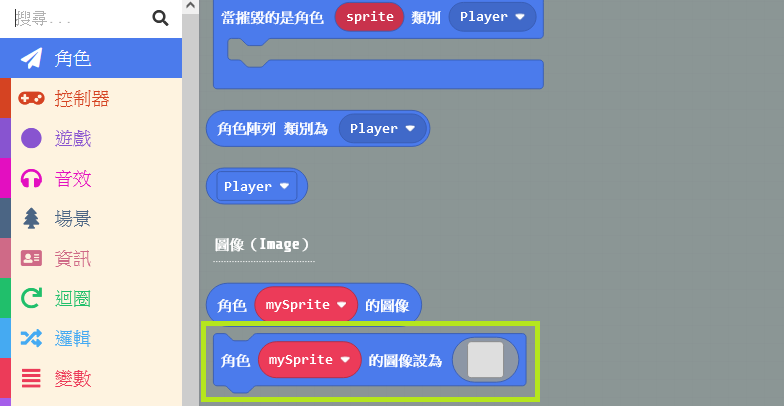
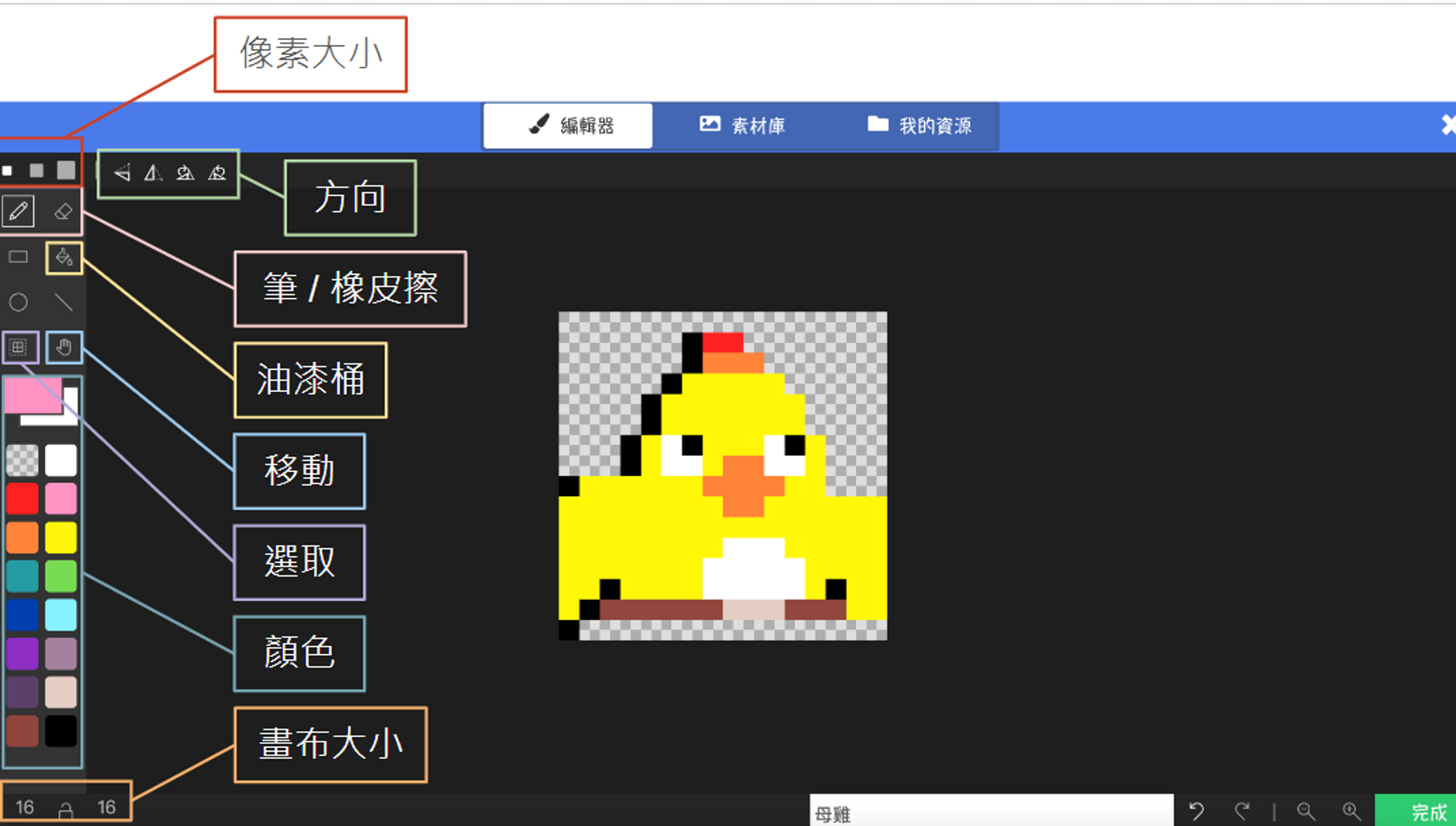
Set the variable name to the character you want to transform and draw the “Crouching Pose.” We want the character to crouch when “A is pressed” and return to the original state when “A is released.”
Therefore, we need to add another block: “on [A] button [released],” and place the original standing image inside it.