First, open the game you made in the previous unit.
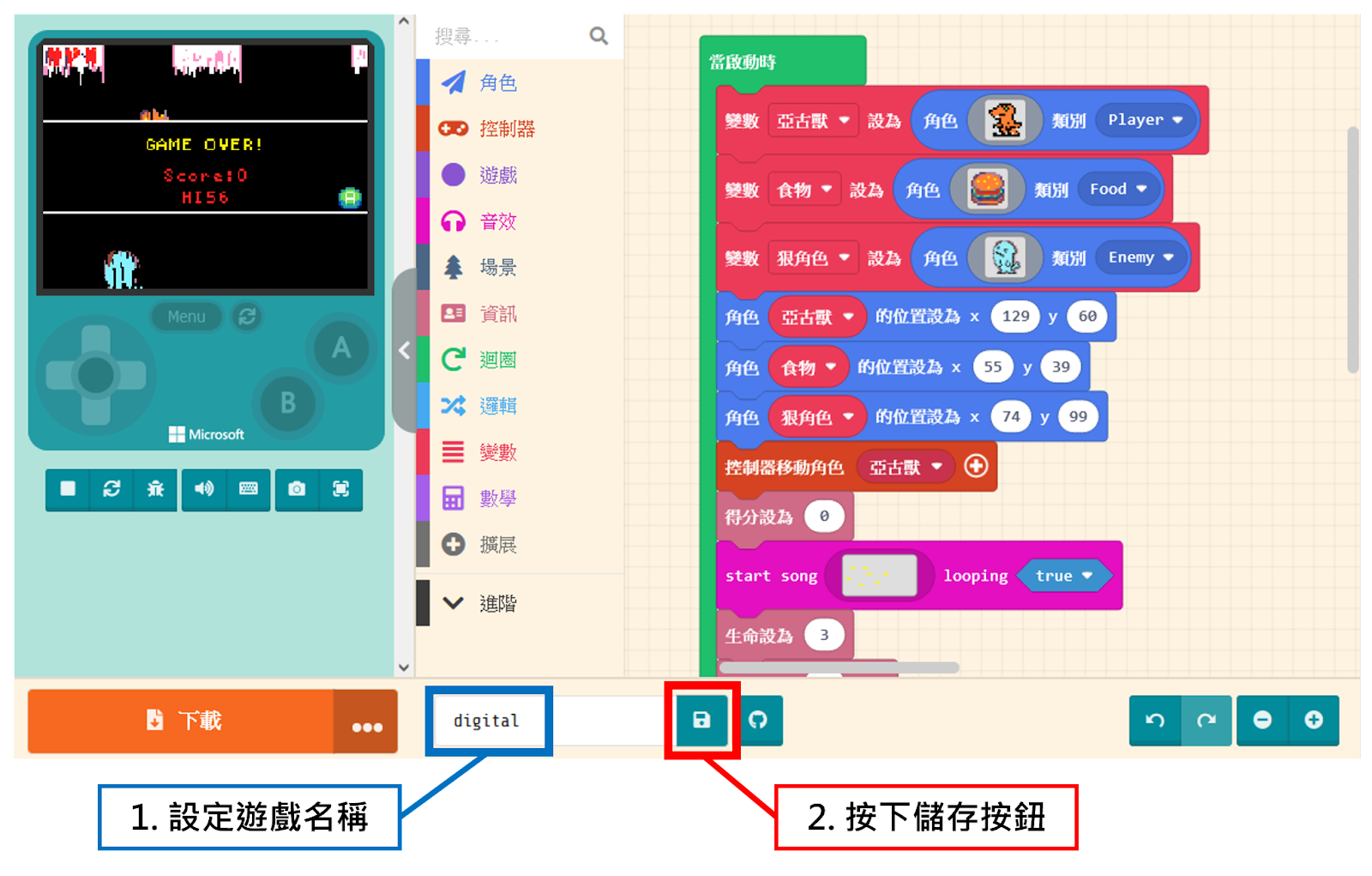
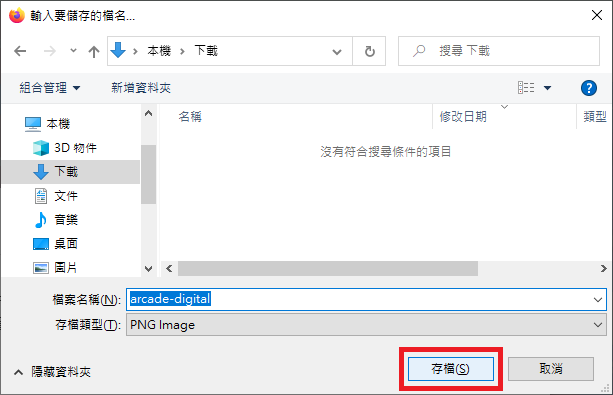
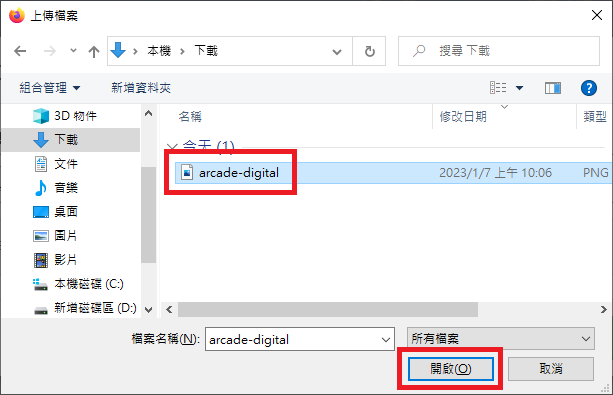
Save the game file to your computer; you can modify the file name if you wish.
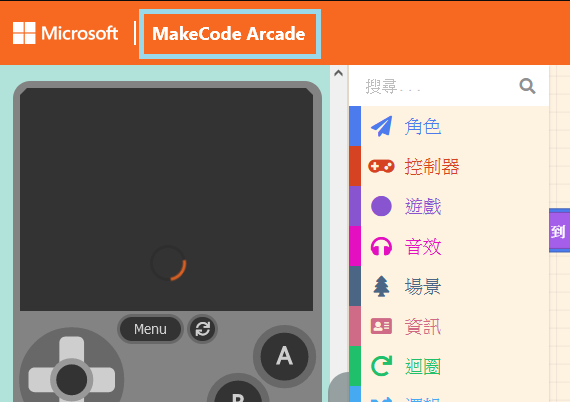
Next, to load a game: First, return to the Game Project List by clicking “MakeCode Arcade” in the top-left corner.
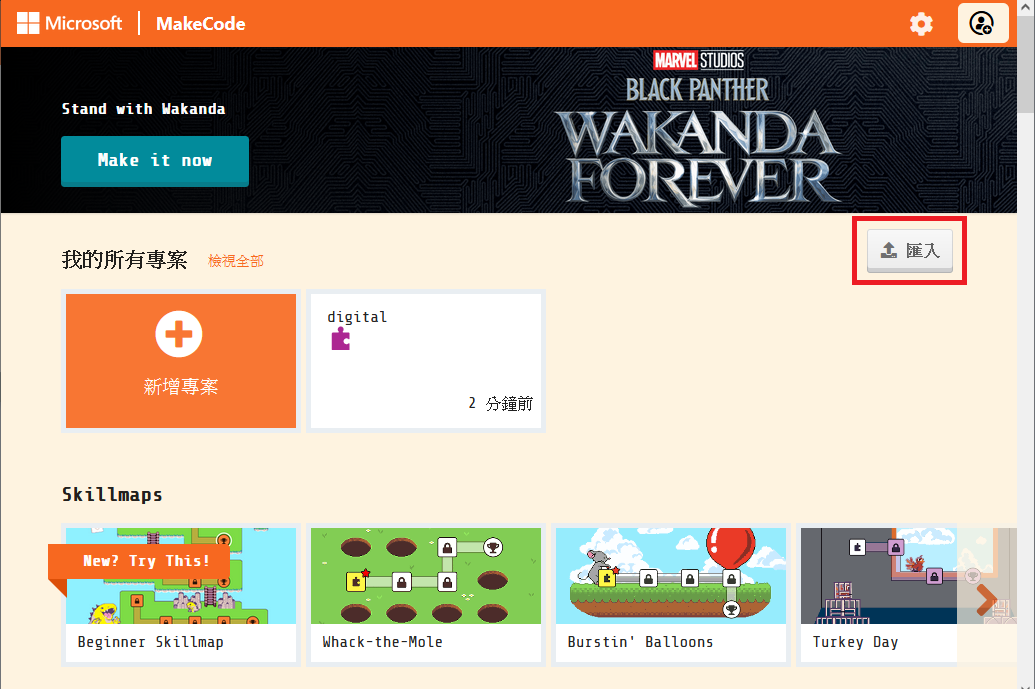
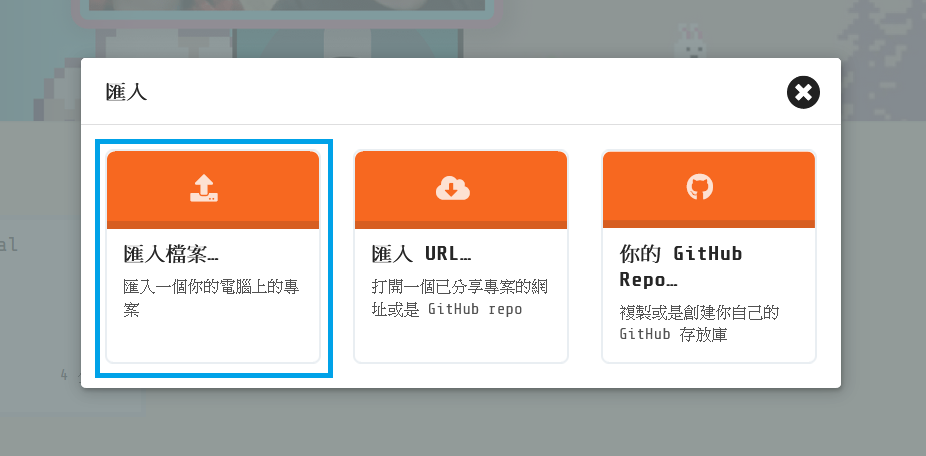
Click the “Import” button on the right.
Then click “Import File…“.
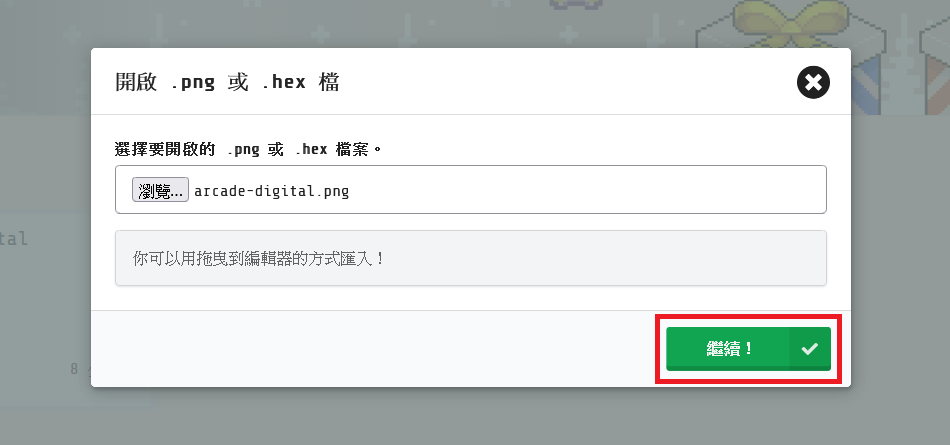
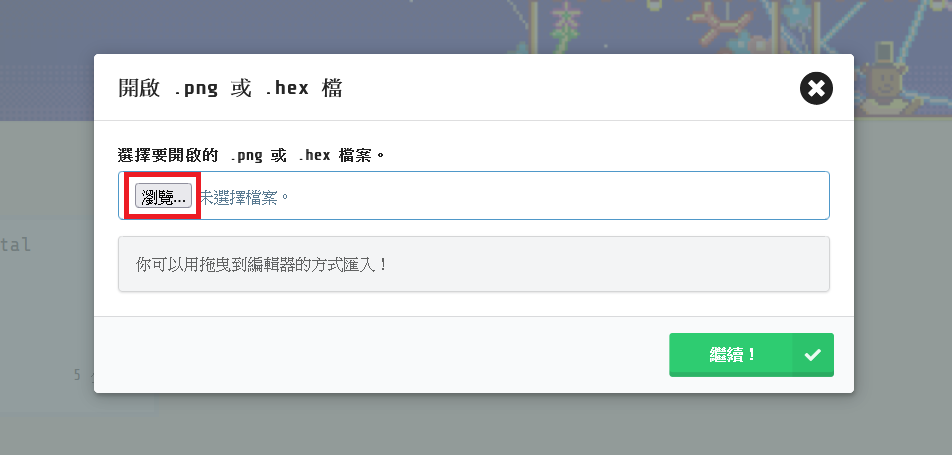
Click the “Browse…” button (or “Choose File”).
Find the file you saved earlier and click Open.
Finally, click “Go ahead!” to load the project.