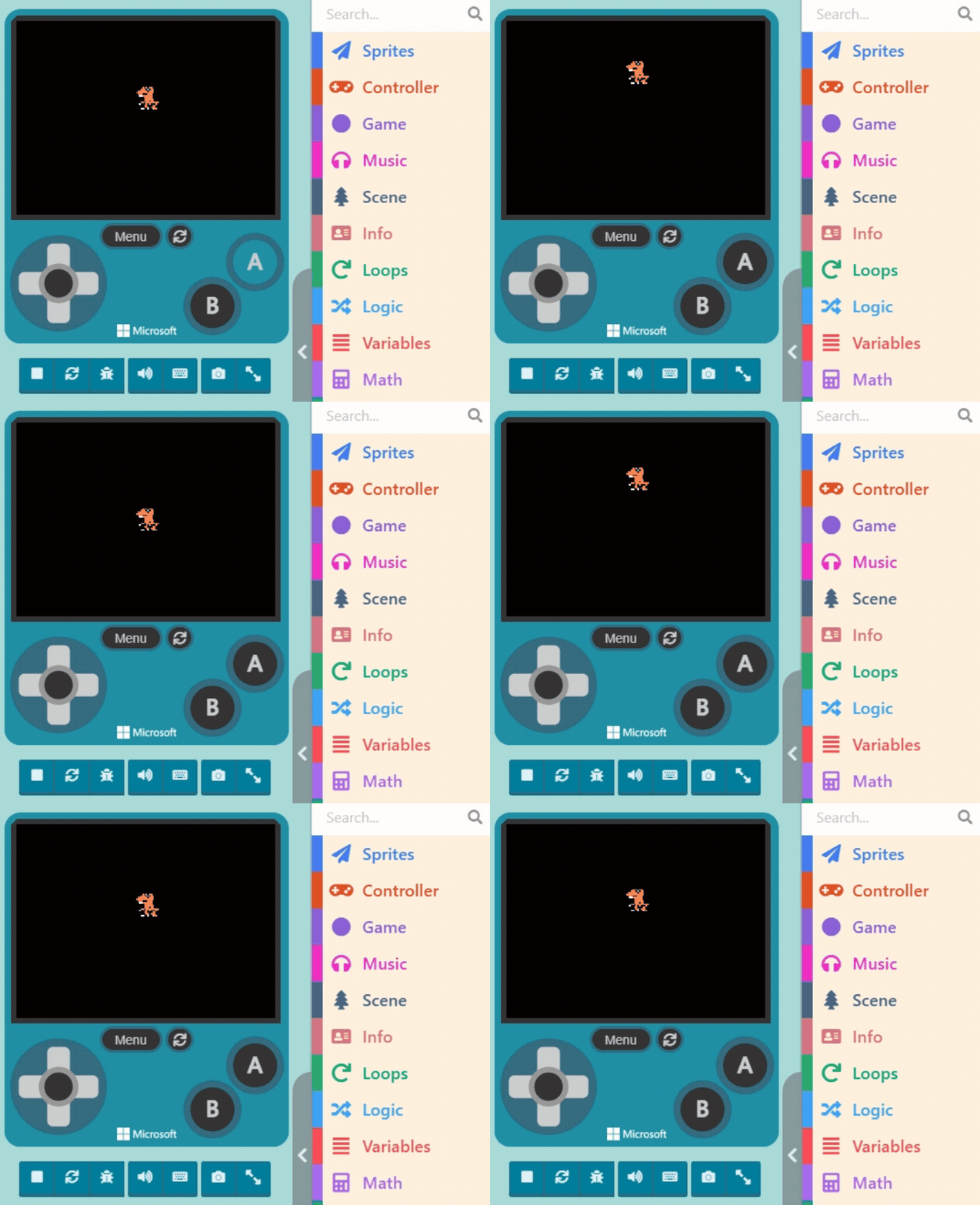
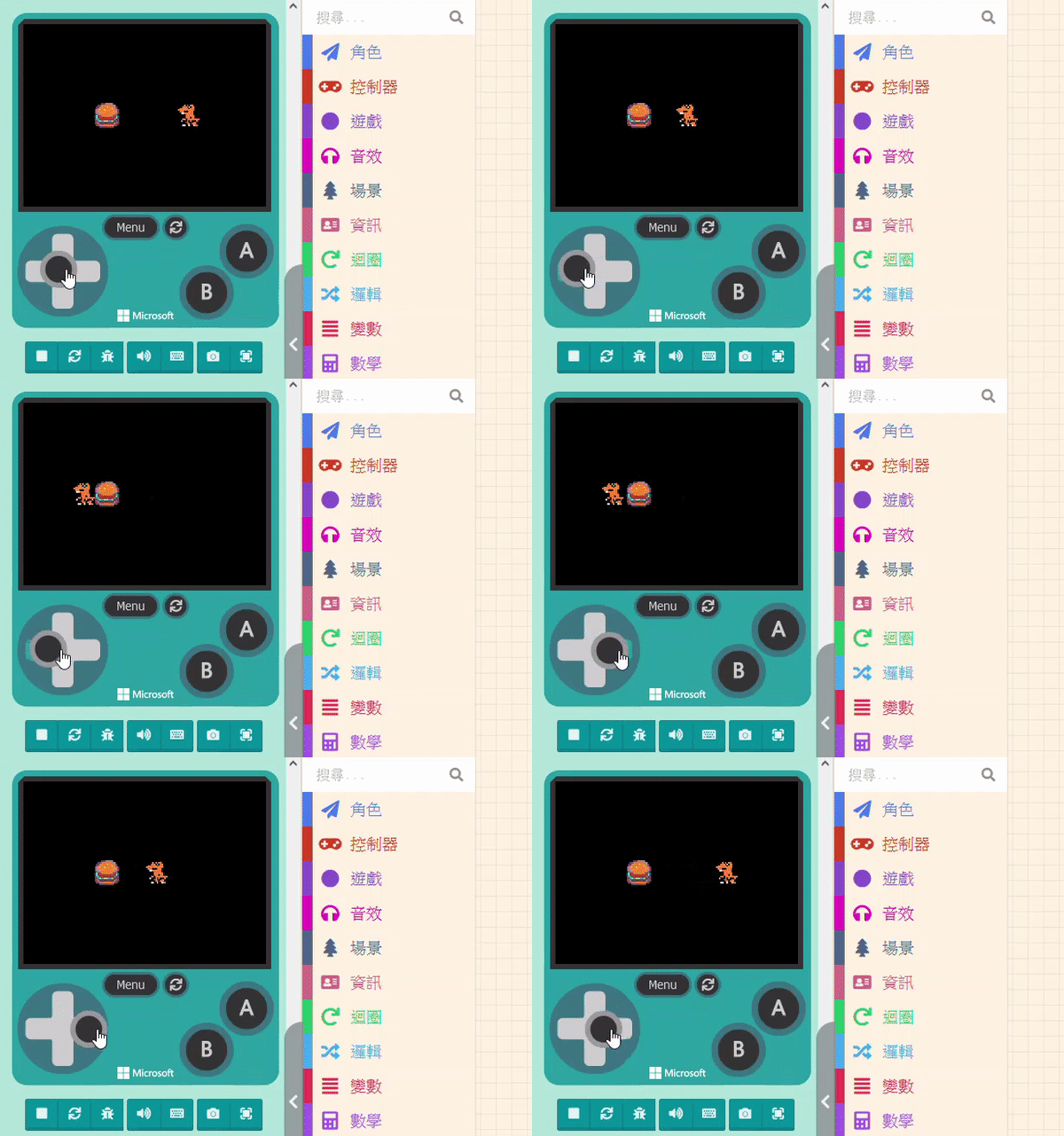
For movement, we can refer to “Projectiles.” Projectiles move because we adjusted their Velocity.
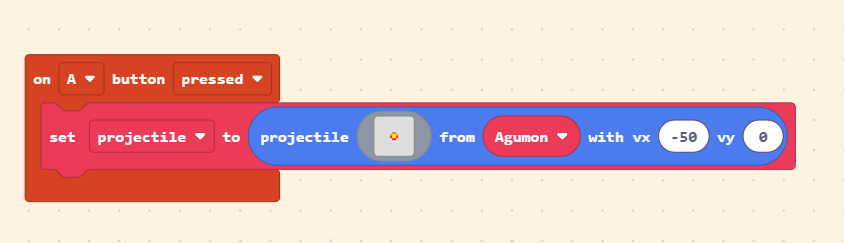
By the same logic, if we adjust the character’s velocity, can it fly into the sky? Yes! In the “Sprites” category, you can find blocks to change sprite position and velocity.
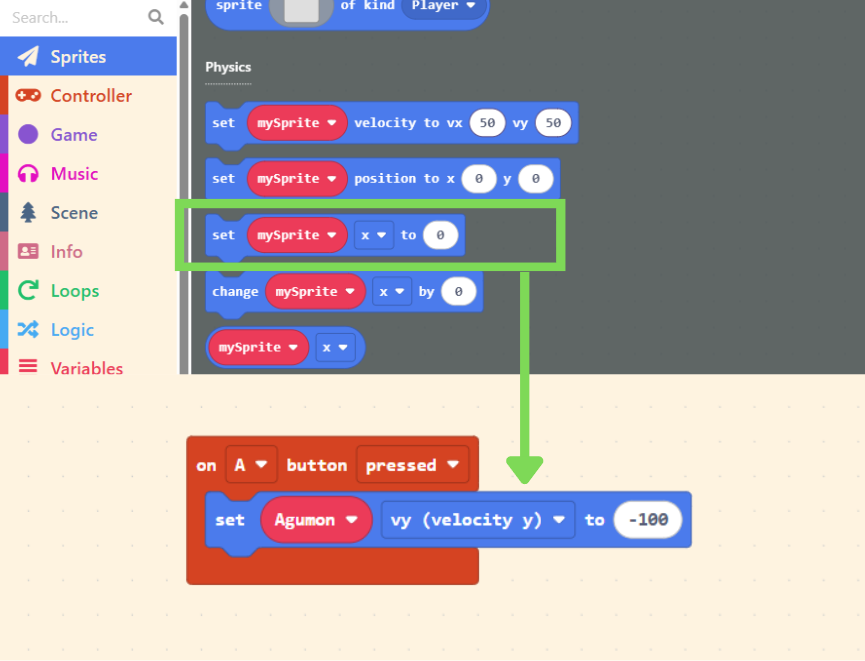
Once velocity is changed, if not adjusted again, it will maintain that state (flying upwards forever).
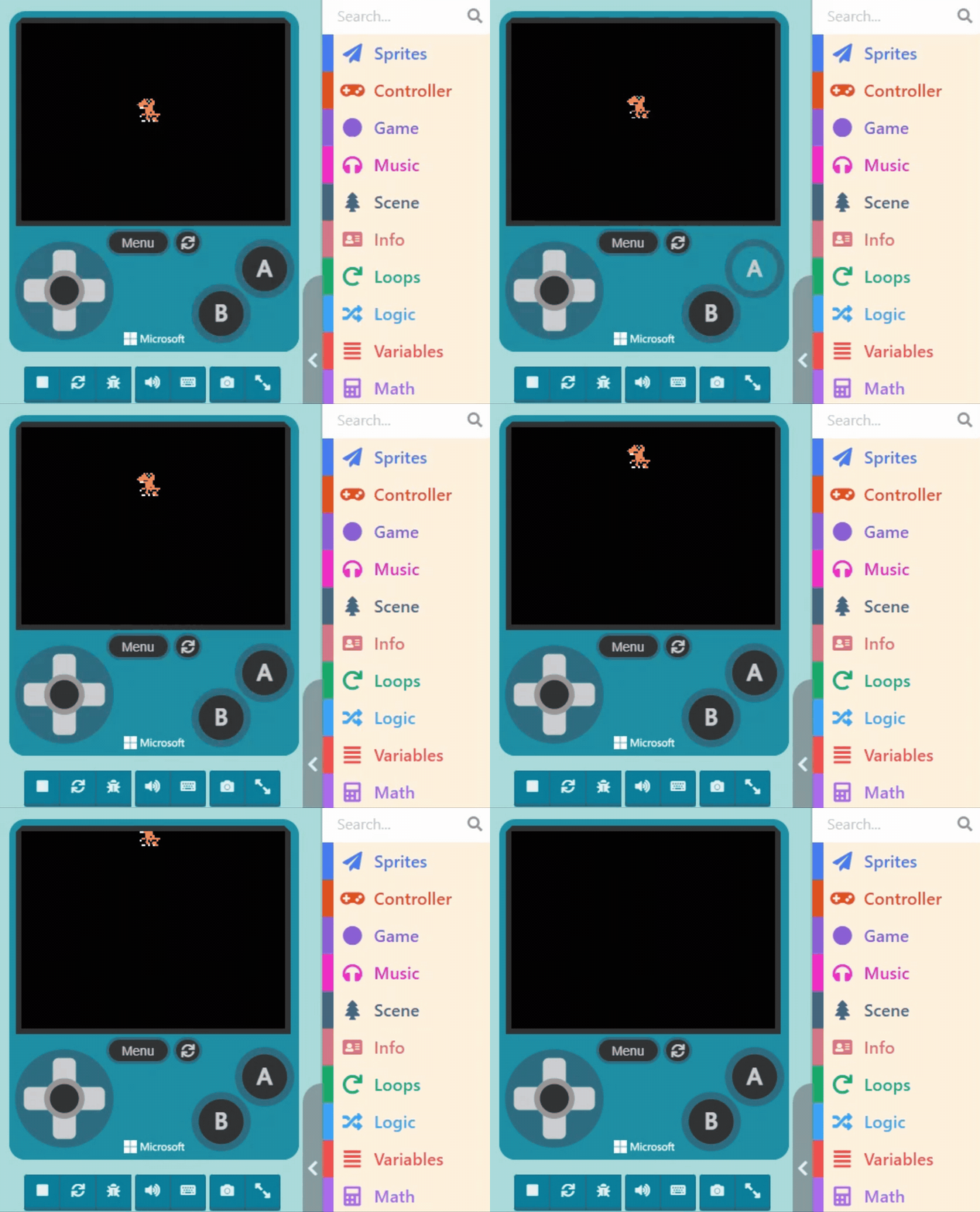
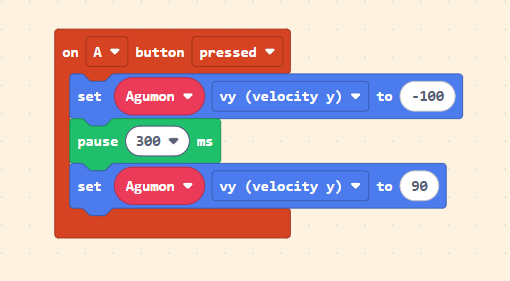
So, let’s use the “pause (ms)” block. After flying up for a short time, we change the velocity to the opposite direction (downwards) to make it fall.
To prevent the player from spamming the “A button” and causing unexpected behavior (like infinite jumping), we add a check condition: only trigger the jump when the character’s Velocity (vy) is “0.”
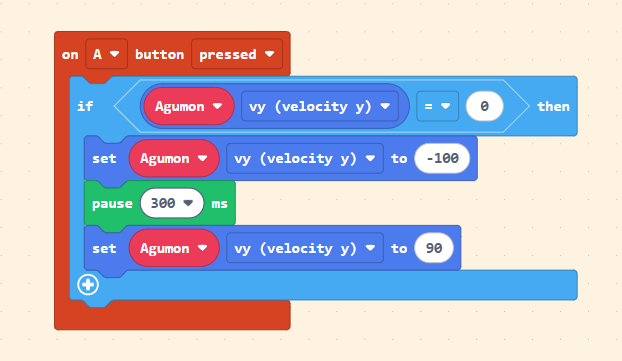
Okay, now the character keeps falling downwards forever, right? This is because the velocity hasn’t been reset to “0.”
We need to restrict the character so that when it hits the “ground,” the velocity becomes “0.” Assuming the character’s ground position is at y = 60: We can continuously check the character’s “y coordinate” during the game. As long as it is equal to or greater than 60 (the lower the position, the larger the number), we set the character’s velocity back to “0,” as shown below:
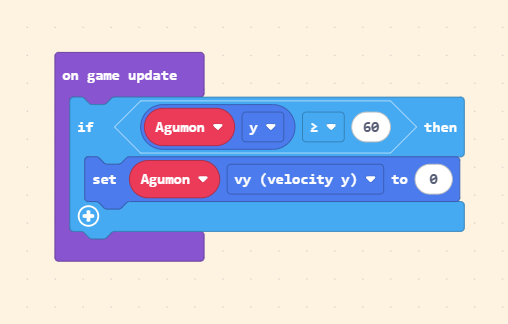
This way, the character can jump and land normally.