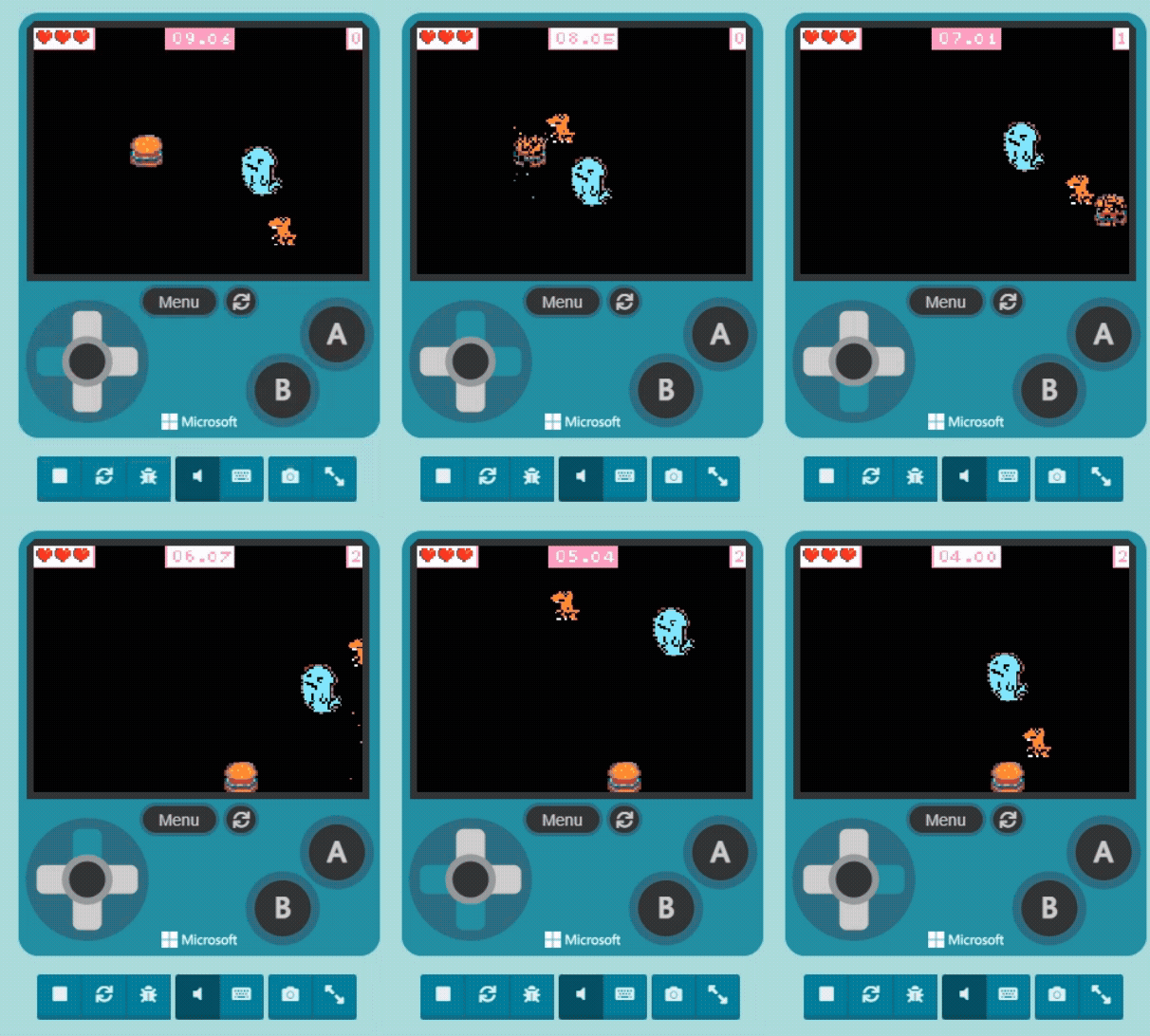
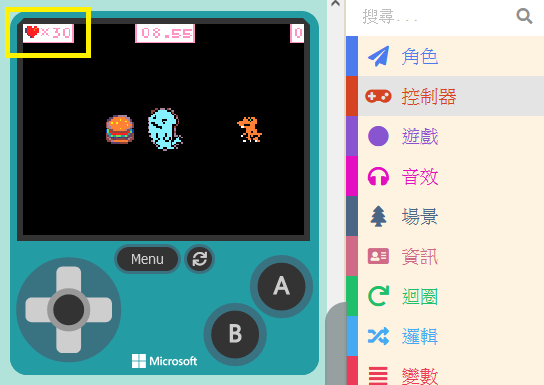
Before we explain, you might have thought: “Since it needs to chase the player, do we need to know the ‘Player’s coordinates’ and the ‘Enemy’s coordinates,’ calculate the angle of the shortest distance, and then pursue?”
No, no, no. While theoretically correct, practical operation doesn’t need to be that complex. MakeCode Arcade has already figured it out for us.
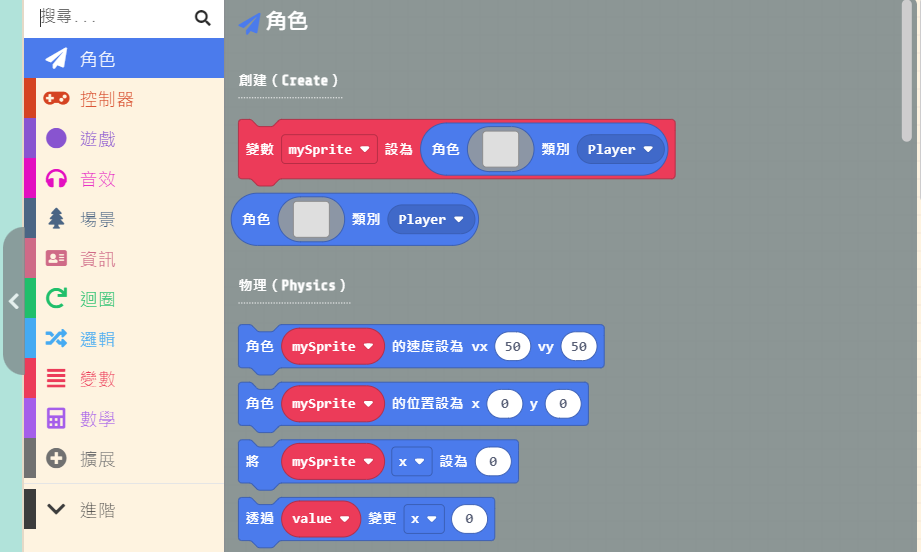
Let’s click on “Sprites.” Inside the “Physics” section of the list, you can find the “set [myEnemy] follow [mySprite]” block.
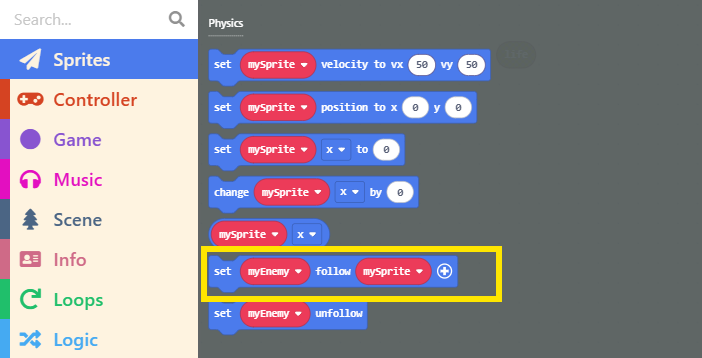
Drag this block into “on start.” Click the “+” sign at the end of the block to see the “Speed” setting field. The default speed of 100 makes the enemy as fast as the player—playing at this speed is extremely difficult! You’ll be caught in the blink of an eye. So, please change it to a lower number.
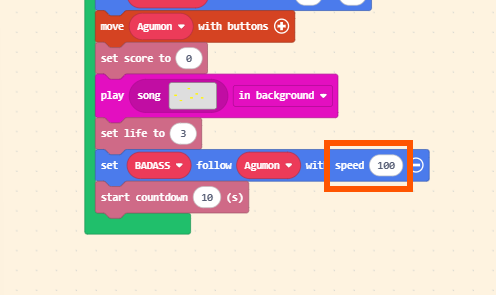
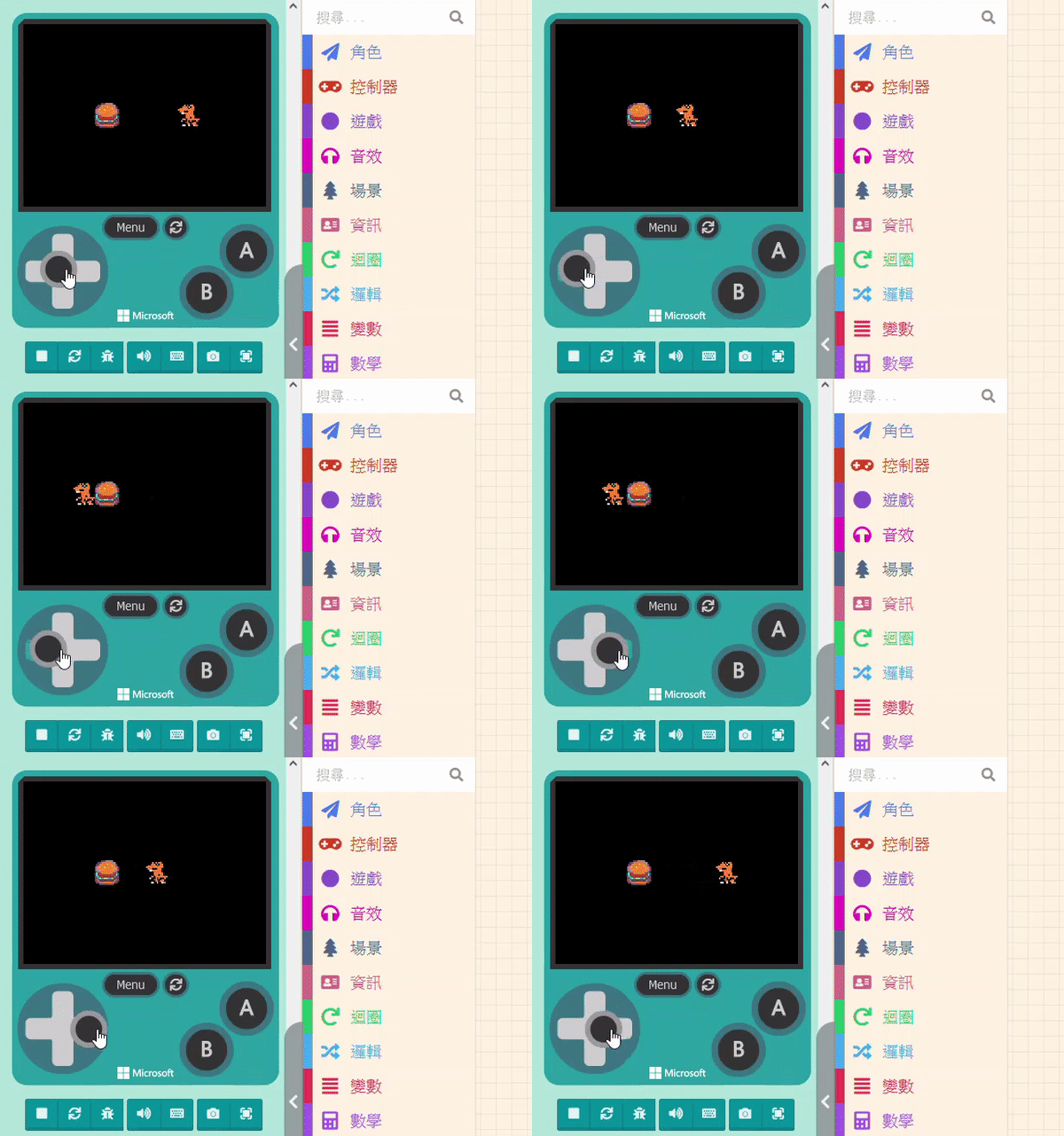
After setting it, test it with the Game Simulator and repeatedly adjust it to a speed you feel is appropriate.