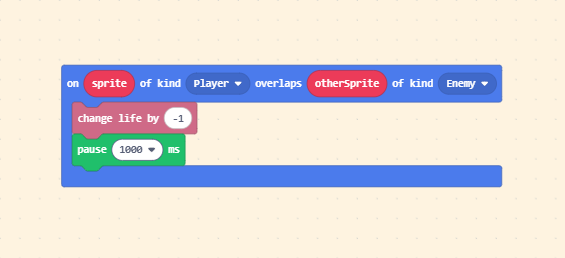
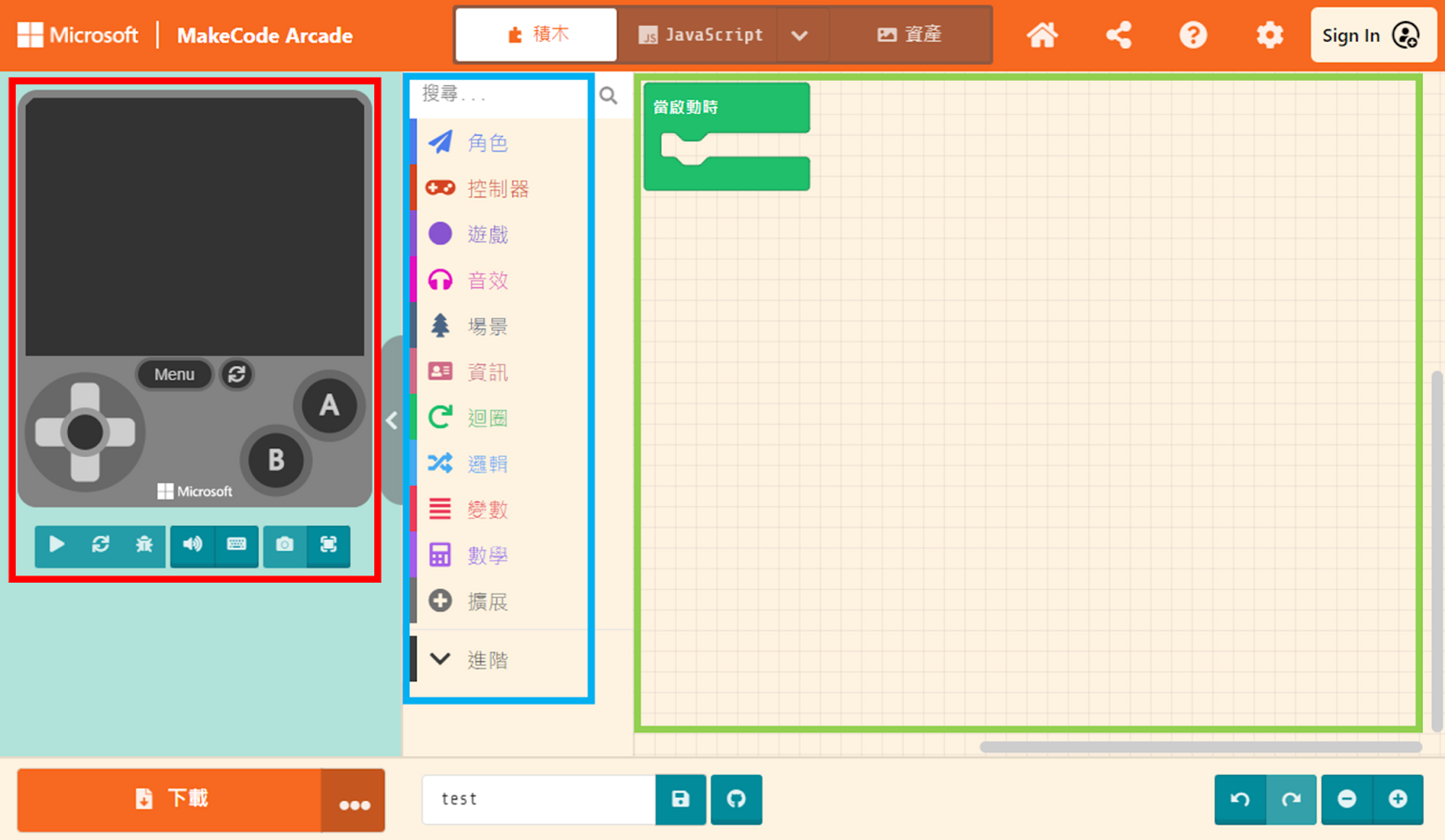
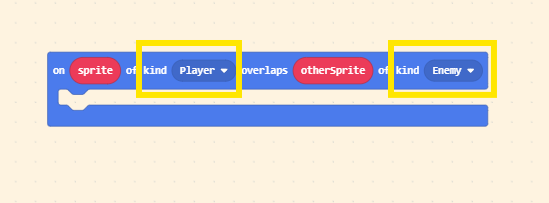
We taught the method for triggering events when sprites touch in Unit 6: the “Overlaps” block in the “Sprites” list. The difference this time is that we need to set the other Kind to “Enemy.”
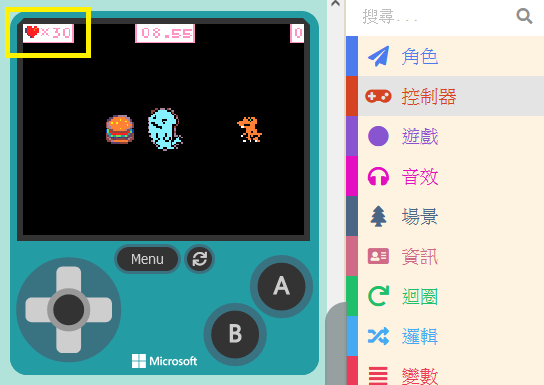
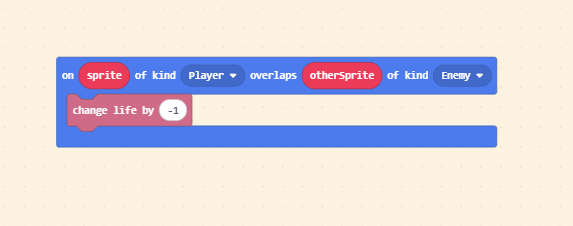
When the player touches the villain, we will change the initial life value. Click on “Info” in the Block Toolbox and find “change life by ( -1 ).” The usage is the same as “change score.”
The “on overlaps” block functions such that it executes continuously as long as the sprites are overlapping. Because the program runs very fast, it might happen that before you can separate the sprites, your health is drained instantly. Therefore, we need to pause the program briefly upon contact (creating a temporary invincibility or cooldown period).
Click on “Loops” in the Block Toolbox to find the “pause ( 100 ) ms” block.
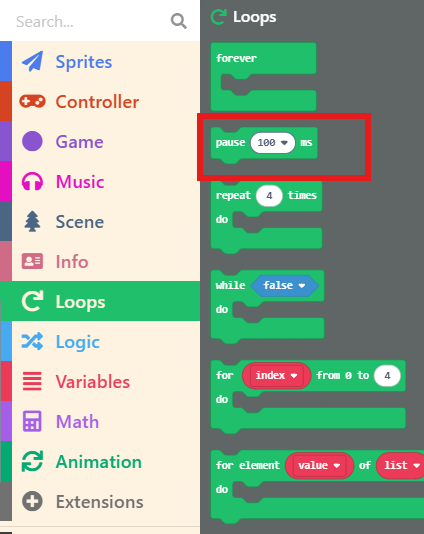
Drag this block out and place it below “change life by ( -1 ).” This prevents instant death from rapid health deduction!