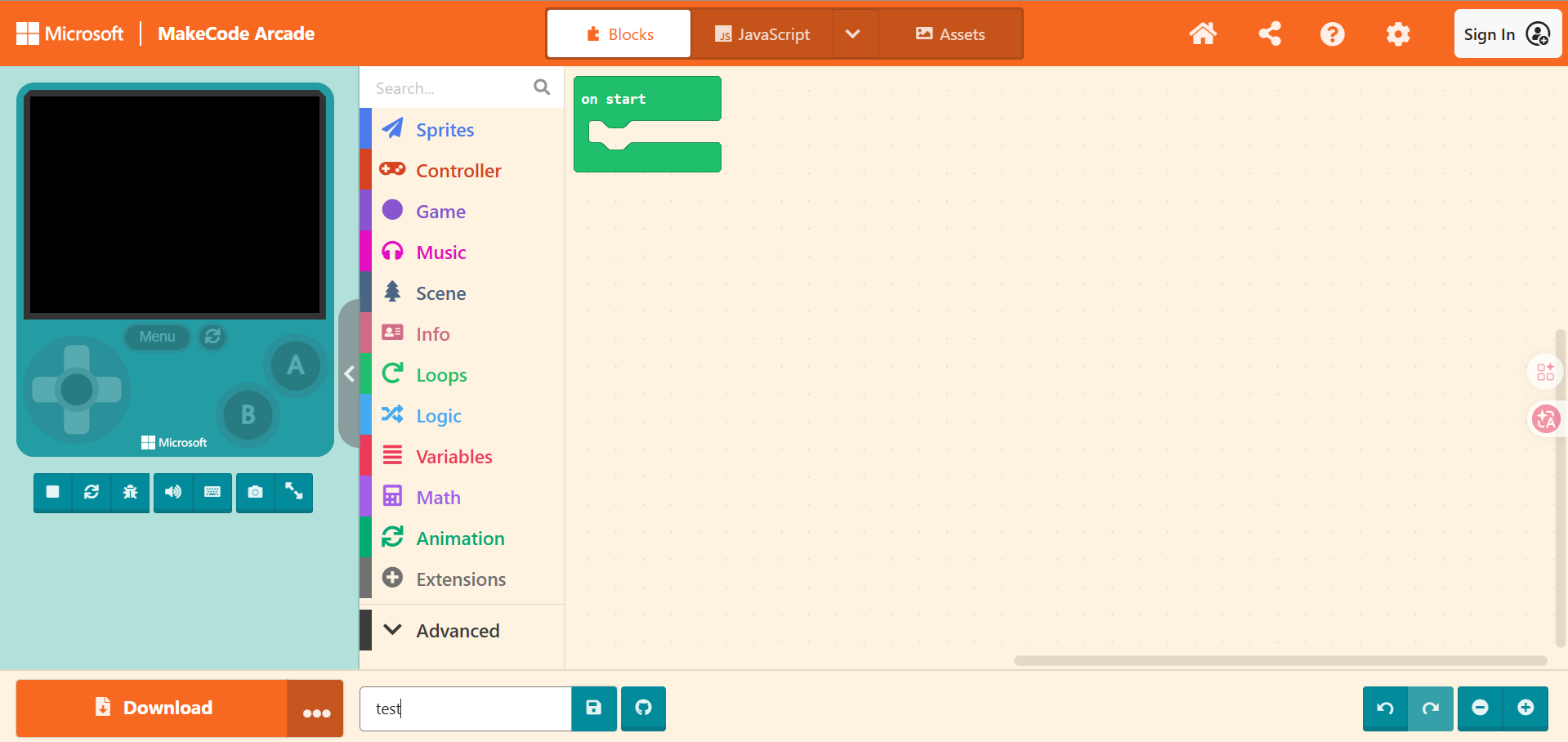
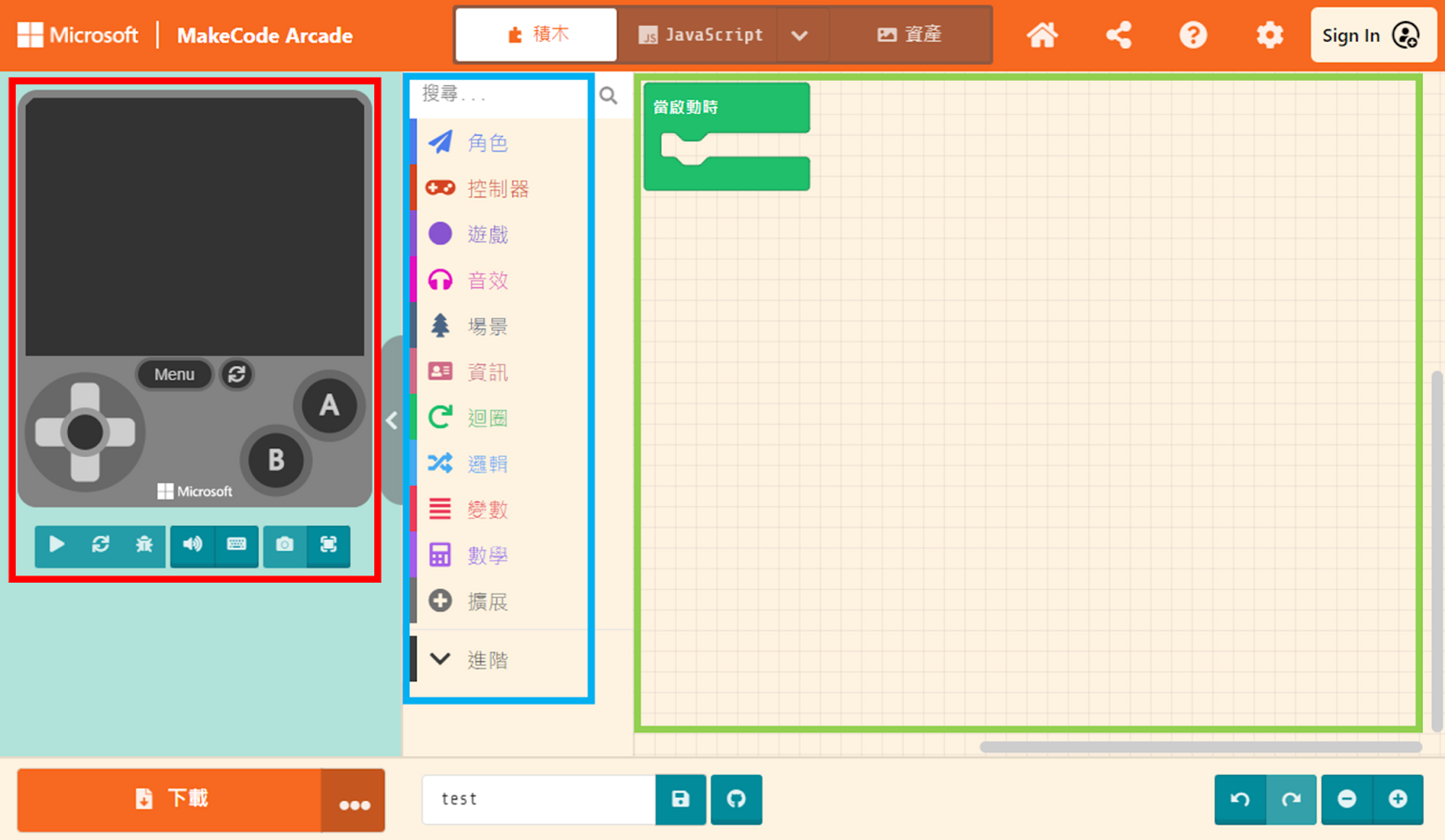
Microsoft Arcade Games is a learning platform interface created by Microsoft. If you are interested in programming and game creation, this platform is your definitive choice.
You can use this platform to build your own 2D games, turning your ideas and stories into real gaming experiences. With MakeCode Arcade, you will learn how to craft 2D game mechanics, design levels, and create game characters.
MakeCode Arcade supports a 160×120 pixel display capable of showing 16 colors, along with a 4-channel audio system, enhancing the visual and auditory experience of your games. It also supports up to 8 buttons (4 directional buttons, plus A and B buttons), as well as classic MENU and RESET buttons, mimicking the button layout of the Nintendo Game Boy.
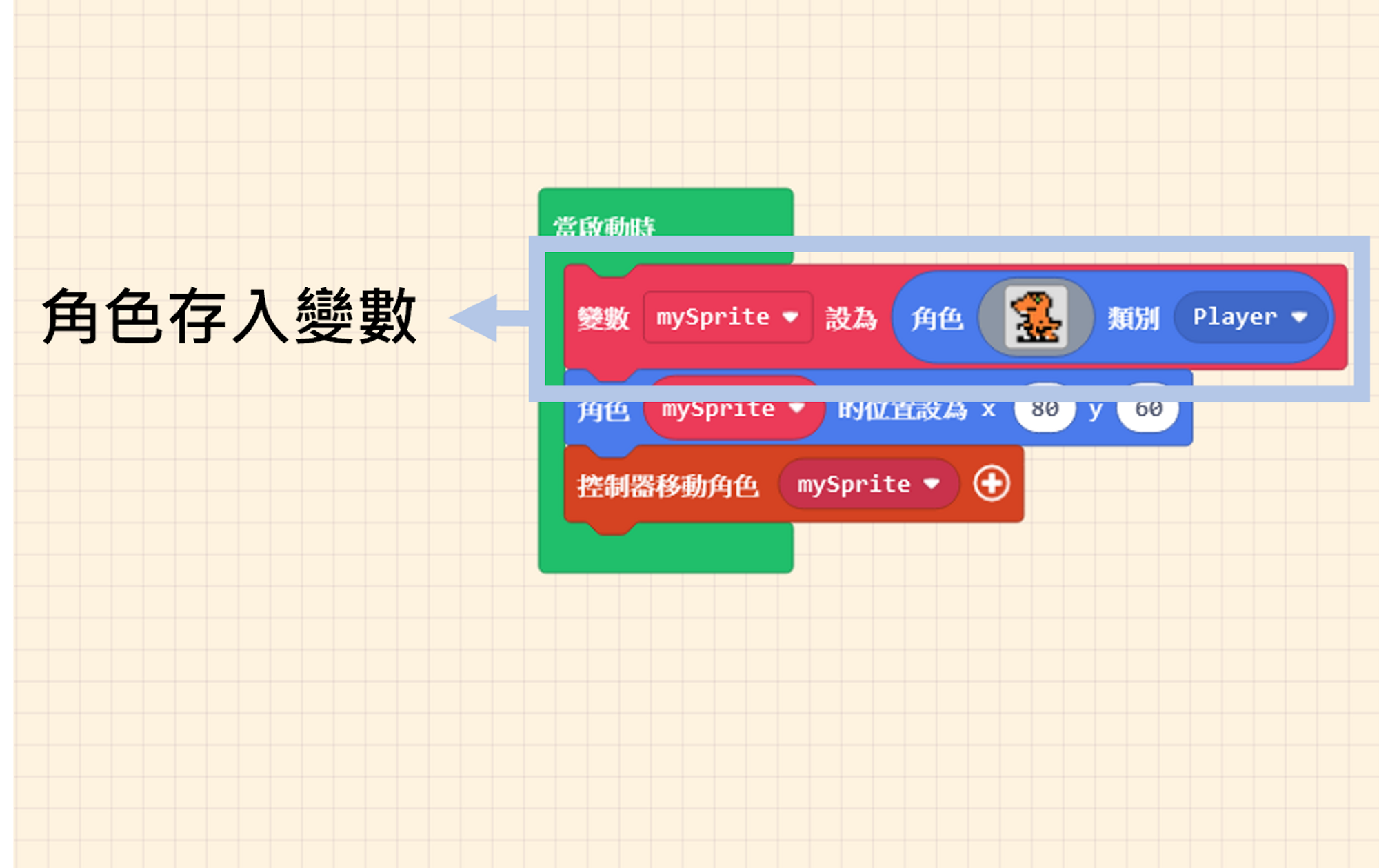
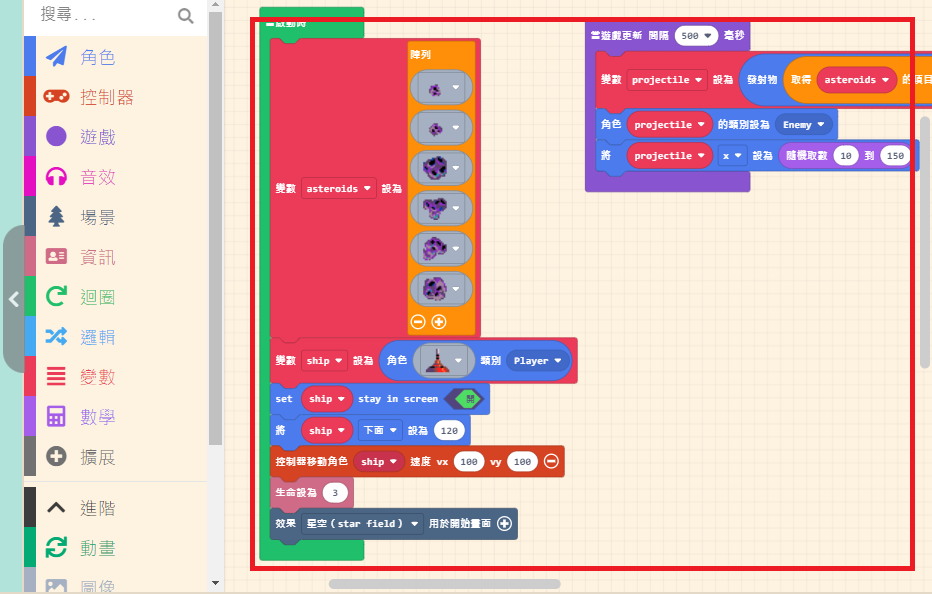
One of the platform’s key advantages is its simple yet powerful graphical programming interface. No prior coding experience is required; by simply dragging and dropping code blocks to build game logic, game design becomes fun and easy to understand. This process naturally cultivates your logical thinking and problem-solving skills.
Beyond programming, MakeCode Arcade encourages sharing and collaboration among students. You can upload your games to the MakeCode Arcade community platform to share your work with others and gain inspiration from their projects. This interaction stimulates creativity and offers opportunities to learn and refine your skills.
Using MakeCode Arcade to create games not only helps you master programming but also fosters creativity and problem-solving abilities. Whether you are a beginner or have some coding experience, MakeCode Arcade offers a fun and challenging learning environment. Let’s explore the wonderful world of game development together!