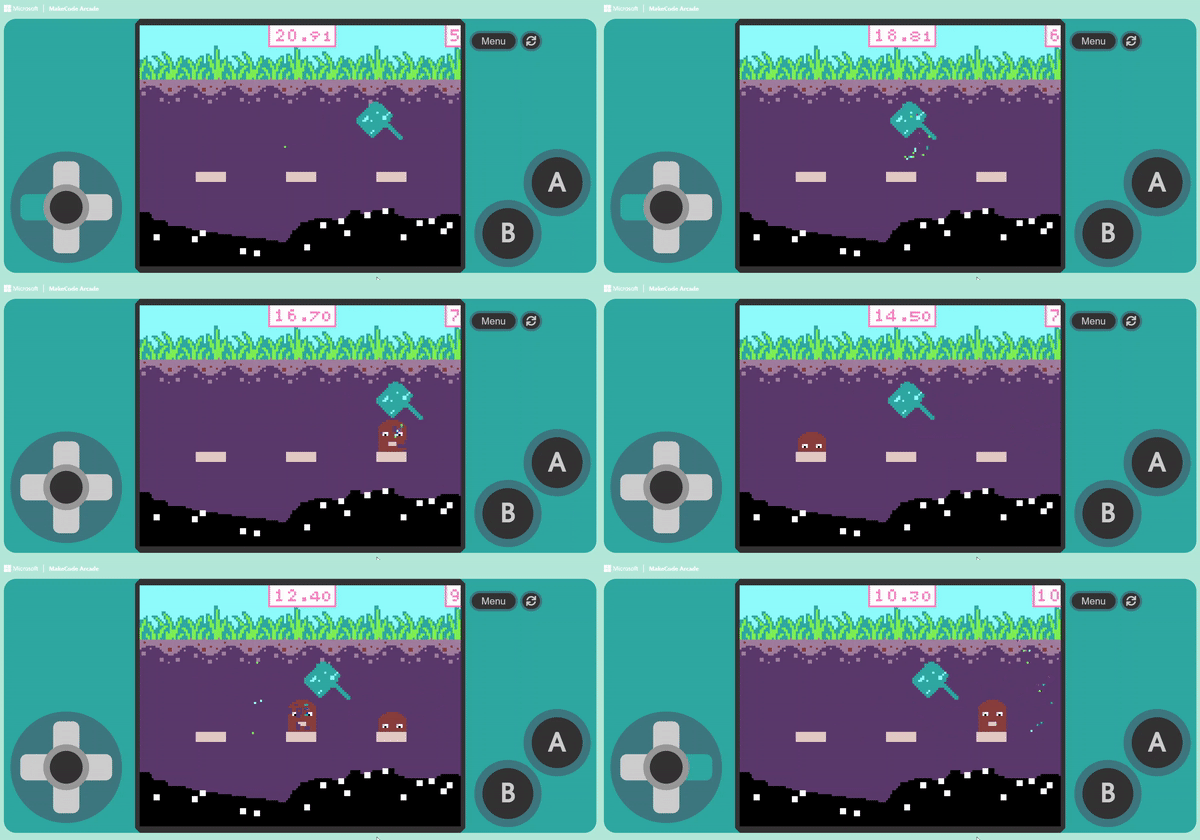
Another method is to make the enemy instantly “Change Position” at a “Fixed Frequency.” For example, setting the enemy to change position every two seconds creates a thrill when the enemy suddenly appears in front of you during gameplay.
We learned how to randomly change positions in previous units. The key is: How do we automatically change the position after a specific interval?
We can use the “on game update every ( 500 ) ms” block found in the “Game” category.
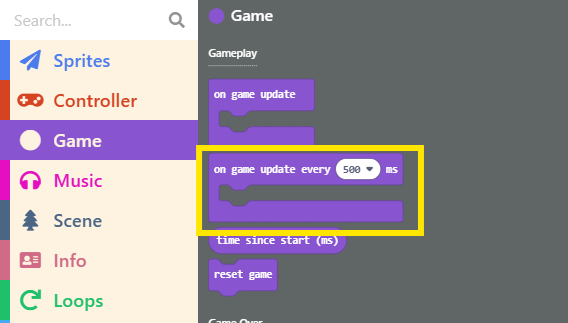
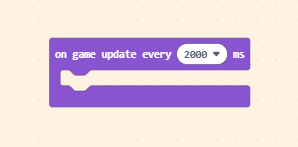
When we set the “Interval,” this block will continuously run the code inside it according to that interval. We want to change the enemy’s position every 2 seconds, so enter 2000 (since the unit is milliseconds) or select 2 seconds from the dropdown menu.
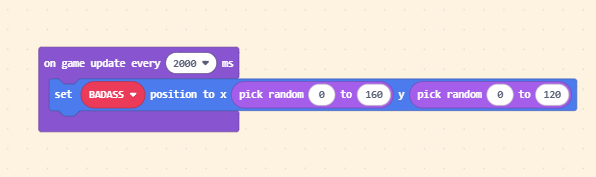
Finally, place the “Random Position” method inside this block. Remember to select the Enemy’s variable name.
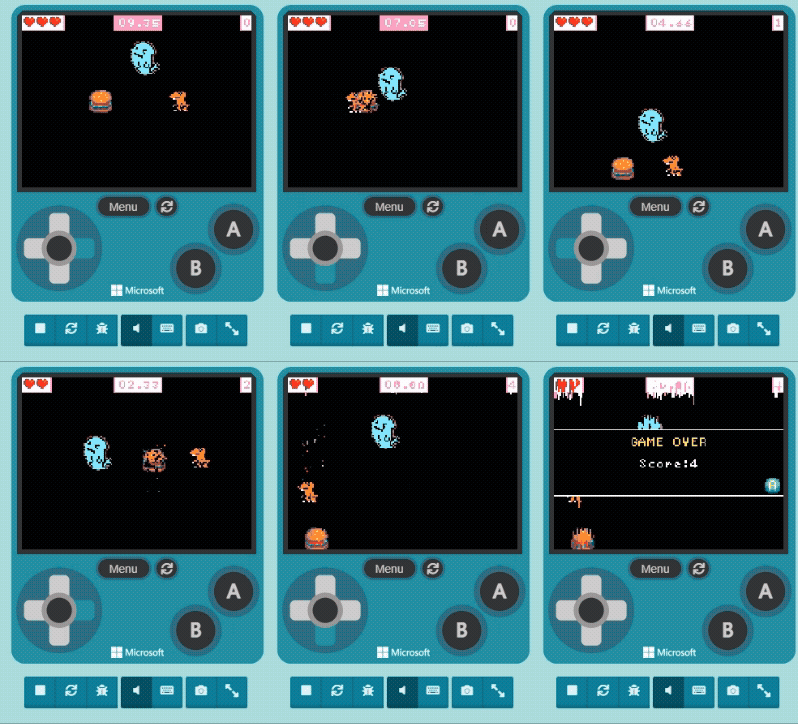
Once finished, try playing it in the Game Simulator.
In this unit, we learned about “Life (Health)” and “Animating Sprites.” In addition to the original tension of the time limit, the addition of the villain adds a lot of excitement and fun to the process. Currently, the gameplay mainly involves using the joystick to dodge.
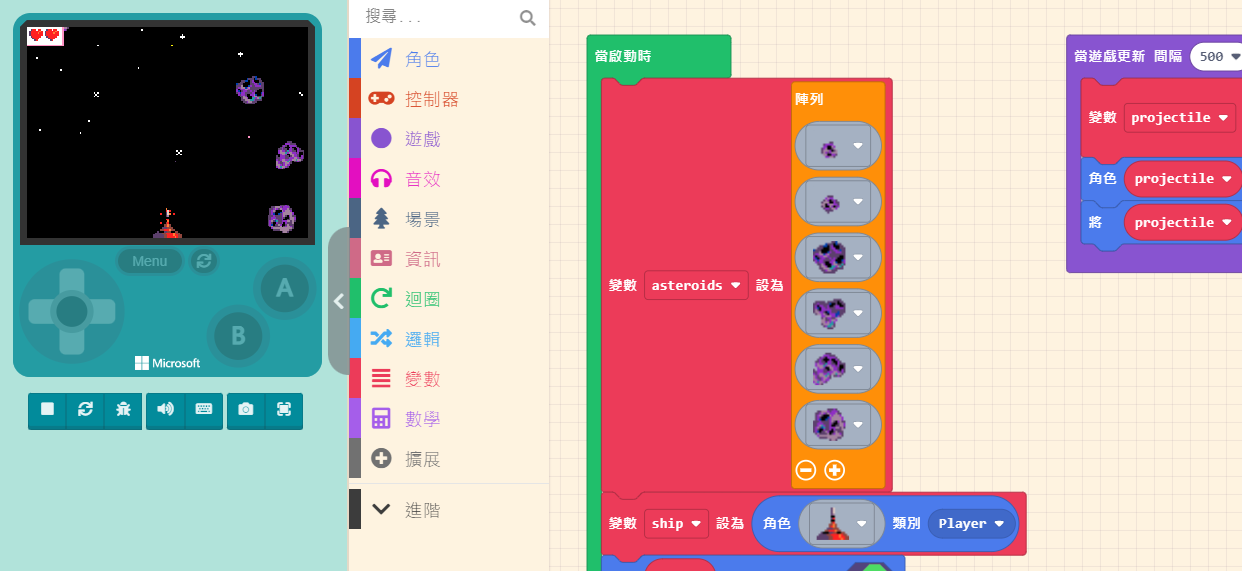
Next, we will add the ability for the character to attack, just like the fighter jet in the “Space Destroyer” example, which can fire beams to destroy meteors.