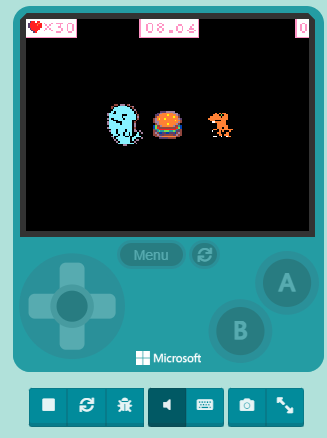
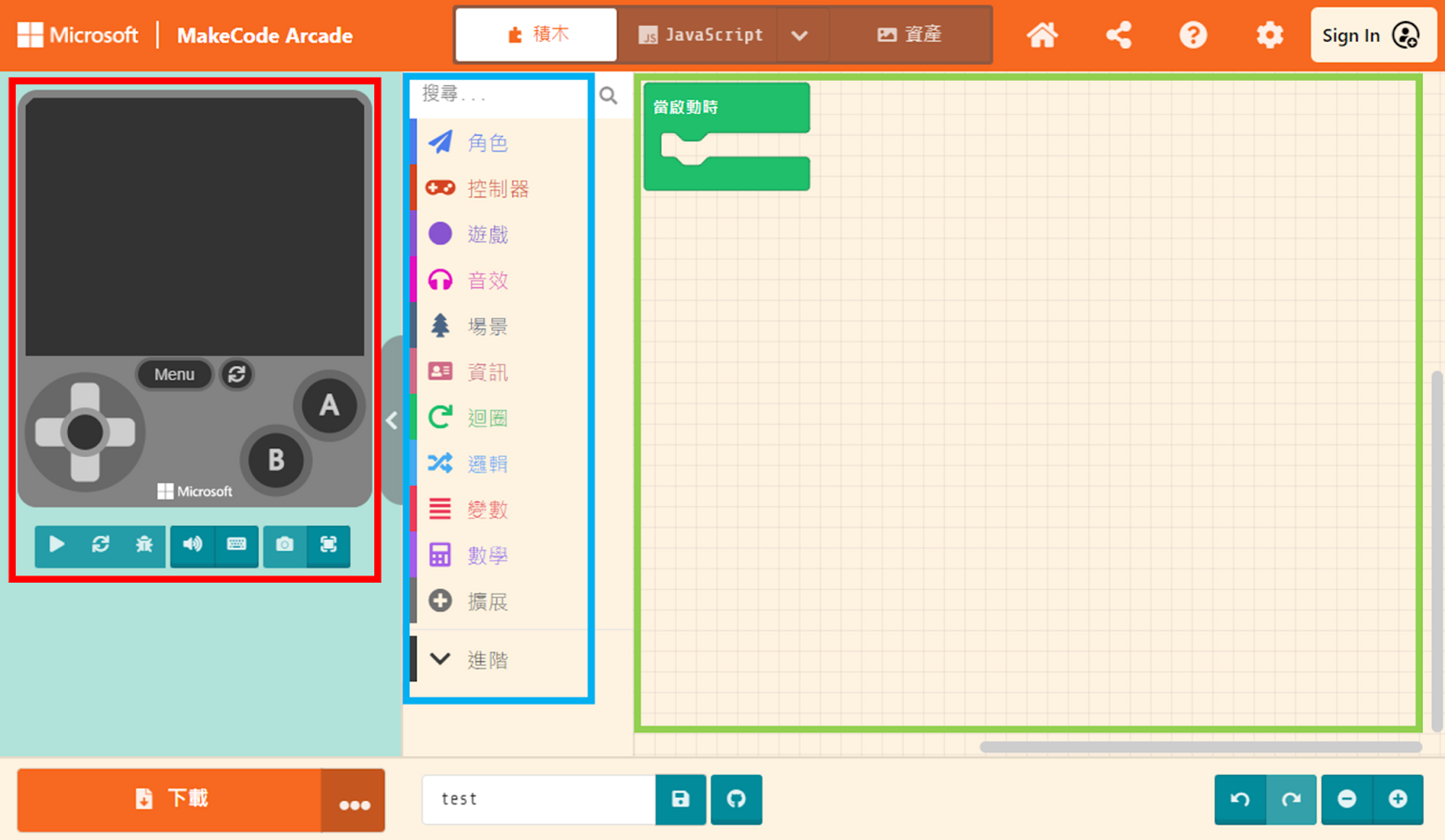
We want to set a rule: during the game, if the controlled sprite touches the enemy, health will be deducted. Since our current game doesn’t have a health design, we need to add this feature. Click on “Info” in the Block Toolbox. You can see blocks related to “Life” here.
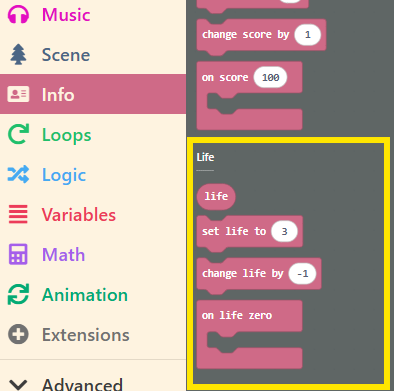
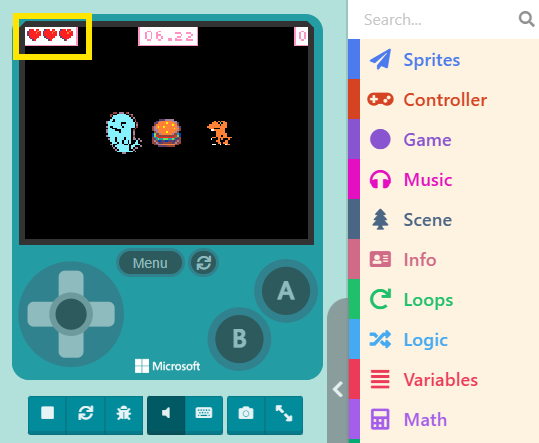
Just like the “Score” blocks in the previous unit, simply drag the Life-related blocks into the Workspace. After assembling the code correctly, a heart icon will appear in the top-left corner of the Game Simulator.
Now, drag the “set life to ( 3 )” block into “on start.” It can be placed anywhere, as long as it is before the “start countdown ( 10 ) seconds” block.
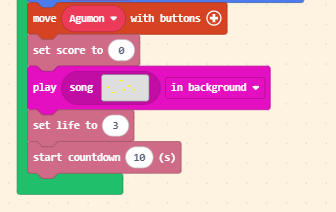
You can set the number of lives yourself. You can even set it to 100. Note that if the number exceeds 4 hearts, the display style will automatically adjust to avoid blocking the screen.