Now that the Sprite is drawn, we can’t just let it sit motionless in the center of the screen, right?
Let’s make it move with the joystick immediately.
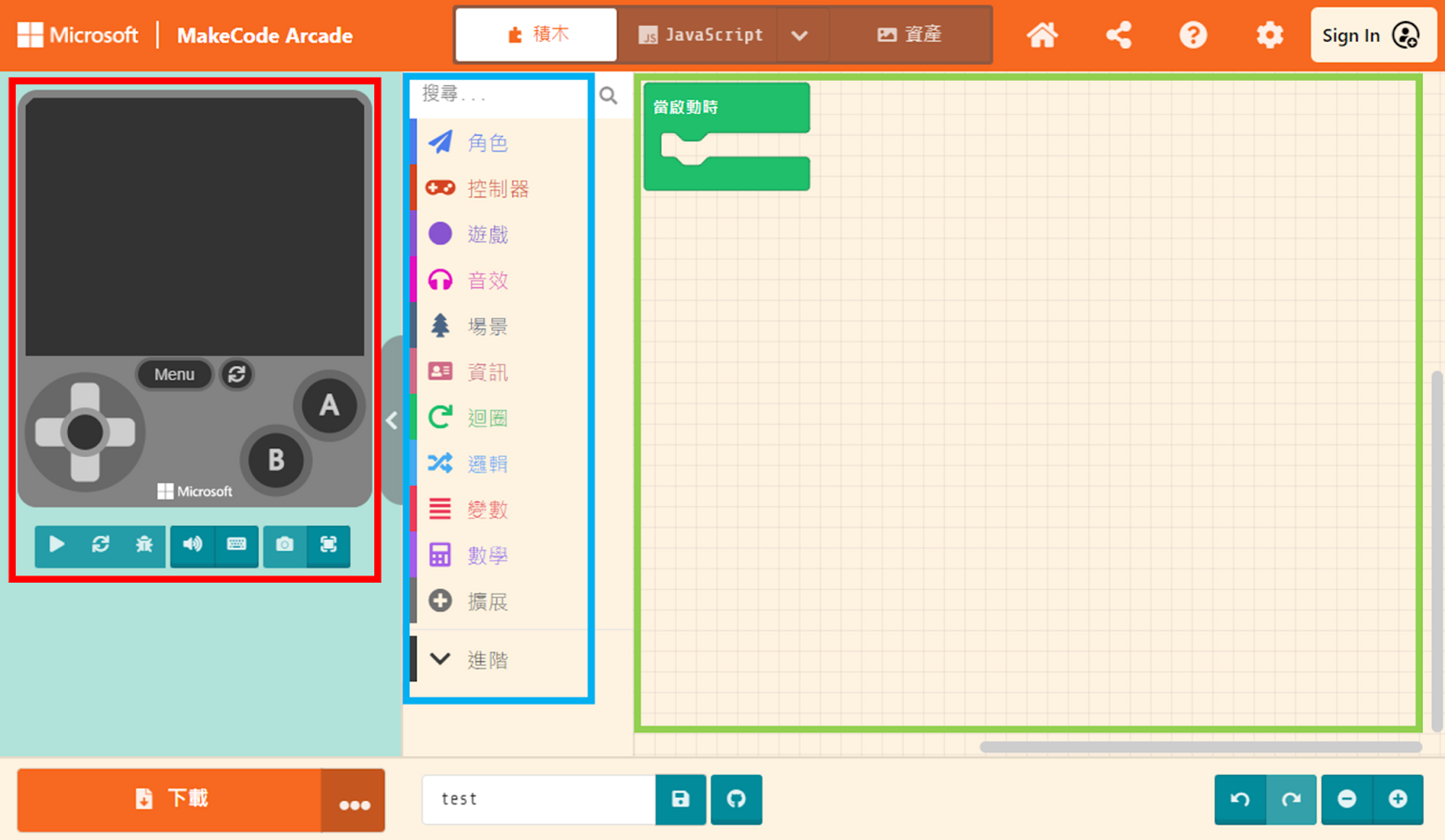
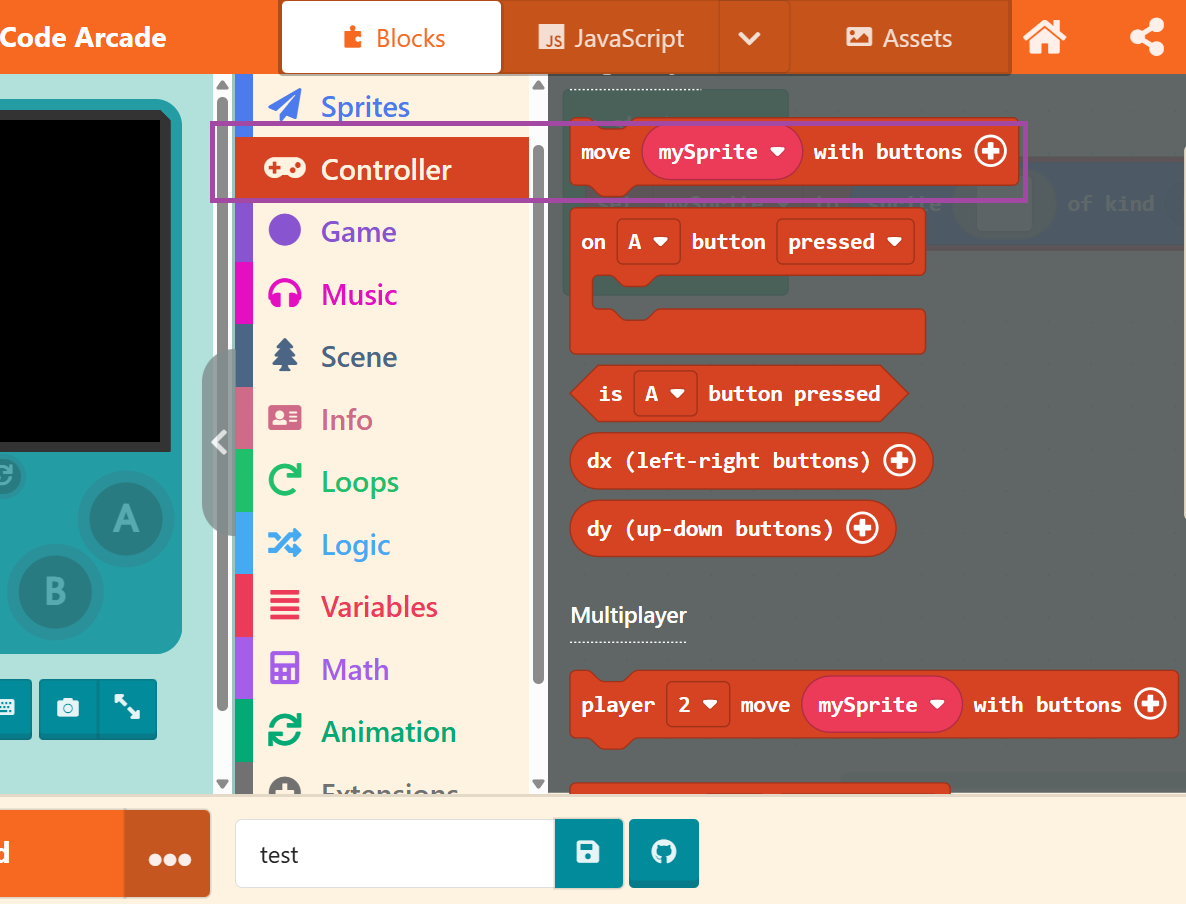
First, click on “Controller” in the Block Toolbox and select the “move [mySprite] with buttons” block.
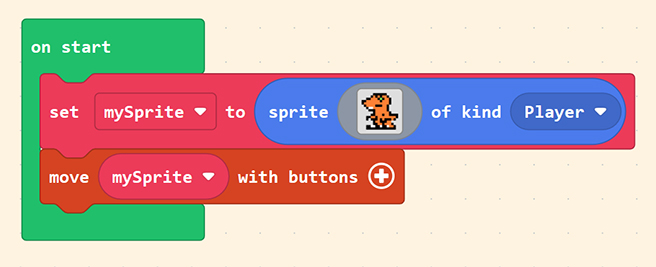
Drag this block into the “on start” block and place it under the Sprite creation block we just set up. This grants our Sprite the ability to move with the joystick!
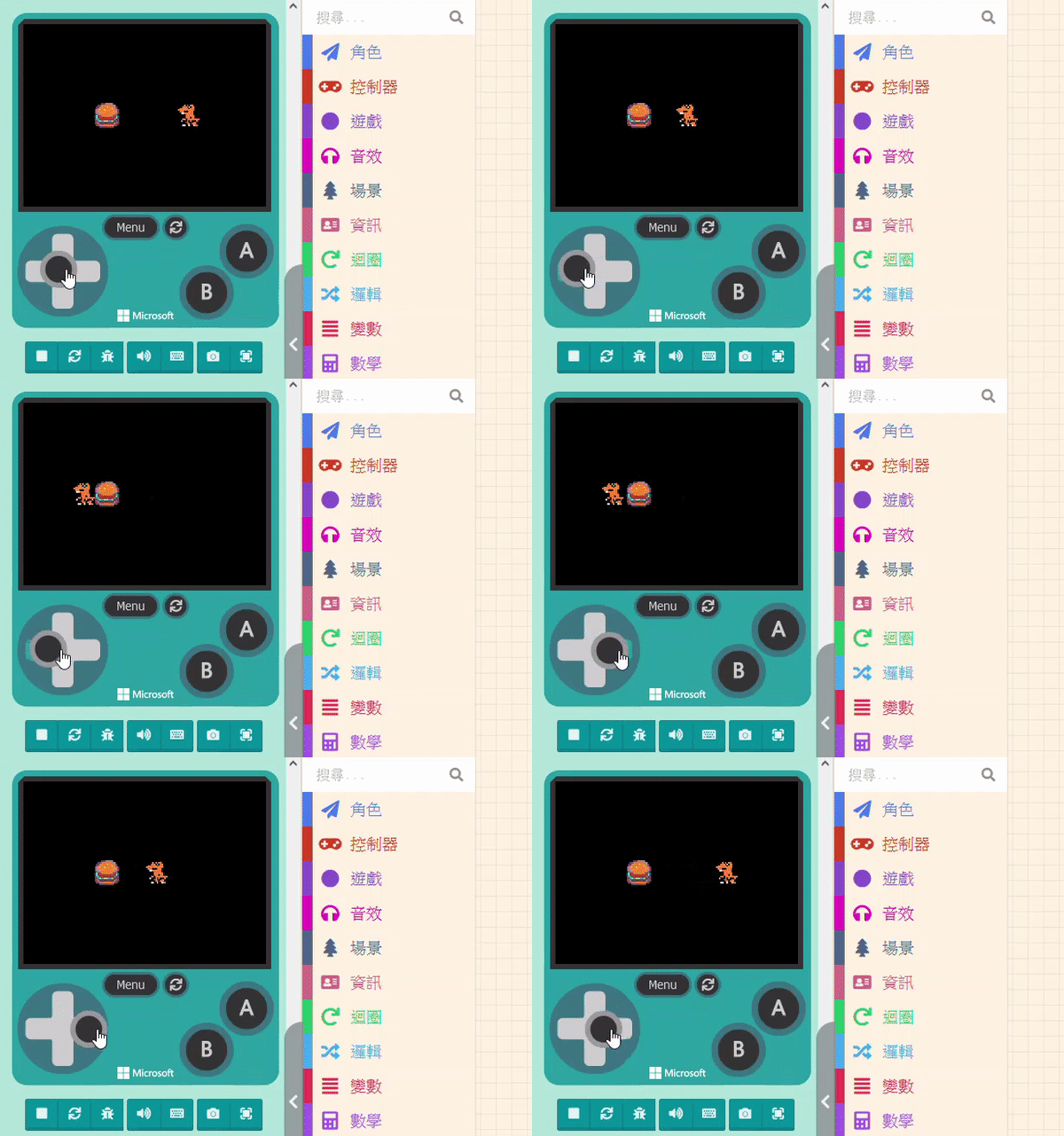
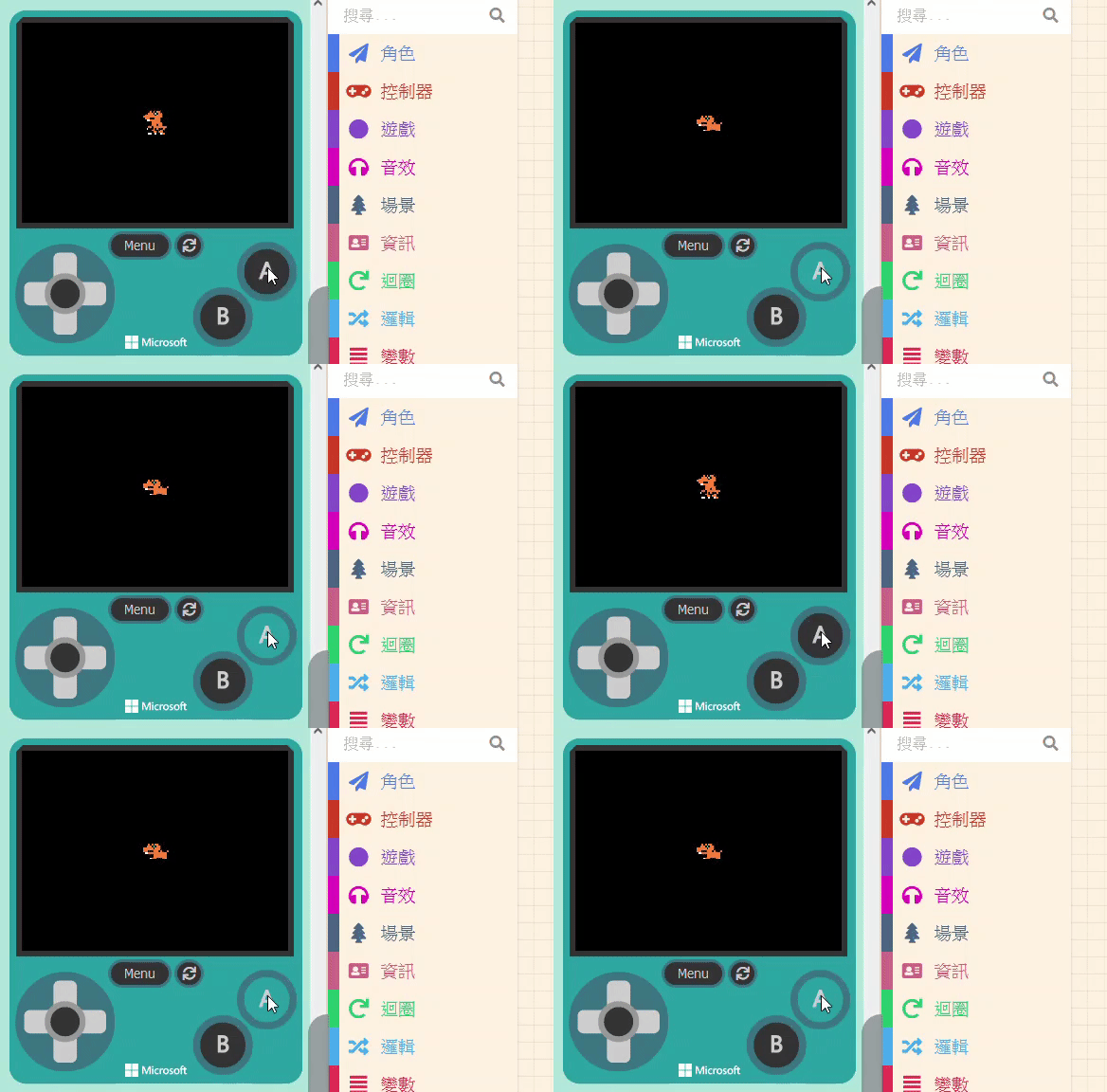
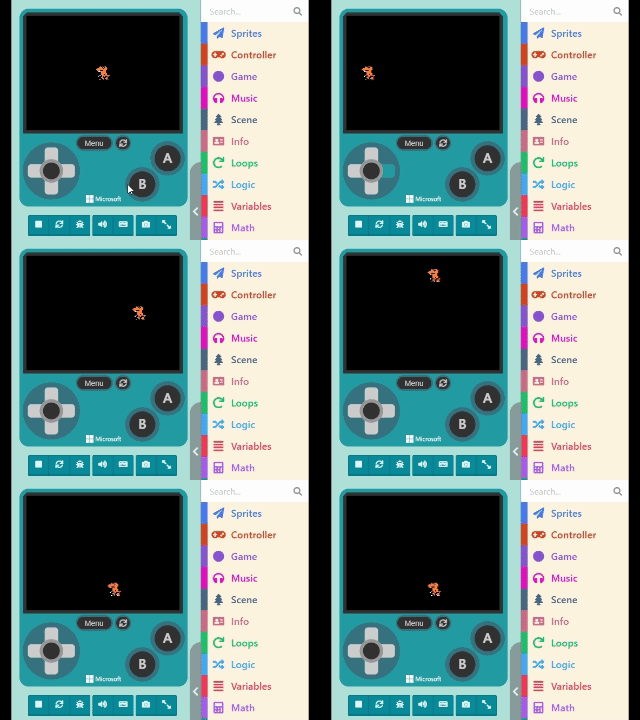
Try controlling the joystick in the Game Simulator, as shown below:
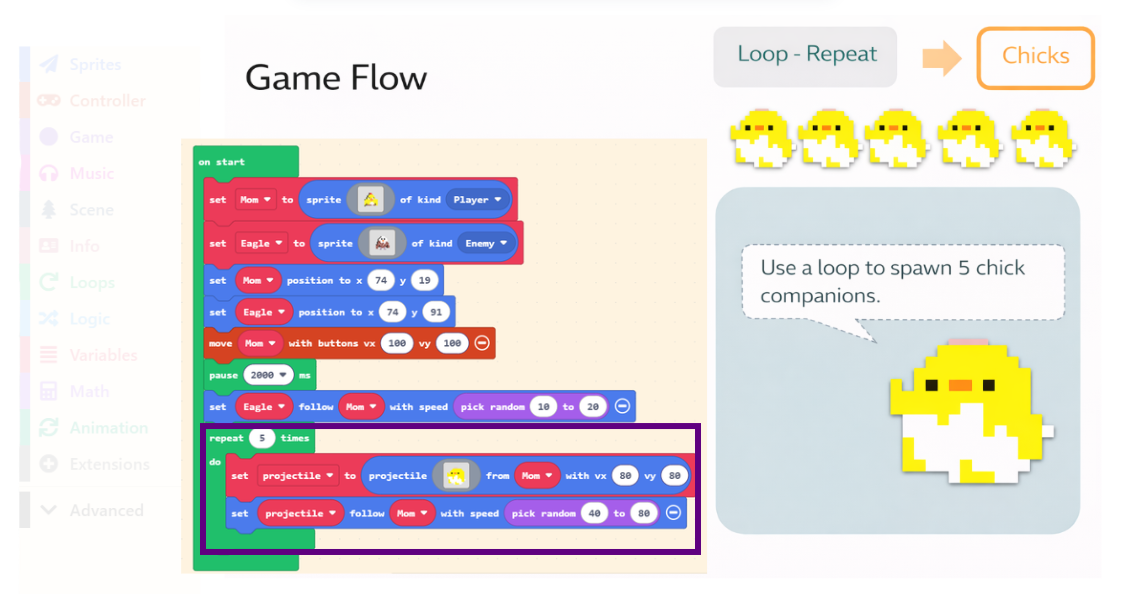
Almost all assets in a game are Sprites. You can use what you’ve learned in this unit to create the protagonist, level elements, buildings, or cute companions for your game. Besides joystick control, there are many other ways to interact. Please practice often and create your own game! 🎮🎮🎮