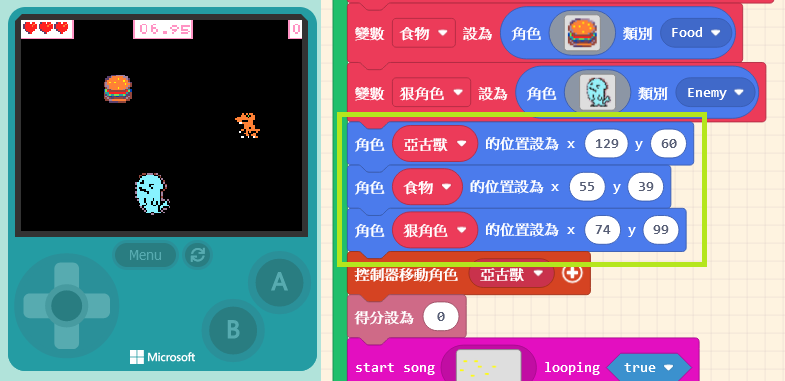
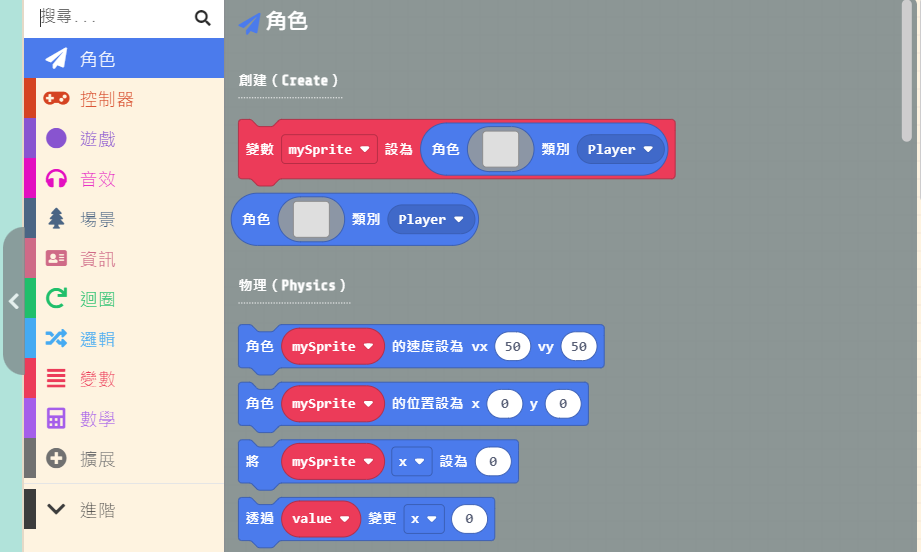
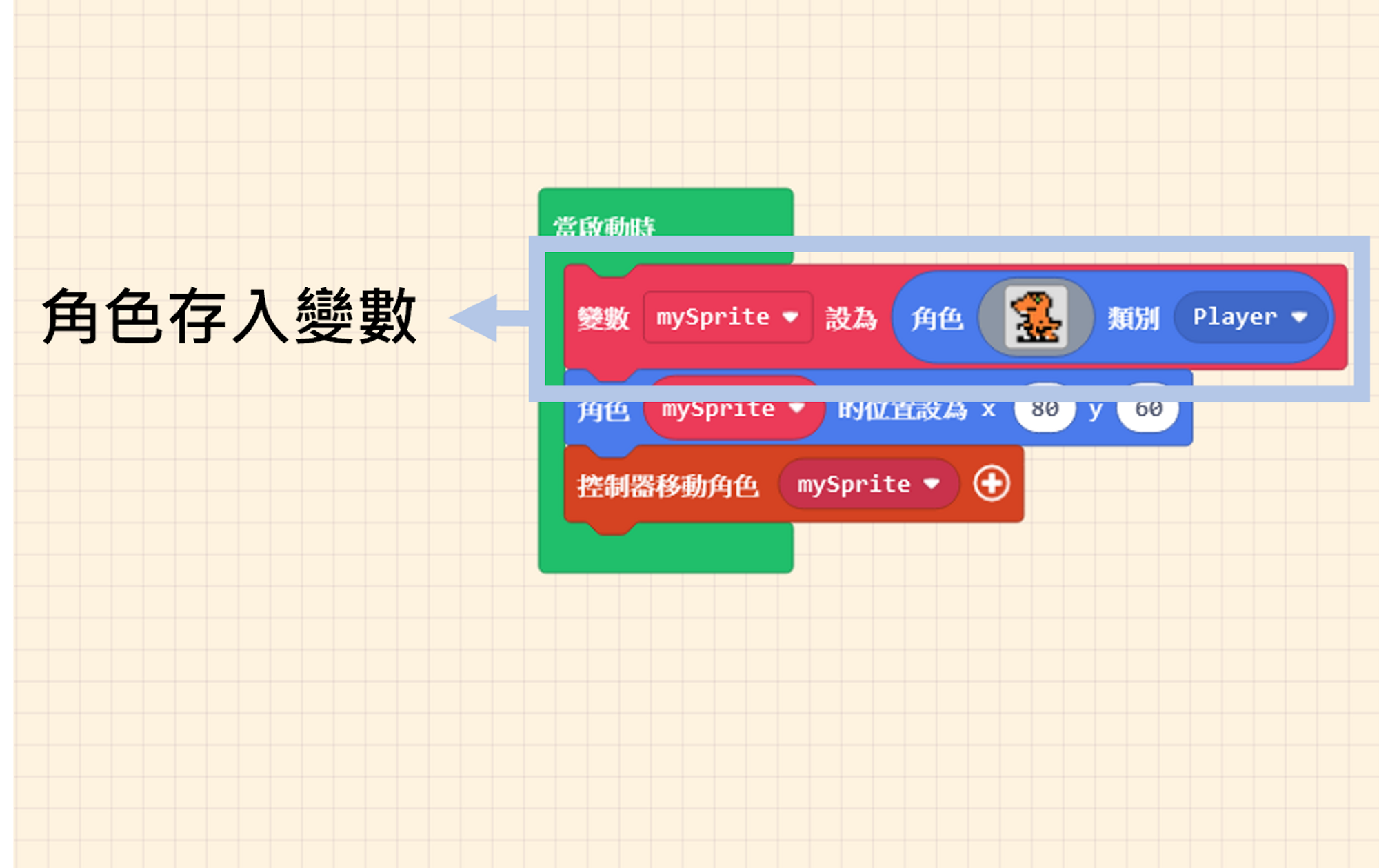
When learning from example programs, we often want to know which category a specific block comes from. The most intuitive method is, of course, to look through the options one by one, but that takes time—there are quite a few options! Sharp-eyed users may have already noticed the “Search” field.
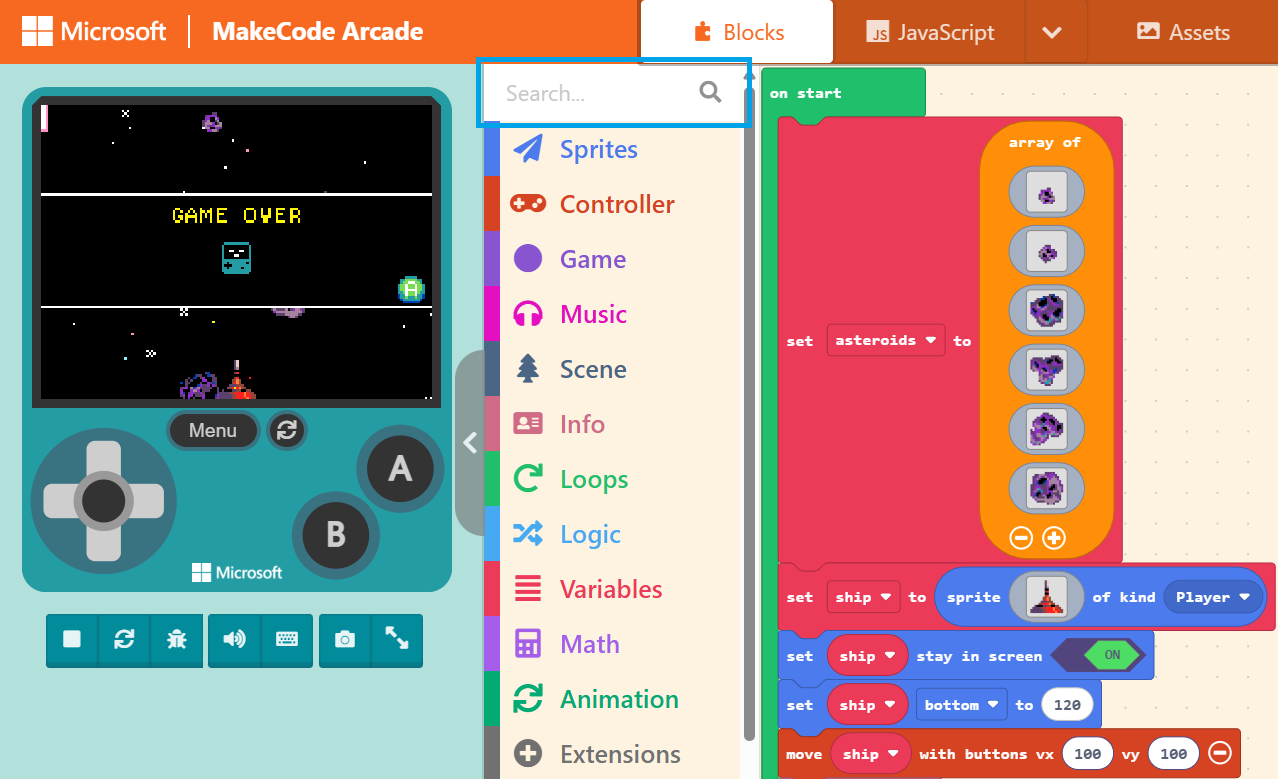
Suppose we want to search for the block “set life to ( 3 )”.
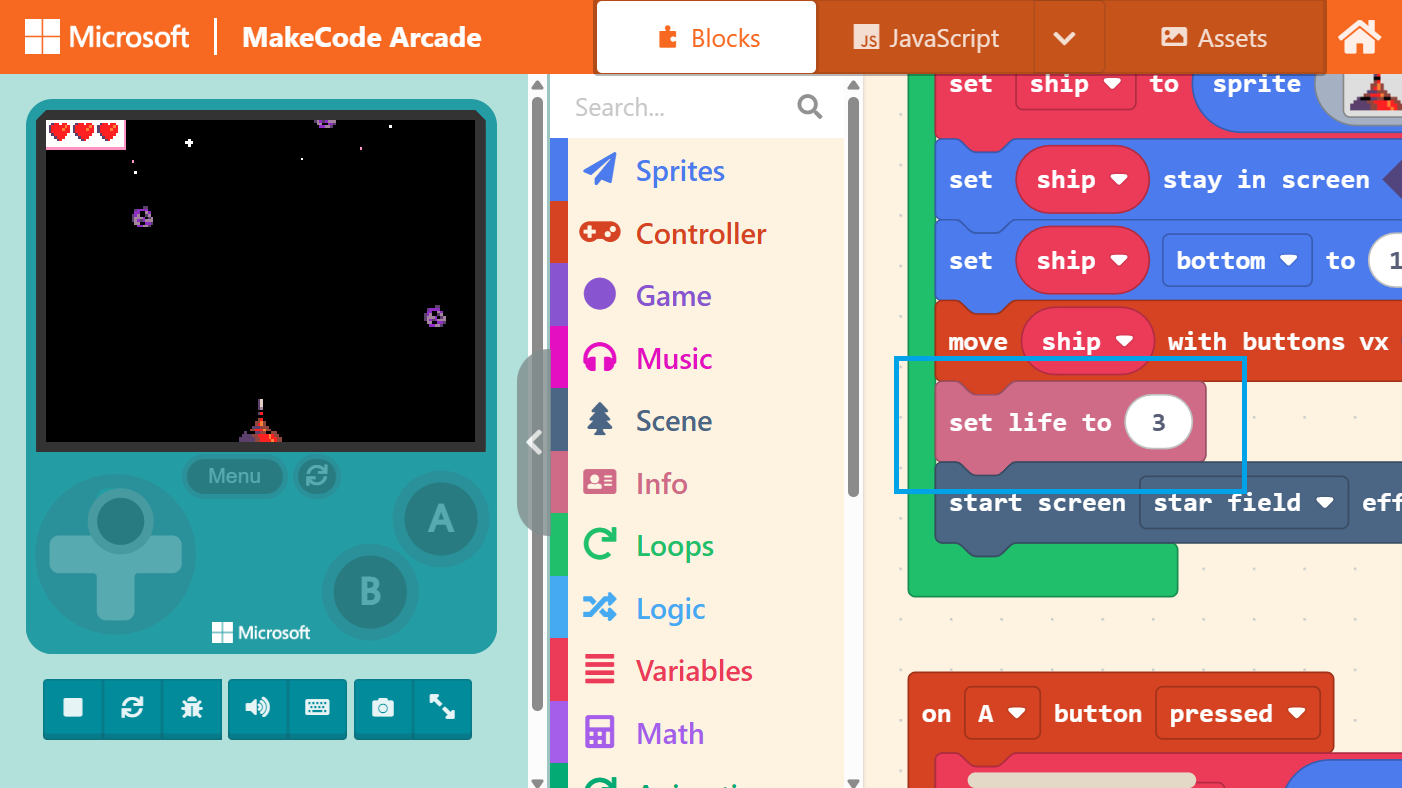
Enter the keyword in the “Search” field, and the search results will pop up on the right.
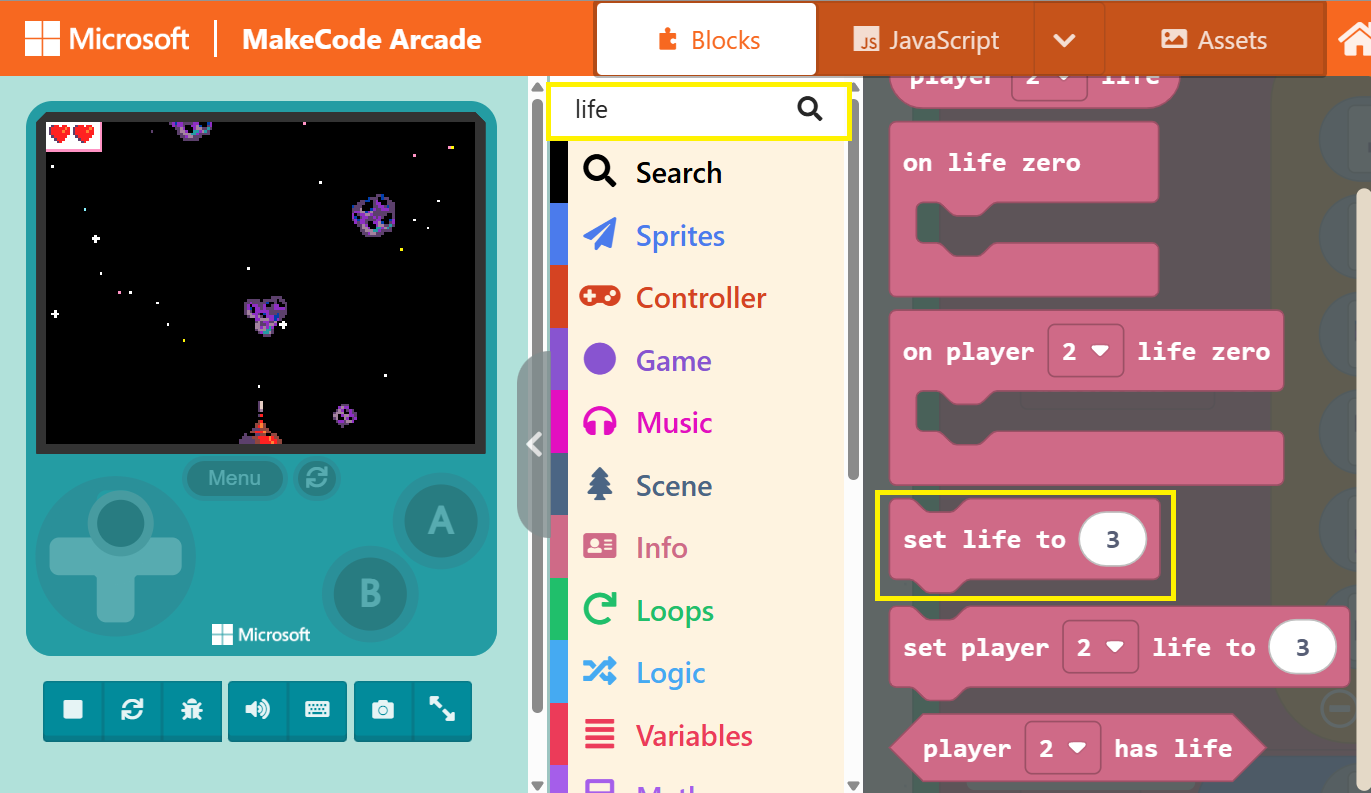
Official blocks are actually color-coded. For instance, the “set life to ( 3 )” block we just searched for is pink. Blocks with similar functions will share the same color. Therefore, you can also use color as a guide to look back at the “Block Toolbox” and locate the blocks you need.