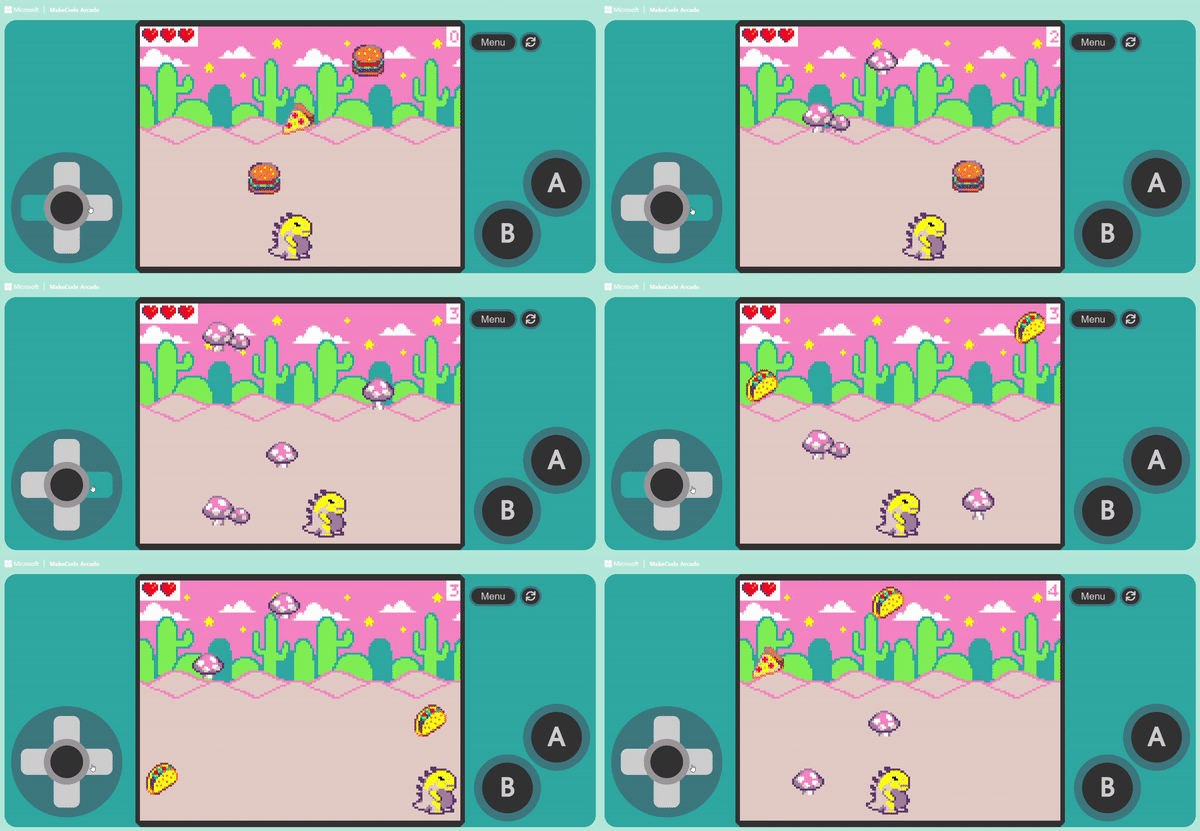
請先登入會員以閱讀文章
You may also like

Another method is to make the enemy instantly “Change Position” at a “Fixed Frequency.” For example, setting the enemy to change position […]
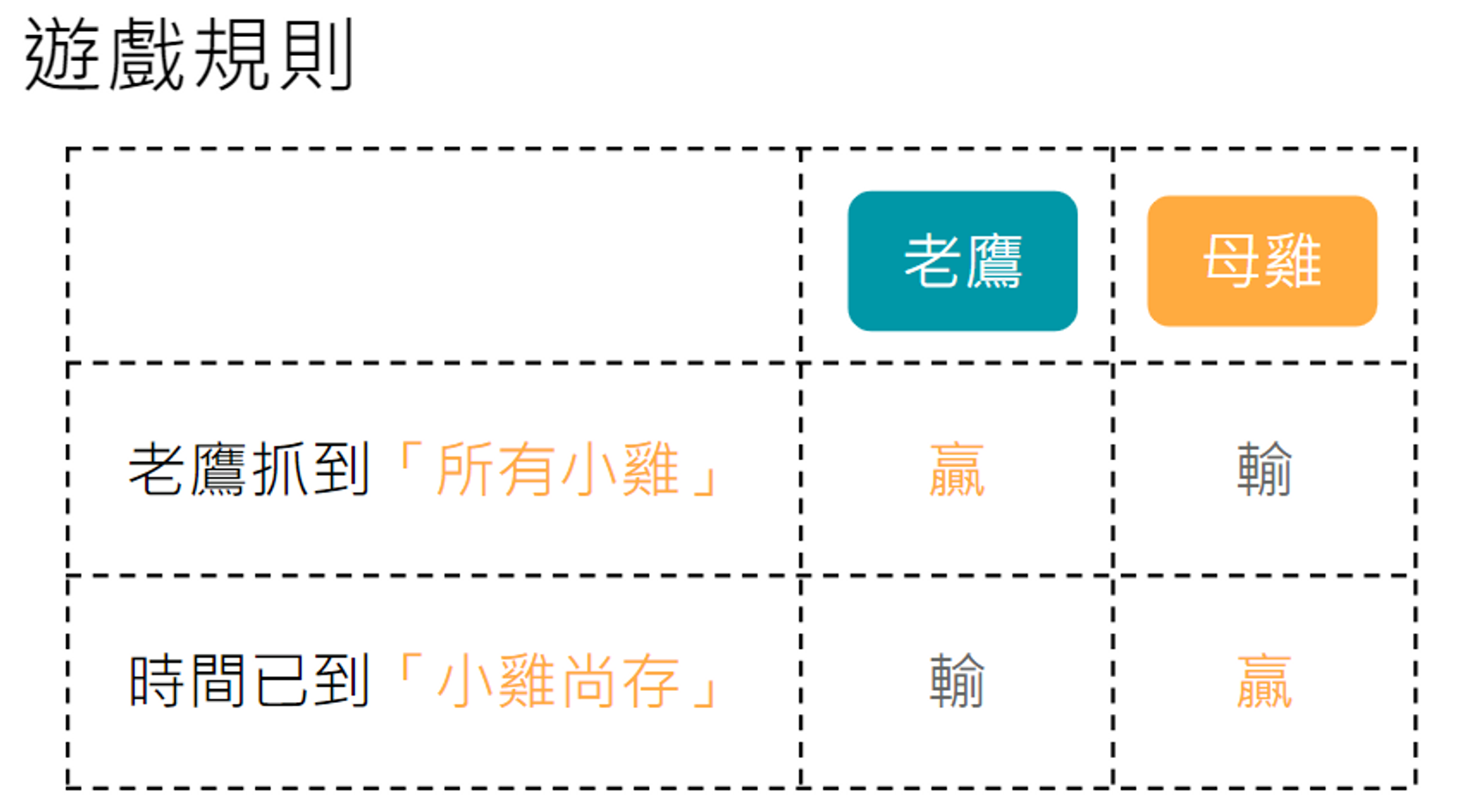

We are going to add conditions to determine victory or defeat, transforming the simple “Orange Dinosaur eats Burger” interaction into an exciting […]