
請先登入會員以閱讀文章
You may also like
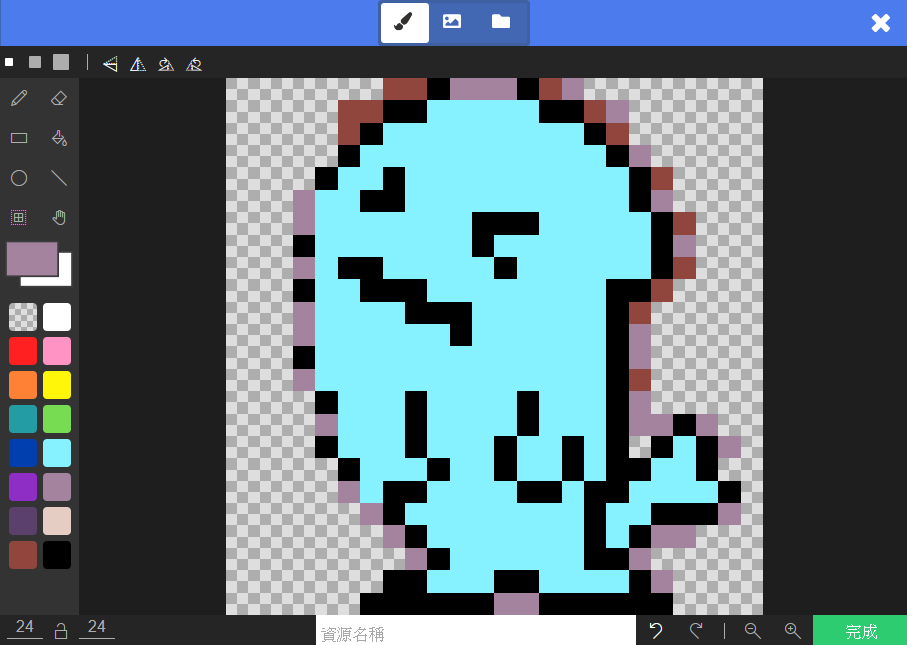
First, open the game designed in the previous unit. We are going to add an “Enemy.” You should be familiar with adding […]

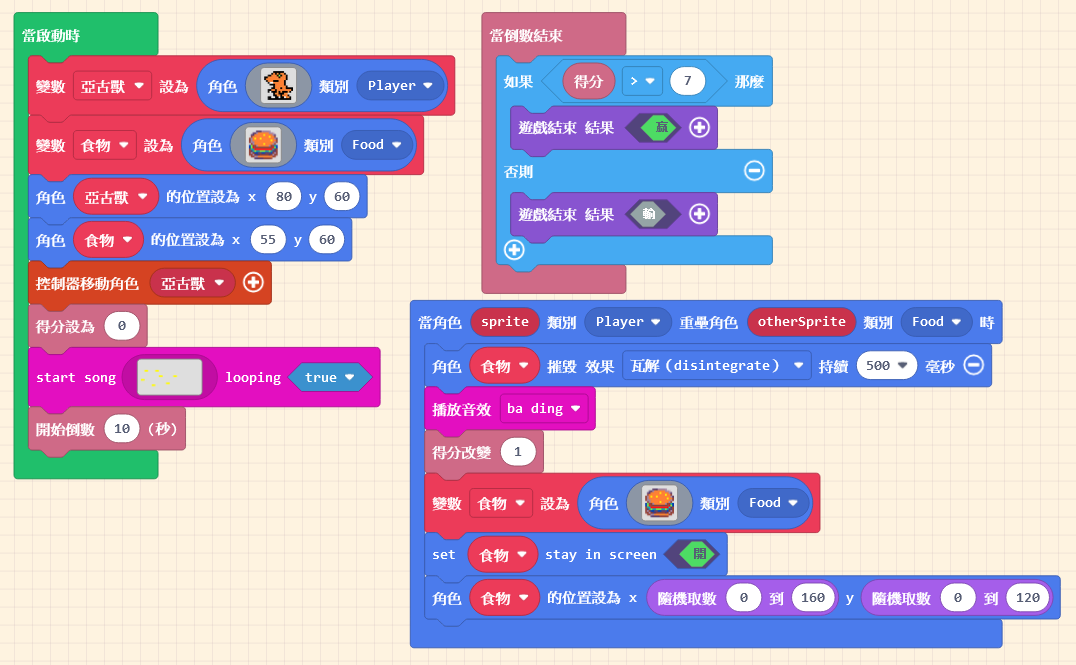
In the previous unit, we completed a game where the player must eat a specific number of burgers within a time limit […]
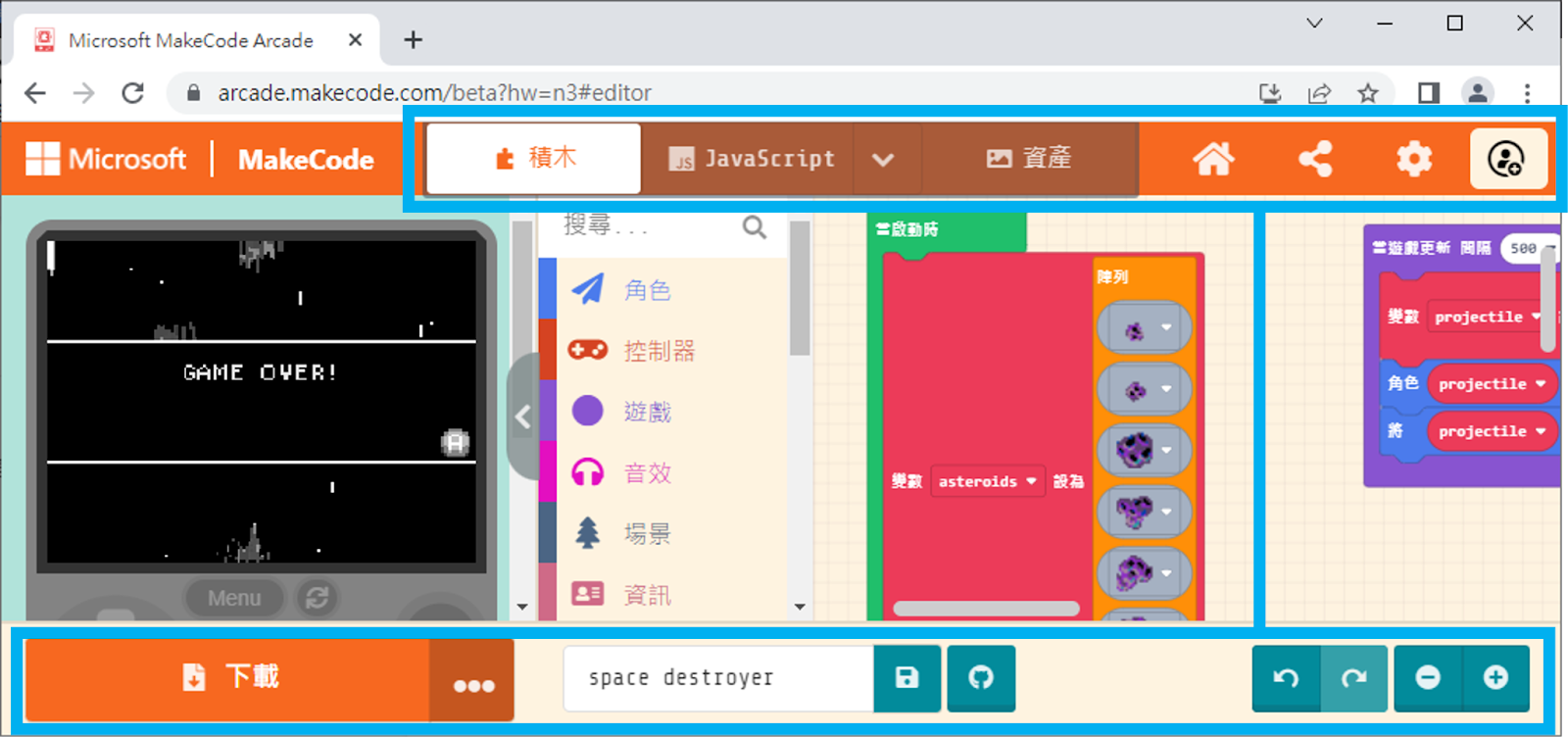
At the top and bottom of the interface, there are various operation options. Those who have used MakeCode before should be familiar […]