

Another method is to make the enemy instantly “Change Position” at a “Fixed Frequency.” For example, setting the enemy to change position every two seconds creates a thrill when the enemy suddenly appears in front of you during gameplay. We learned how to randomly change positions in previous units. The […]
Game:bit – Learning Computational Thinking Through Play
60 posts
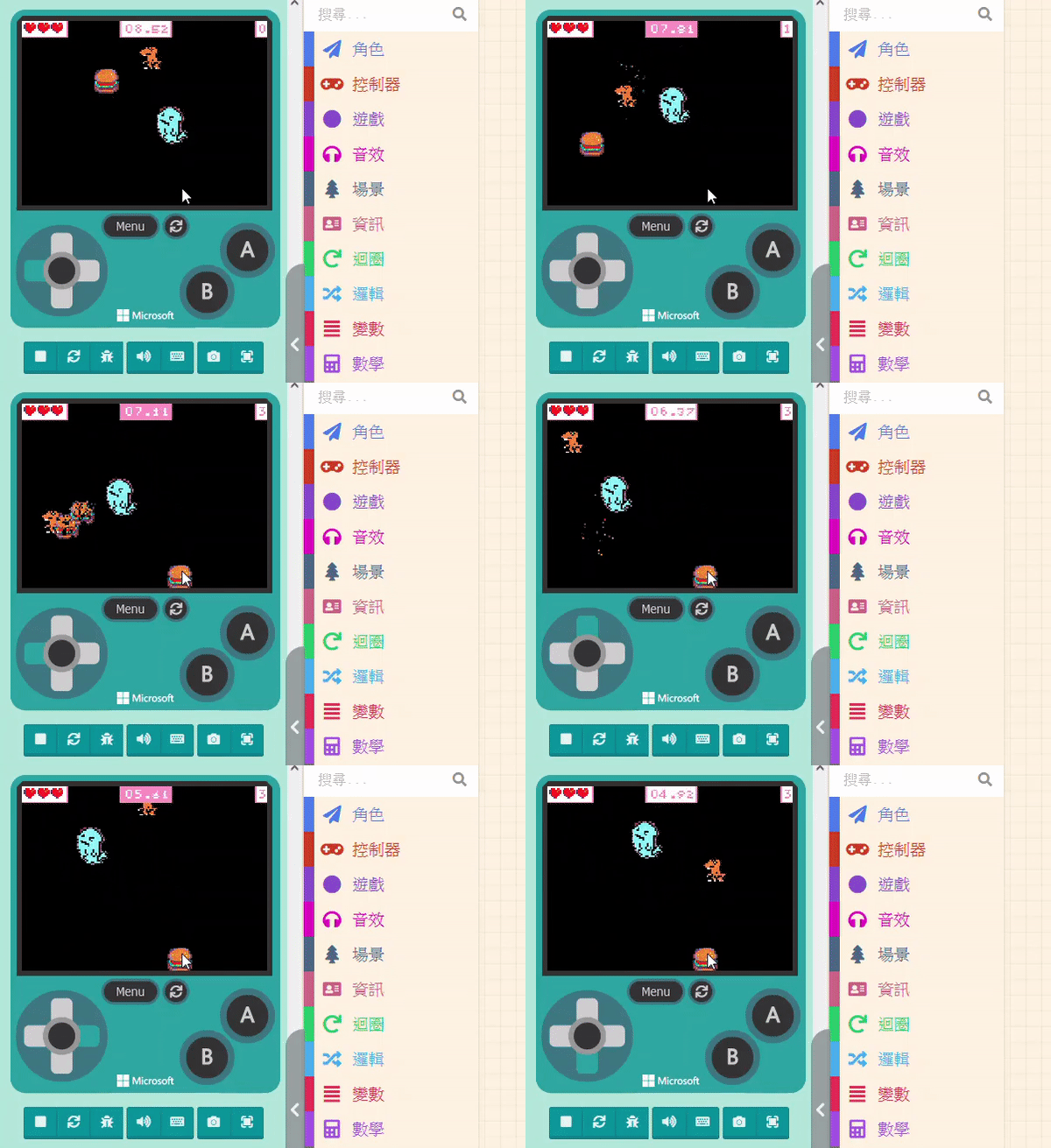
Before we explain, you might have thought: “Since it needs to chase the player, do we need to know the ‘Player’s coordinates’ and the ‘Enemy’s coordinates,’ calculate the angle of the shortest distance, and then pursue?” No, no, no. While theoretically correct, practical operation doesn’t need to be that complex. […]
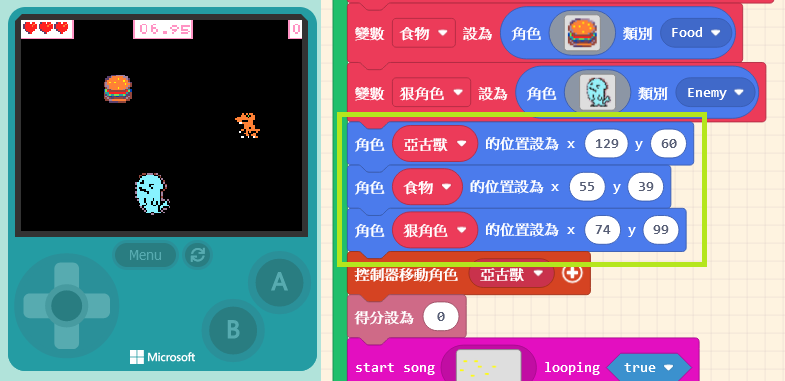
Before making the villain move, we need to adjust everyone’s initial positions to avoid losing health the moment the game starts. Common enemy behavior patterns fall into two types: “Chasing the Player” and “Teleporting.” Let’s introduce them in order. 9.4.1 Chasing the Player Before we explain, you might have thought: […]

We taught the method for triggering events when sprites touch in Unit 6: the “Overlaps” block in the “Sprites” list. The difference this time is that we need to set the other Kind to “Enemy.” When the player touches the villain, we will change the initial life value. Click on […]
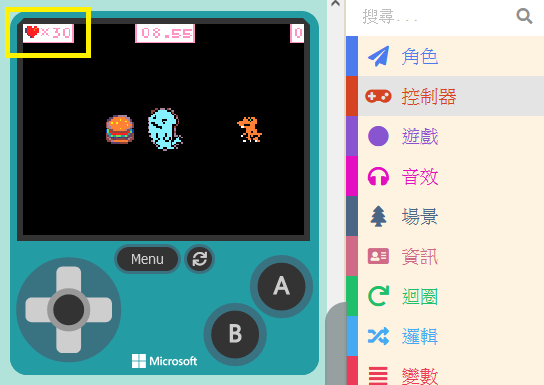
We want to set a rule: during the game, if the controlled sprite touches the enemy, health will be deducted. Since our current game doesn’t have a health design, we need to add this feature. Click on “Info” in the Block Toolbox. You can see blocks related to “Life” here. […]
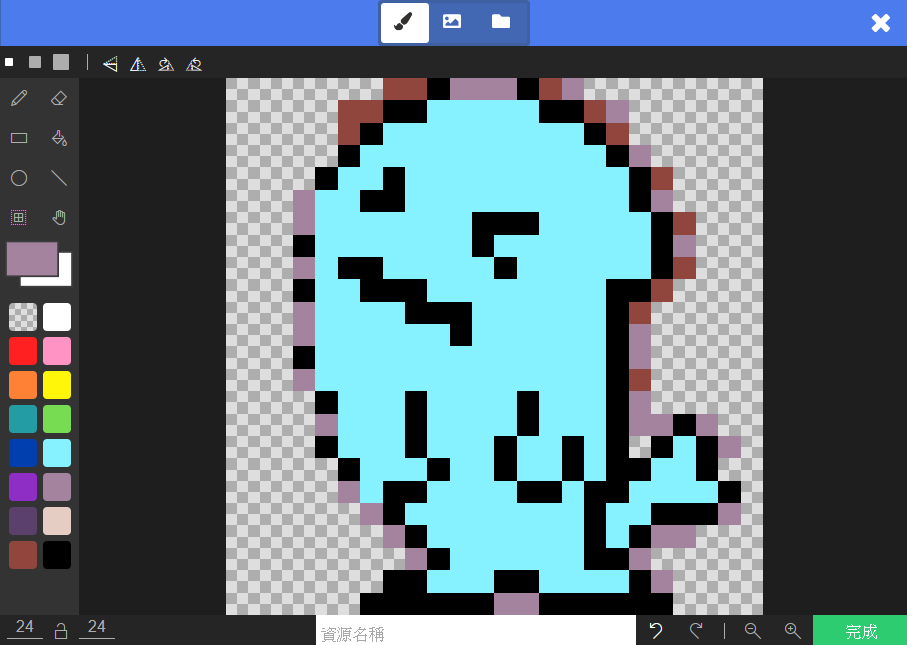
First, open the game designed in the previous unit. We are going to add an “Enemy.” You should be familiar with adding sprites. Click on “Sprites” in the Block Toolbox, use the create sprite block, and place it inside “on start.” You can design the sprite’s pattern yourself, just like […]
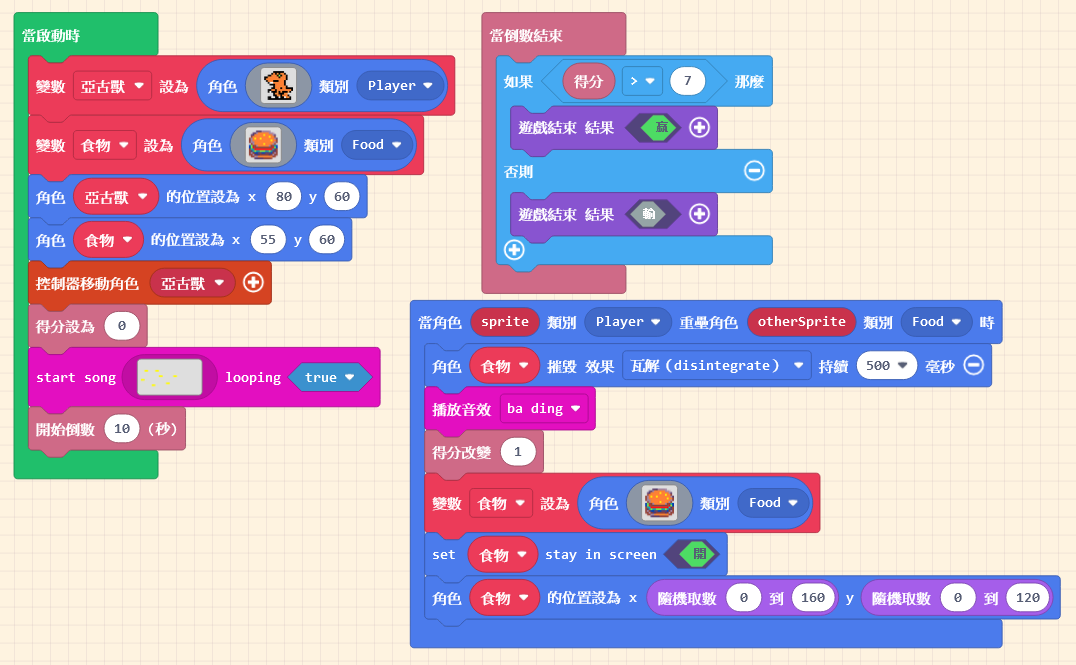
In the previous unit, we completed a game where the player must eat a specific number of burgers within a time limit to win. Actually, we can add more elements to enrich the game content. For instance, we can add a “charming villain” (an enemy)😈; if the player accidentally touches […]

Since the “Burger” is gone after being eaten, we need it to reappear. The method is simple: just create another burger. Besides setting its position, remember to set its “Kind” correctly so it meets the “Overlap Conditions.” However, you will notice the burger always appears in a fixed spot. In […]
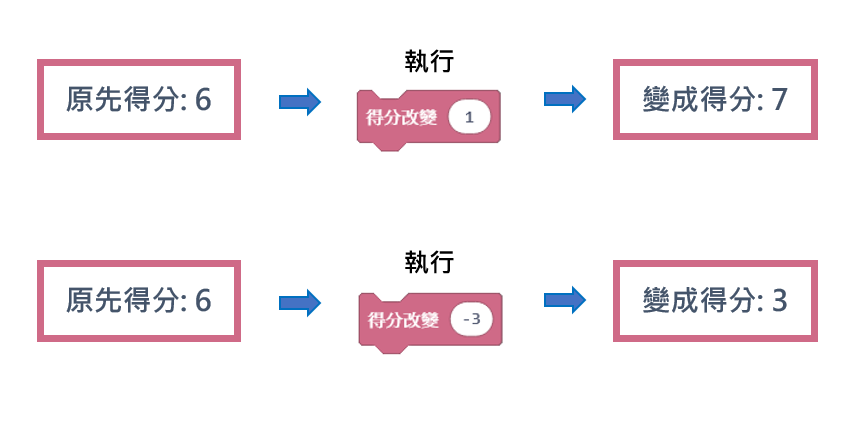
First, open your project from the previous unit. You should have two sprites, and when they overlap, the non-player sprite is destroyed. Taking the characters in the image as an example, our idea is: when the Burger is “destroyed“, we “gain points“. In MakeCode Arcade, a group of blocks is […]