
Game:bit – Learning Computational Thinking Through Play
60 posts
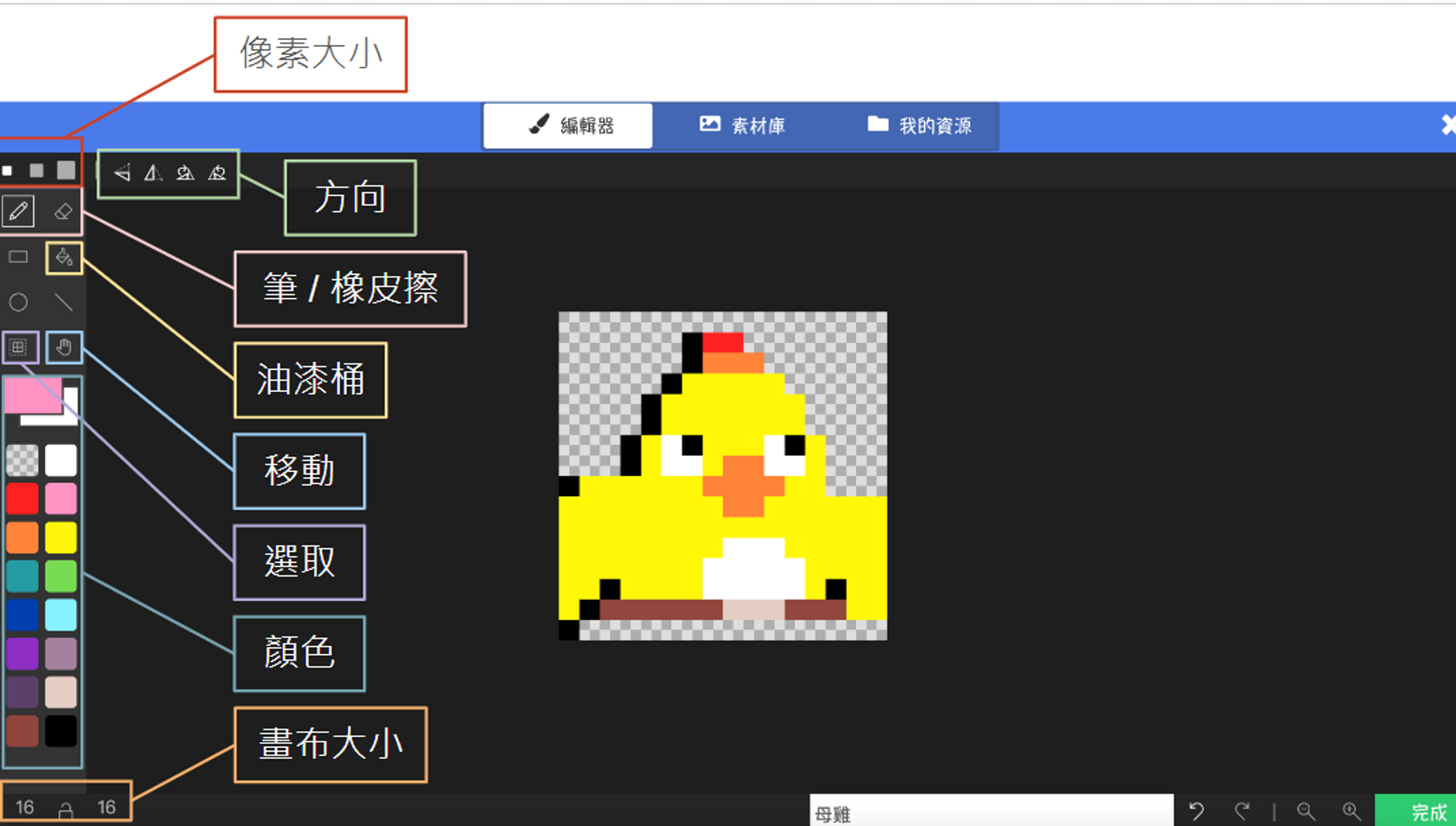



Currently, our character moves as a static image sliding around. We can make it more lively using blocks from the “Advanced” > “Animation” category. Click the “Frames” option in the block (the square icon) to add multiple images on the right side. We will piece these images together to create […]

For movement, we can refer to “Projectiles.” Projectiles move because we adjusted their Velocity. By the same logic, if we adjust the character’s velocity, can it fly into the sky? Yes! In the “Sprites” category, you can find blocks to change sprite position and velocity. Once velocity is changed, if […]
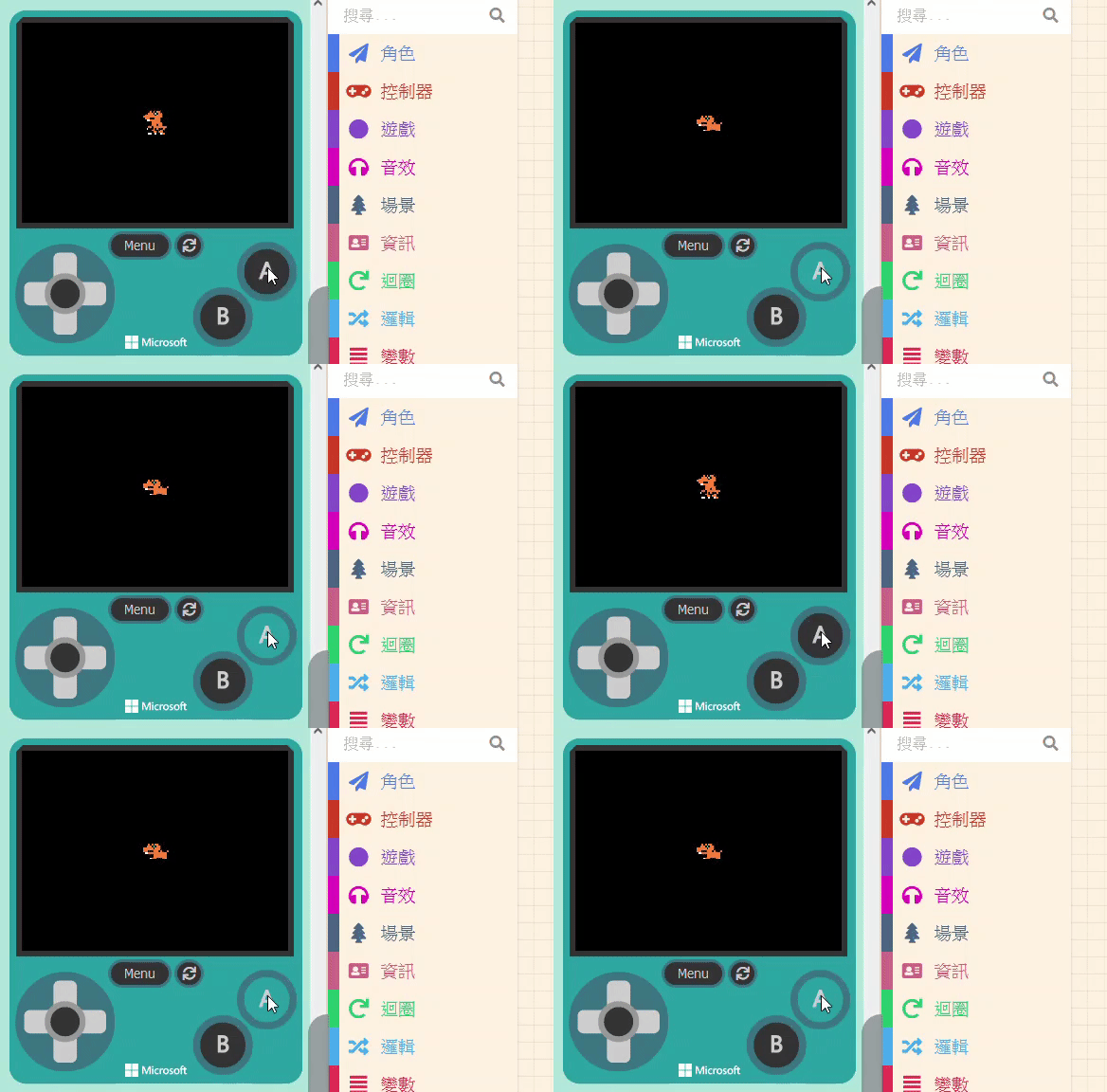
If you want to design a game like the Google Dino Game, the character needs to “Jump” and “Crouch.” For crouching, we also use the method of changing the sprite’s image. However, unlike projectiles where we spawn new objects, here we are modifying the existing character, so the process is […]