
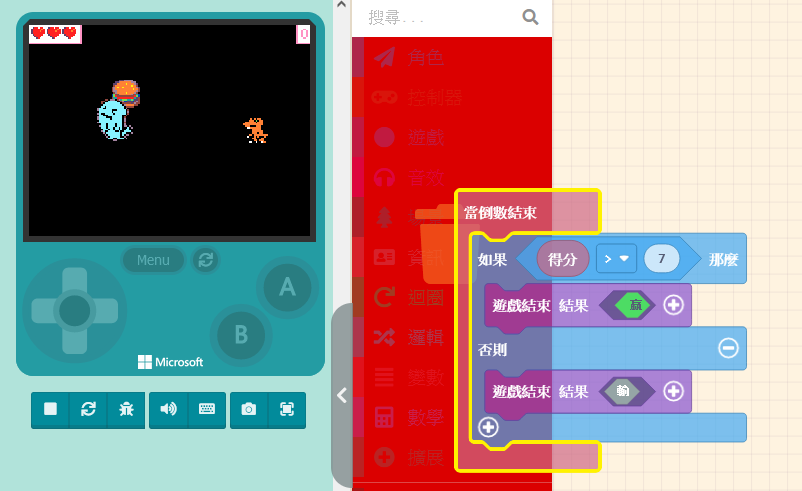
As gameplay mechanics increase, we need to adjust the way the game is played. Too many restrictions or excessive complexity won’t necessarily improve the game experience—balance is key. Since we are about to gain attack methods and face the constant threat of being defeated by the villain, determining the winner […]
Open Learning Content
45 posts
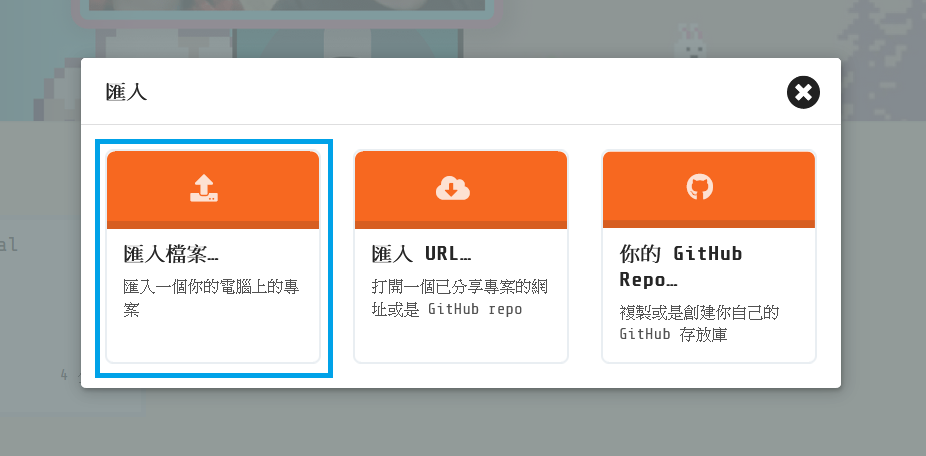
First, open the game you made in the previous unit. Save the game file to your computer; you can modify the file name if you wish. Next, to load a game: First, return to the Game Project List by clicking “MakeCode Arcade” in the top-left corner. Click the “Import” button […]
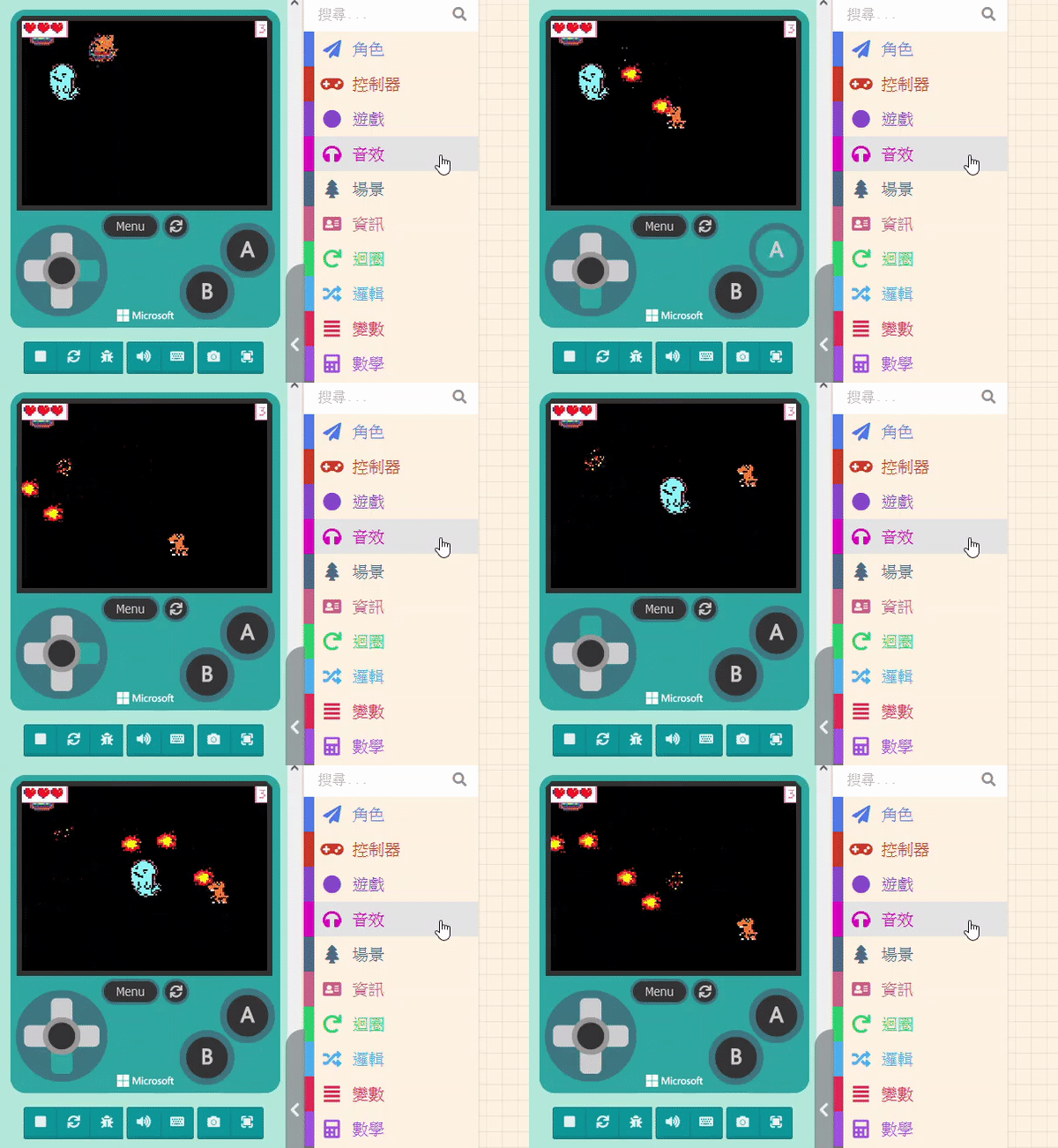
We’ve been dodging and weaving for two units, but now it’s finally time to teach you how to attack! We will start with how to make the sprite fire missiles, explain how to adjust the firing direction, and finally set the effect when the villain is hit by a missile. […]

Another method is to make the enemy instantly “Change Position” at a “Fixed Frequency.” For example, setting the enemy to change position every two seconds creates a thrill when the enemy suddenly appears in front of you during gameplay. We learned how to randomly change positions in previous units. The […]
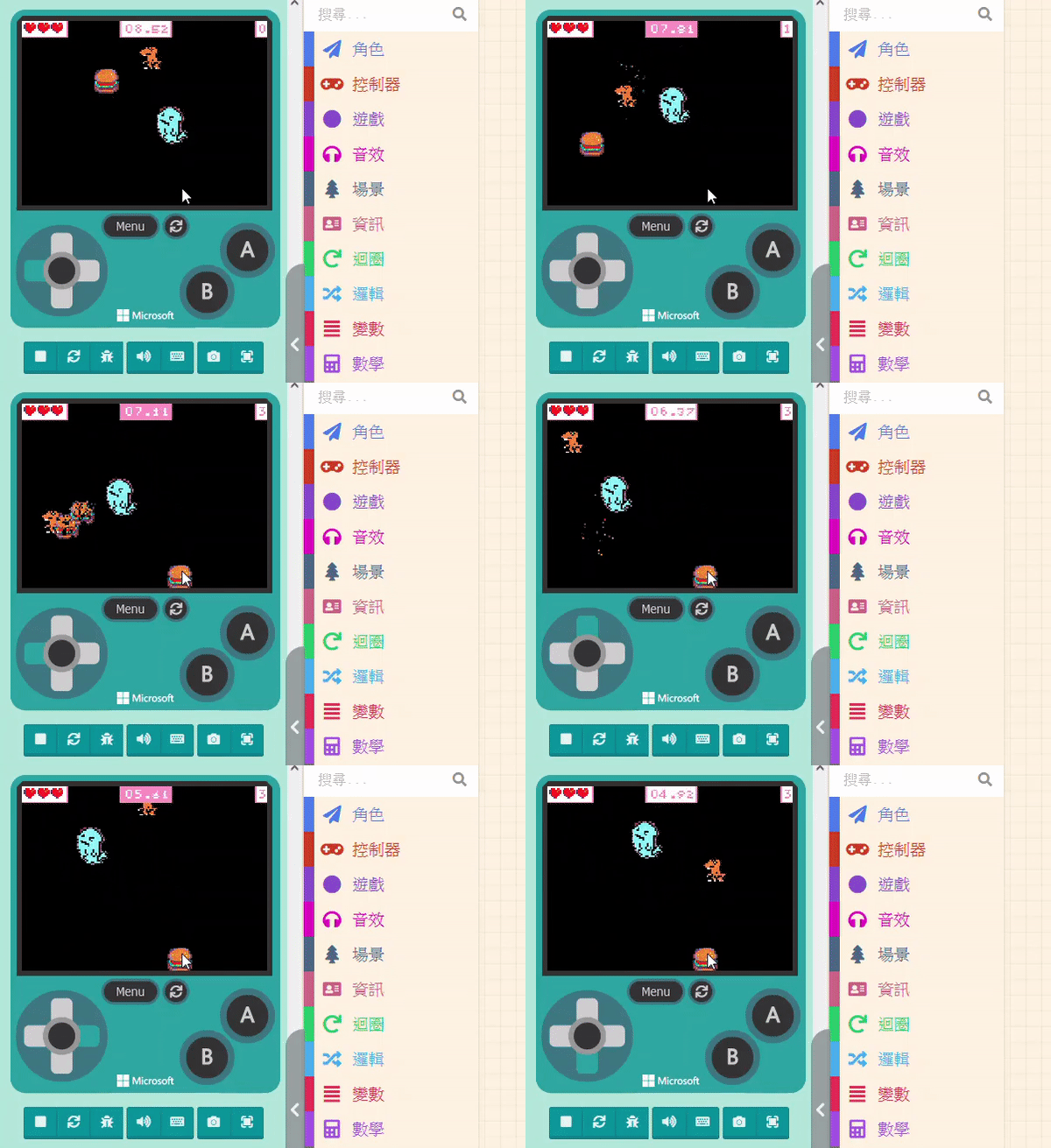
Before we explain, you might have thought: “Since it needs to chase the player, do we need to know the ‘Player’s coordinates’ and the ‘Enemy’s coordinates,’ calculate the angle of the shortest distance, and then pursue?” No, no, no. While theoretically correct, practical operation doesn’t need to be that complex. […]
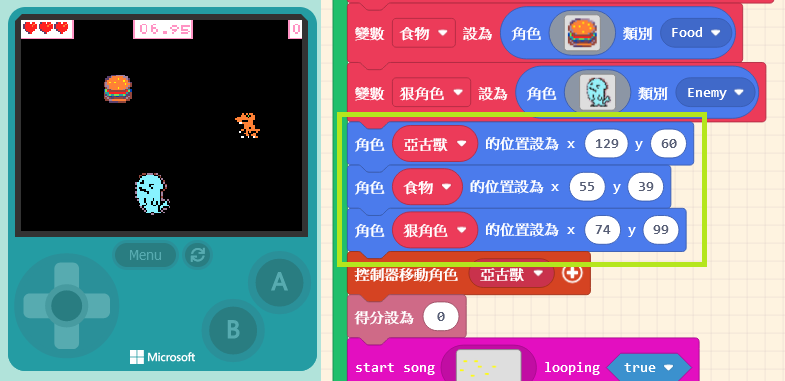
Before making the villain move, we need to adjust everyone’s initial positions to avoid losing health the moment the game starts. Common enemy behavior patterns fall into two types: “Chasing the Player” and “Teleporting.” Let’s introduce them in order. 9.4.1 Chasing the Player Before we explain, you might have thought: […]

We taught the method for triggering events when sprites touch in Unit 6: the “Overlaps” block in the “Sprites” list. The difference this time is that we need to set the other Kind to “Enemy.” When the player touches the villain, we will change the initial life value. Click on […]
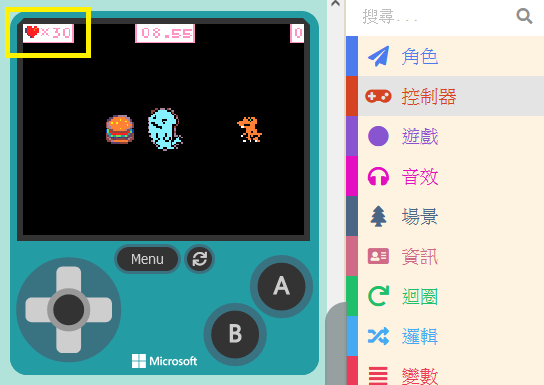
We want to set a rule: during the game, if the controlled sprite touches the enemy, health will be deducted. Since our current game doesn’t have a health design, we need to add this feature. Click on “Info” in the Block Toolbox. You can see blocks related to “Life” here. […]
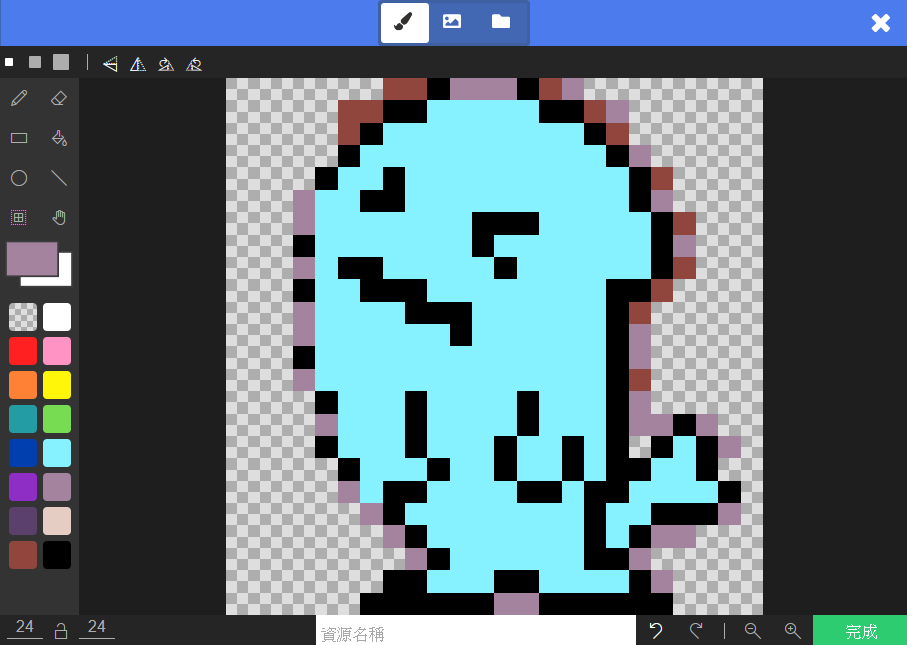
First, open the game designed in the previous unit. We are going to add an “Enemy.” You should be familiar with adding sprites. Click on “Sprites” in the Block Toolbox, use the create sprite block, and place it inside “on start.” You can design the sprite’s pattern yourself, just like […]