

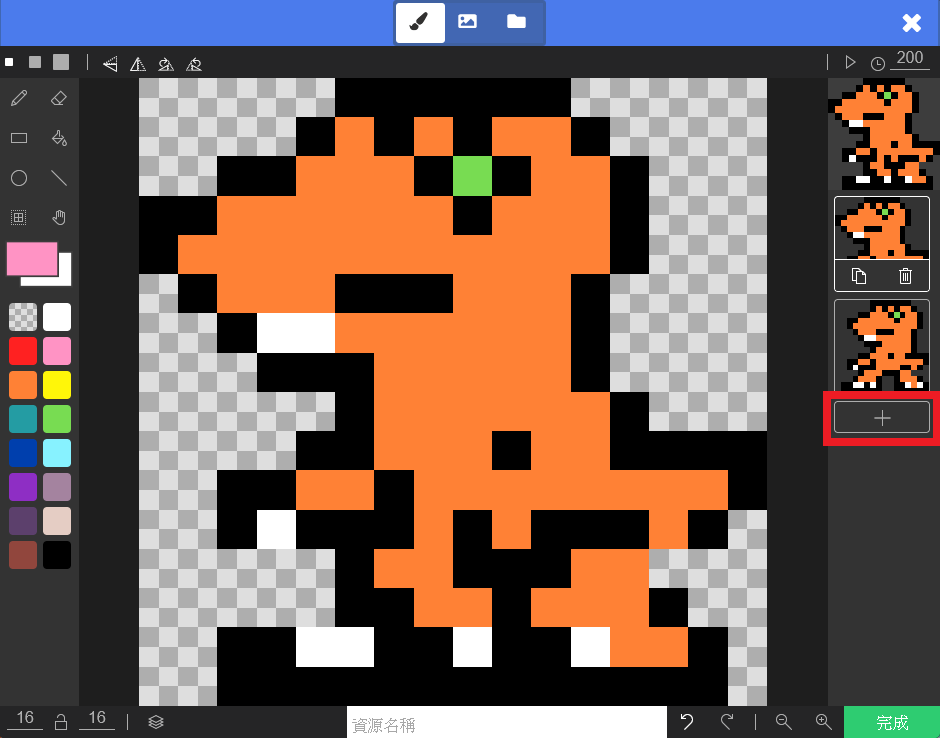
Currently, our character moves as a static image sliding around. We can make it more lively using blocks from the “Advanced” > “Animation” category. Click the “Frames” option in the block (the square icon) to add multiple images on the right side. We will piece these images together to create […]
Open Learning Content
45 posts

For movement, we can refer to “Projectiles.” Projectiles move because we adjusted their Velocity. By the same logic, if we adjust the character’s velocity, can it fly into the sky? Yes! In the “Sprites” category, you can find blocks to change sprite position and velocity. Once velocity is changed, if […]
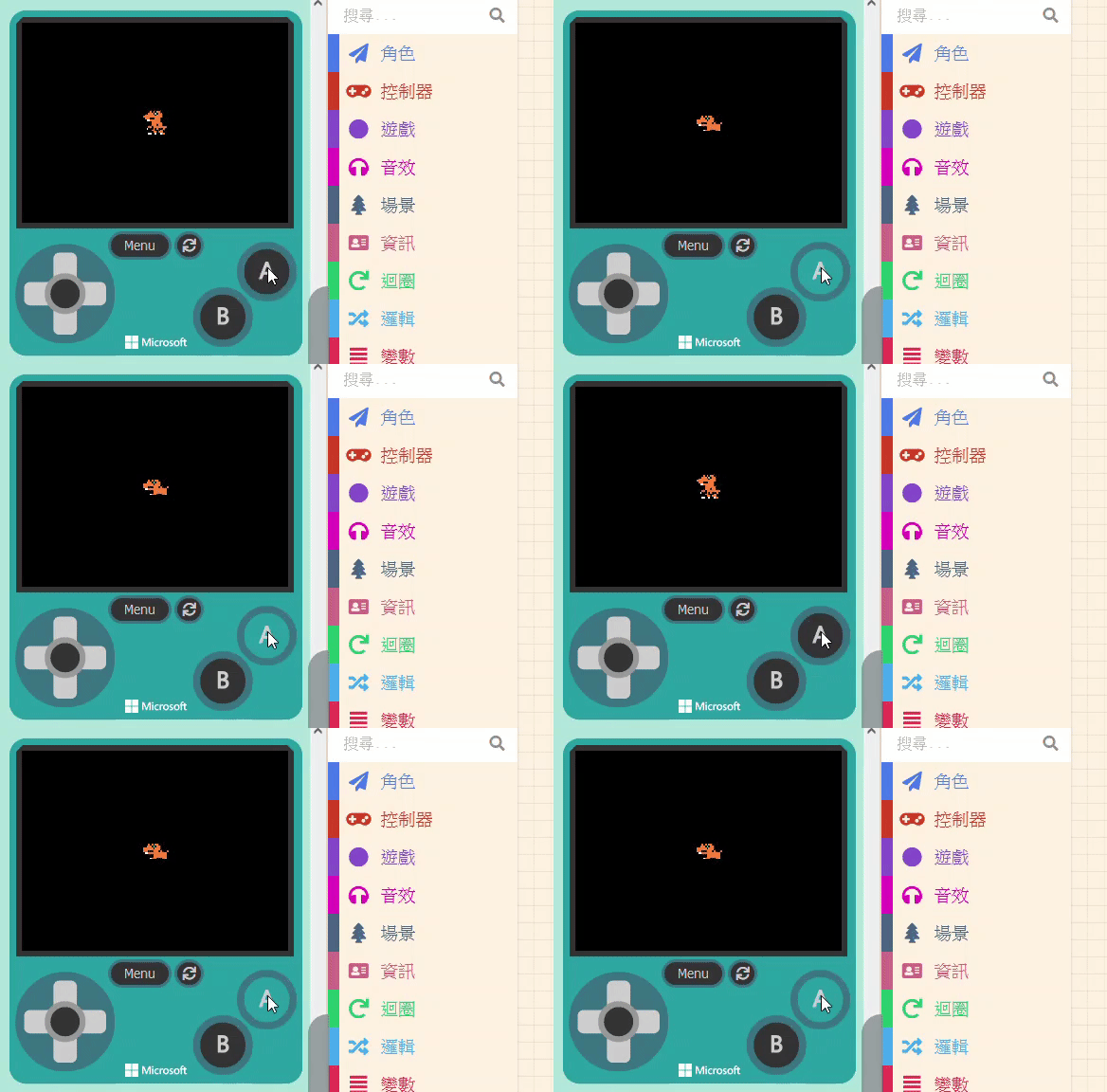
If you want to design a game like the Google Dino Game, the character needs to “Jump” and “Crouch.” For crouching, we also use the method of changing the sprite’s image. However, unlike projectiles where we spawn new objects, here we are modifying the existing character, so the process is […]
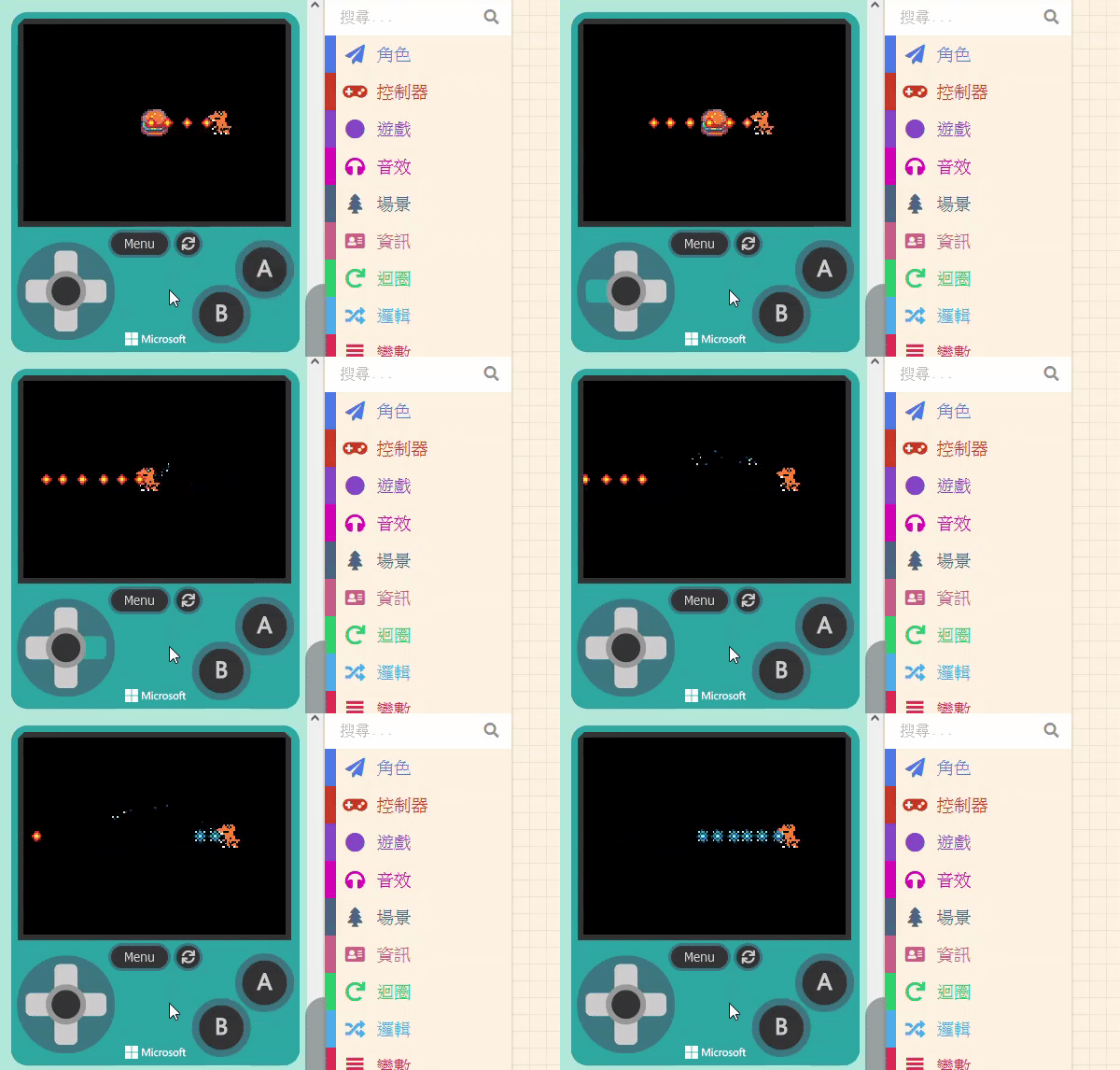
We will use “eating a Burger” as the trigger to change the bullets. First, add a new Sprite of kind “Food” (the Burger) and adjust the distance between it and the player. Next, set up the “Overlap” event so the Burger disappears (with an effect) when touched. You are already […]
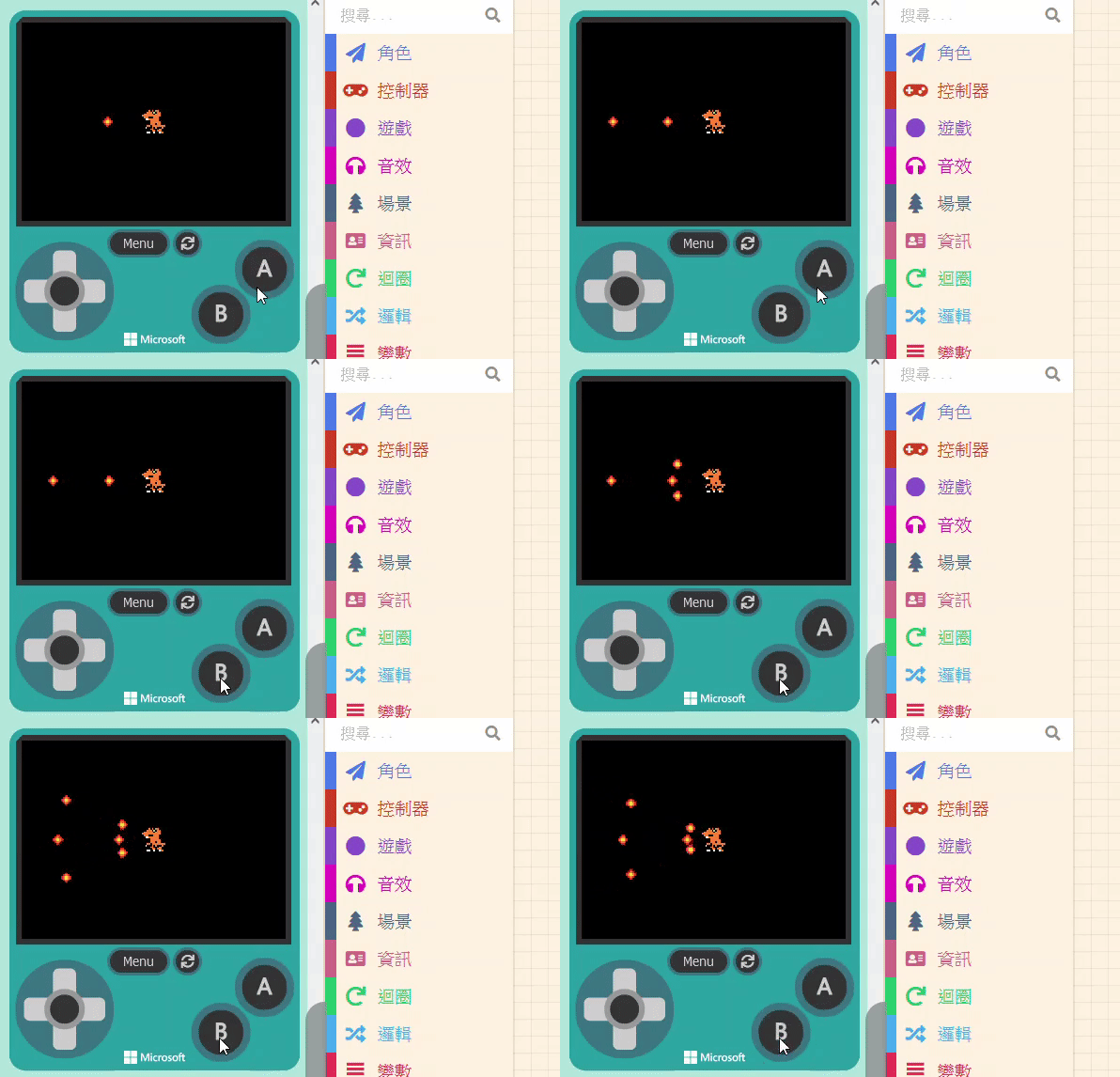
Besides basic gameplay, standard 2D shooting games often feature character enhancements. For example, picking up an “Energy Ball” might strengthen the player’s abilities or change the missiles fired. There are many types of projectile variations: simple damage increase, size increase, quantity increase, or shape changes. We will use a simple […]
11.1.1 Projectile Variations Besides basic gameplay, standard 2D shooting games often feature character enhancements. For example, picking up an “Energy Ball” might strengthen the player’s abilities or change the missiles fired. There are many types of projectile variations: simple damage increase, size increase, quantity increase, or shape changes. We will […]
In the previous units, we created a game. Since it was relatively simple, we couldn’t cover all features or different game genres. Therefore, this unit will propose some interesting ideas and solutions, guiding you through them step-by-step. We hope this will help you with problems you might encounter when designing […]
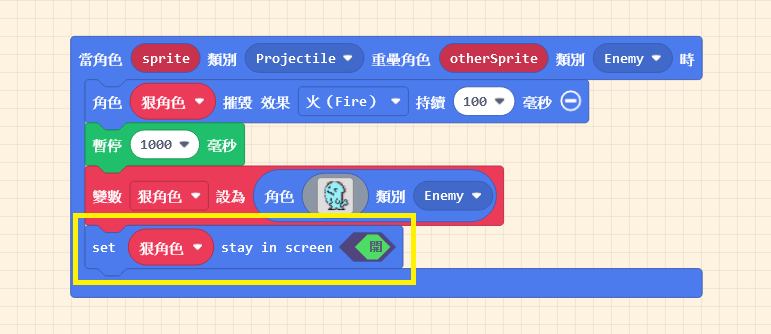
Next, let’s design the action for when the “Small Flame” hits the villain. We use the “Overlaps” block again. Set the Kinds to “Projectile” and “Enemy.” When the target is hit, we want the villain to be destroyed and show a special effect. It is recommended to keep the effect […]
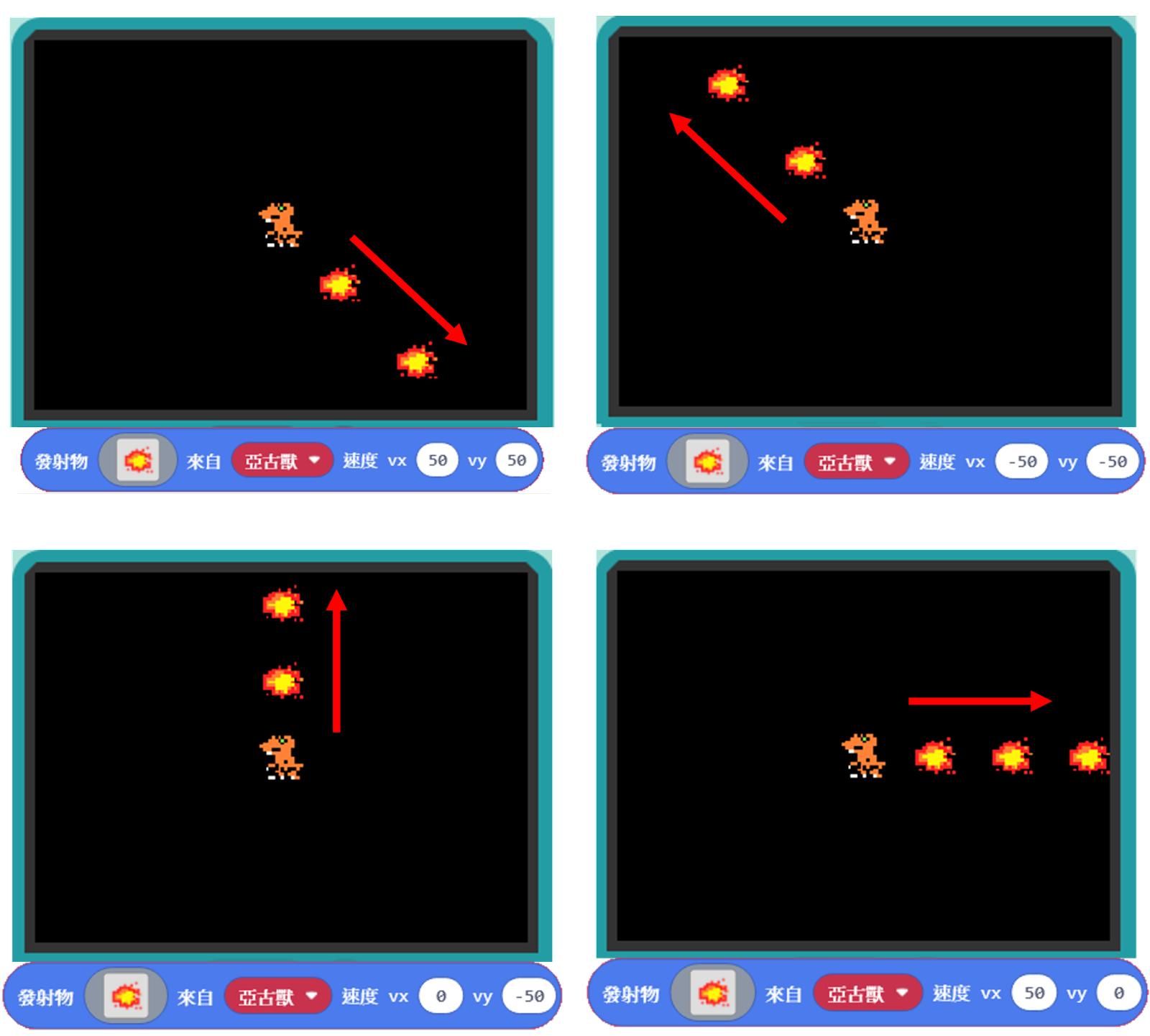
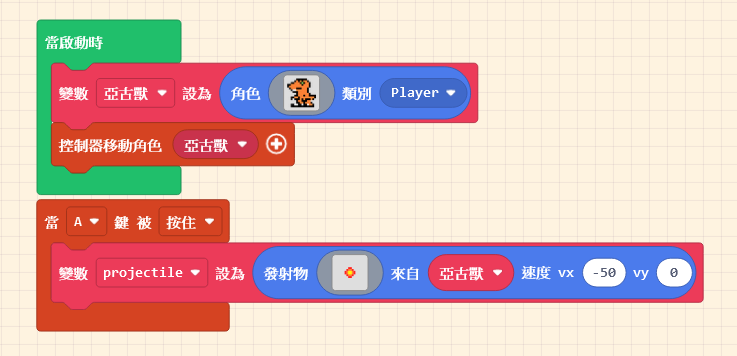
Making a sprite fire missiles is not complicated. The relevant blocks are located in the “Sprites” category. Look closely, and you will see two blocks related to “Projectiles“. To add the attack function to our character, we need the second block. Drag it out first. We want the attack timing […]