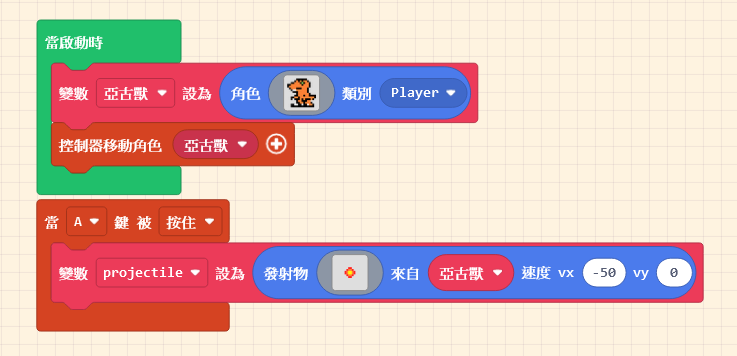
The Workspace takes up the largest area of the interface. This is where you implement game functions by “assembling” code blocks. Once you drag a block into the Workspace, it becomes active.
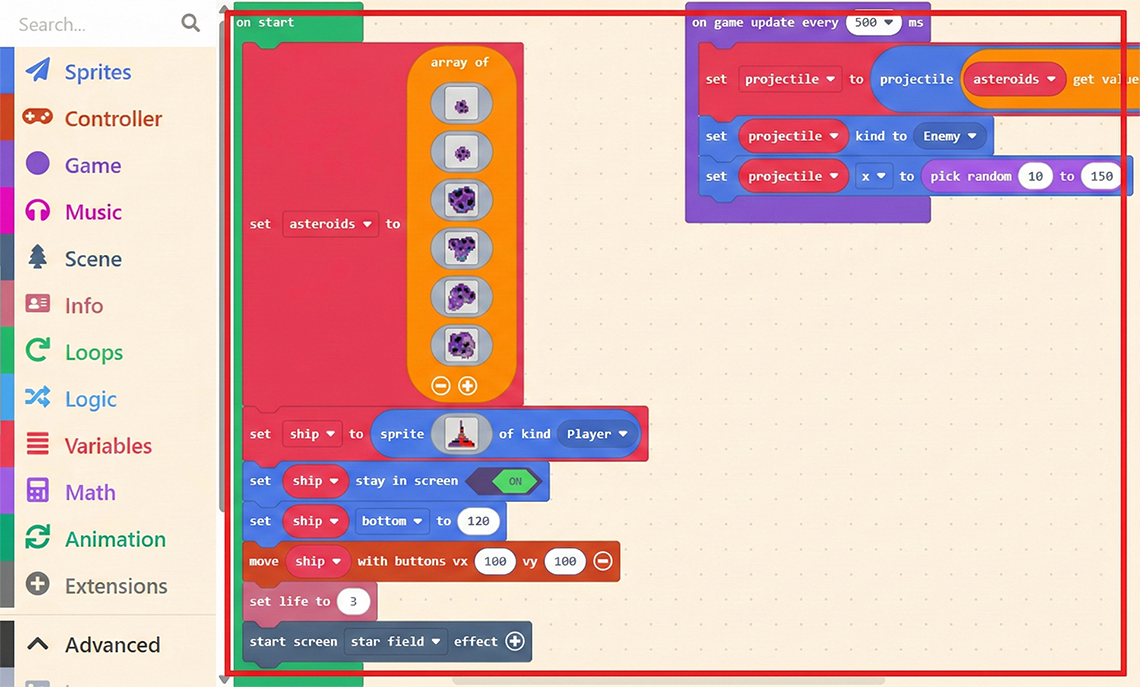
The Workspace takes up the largest area of the interface. This is where you implement game functions by “assembling” code blocks. Once you drag a block into the Workspace, it becomes active.
11.1.1 Projectile Variations Besides basic gameplay, standard 2D shooting games often feature character enhancements. For example, picking up an “Energy Ball” might […]
Another method is to make the enemy instantly “Change Position” at a “Fixed Frequency.” For example, setting the enemy to change position […]