URL:https://arcade.makecode.com/beta?hw=n3
After opening your browser and entering the URL, you will see the “New Project” button and various content below.
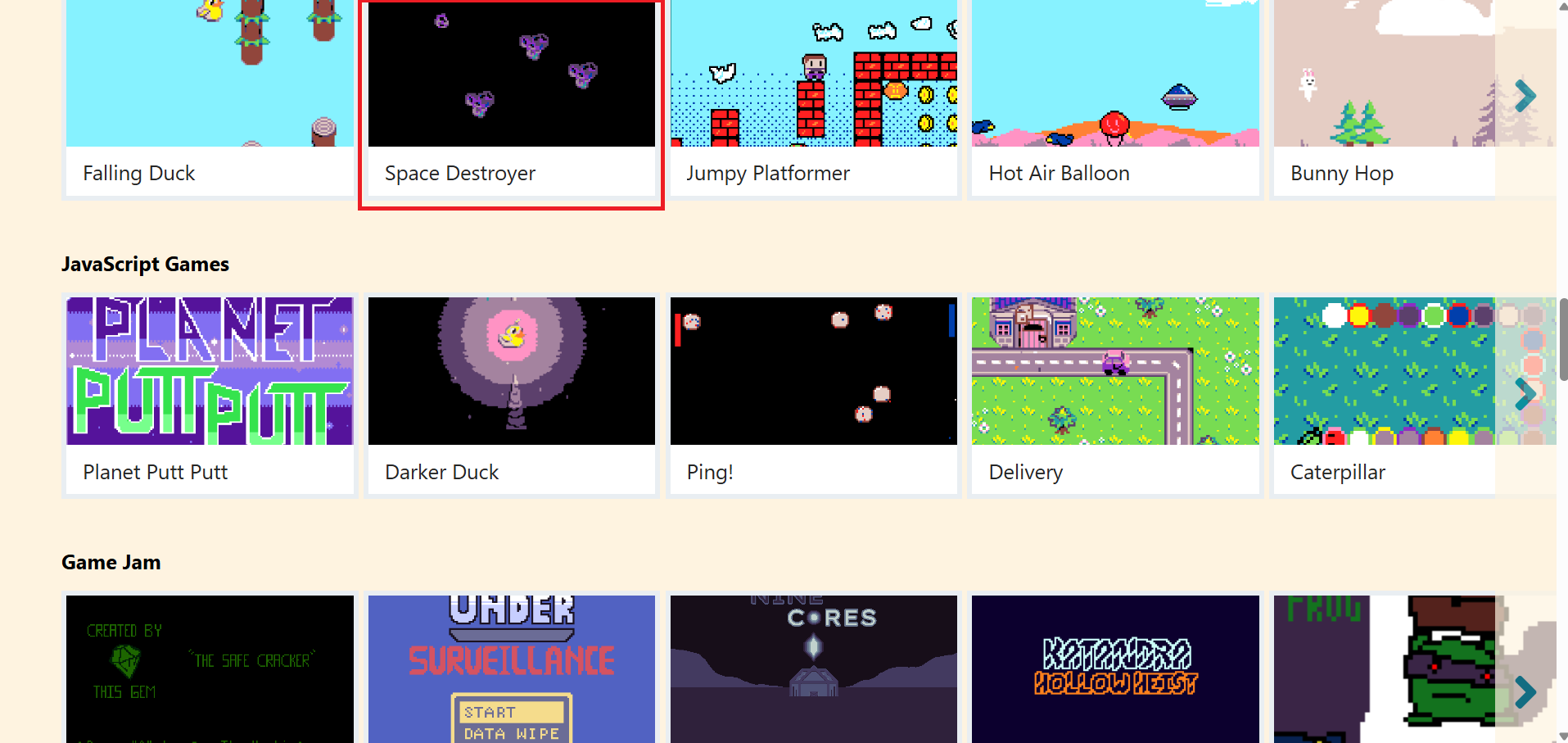
Scroll down and carefully browse the content to find the “Blocks Games” section. These options are example programs pre-built by Microsoft. Not only can you refer to them to learn how to build a game, but you can also play them directly. Now, let’s choose a game to try out. Click on “Space Destroyer”.
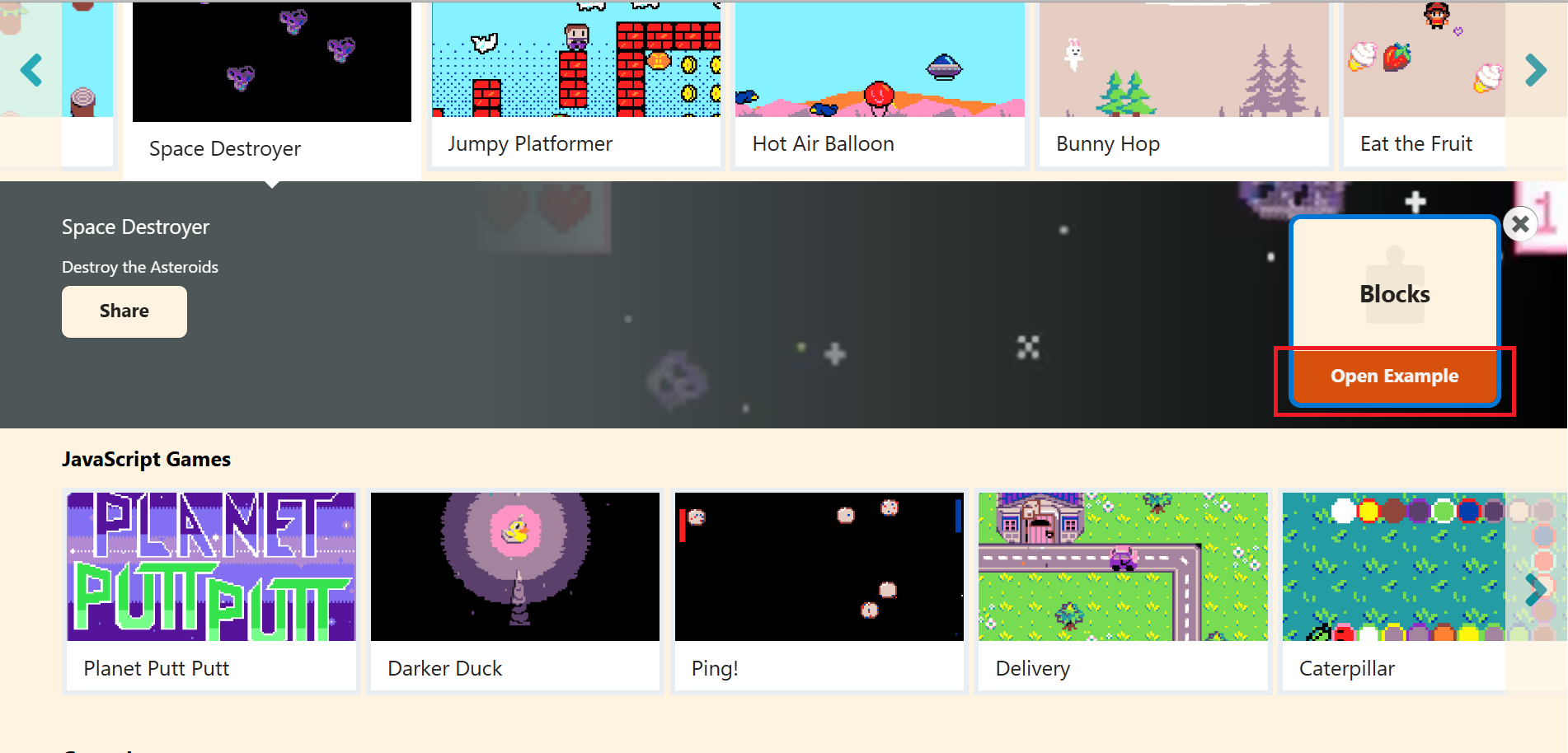
An introduction screen will pop up. Please click “Open Example” to launch the game program.
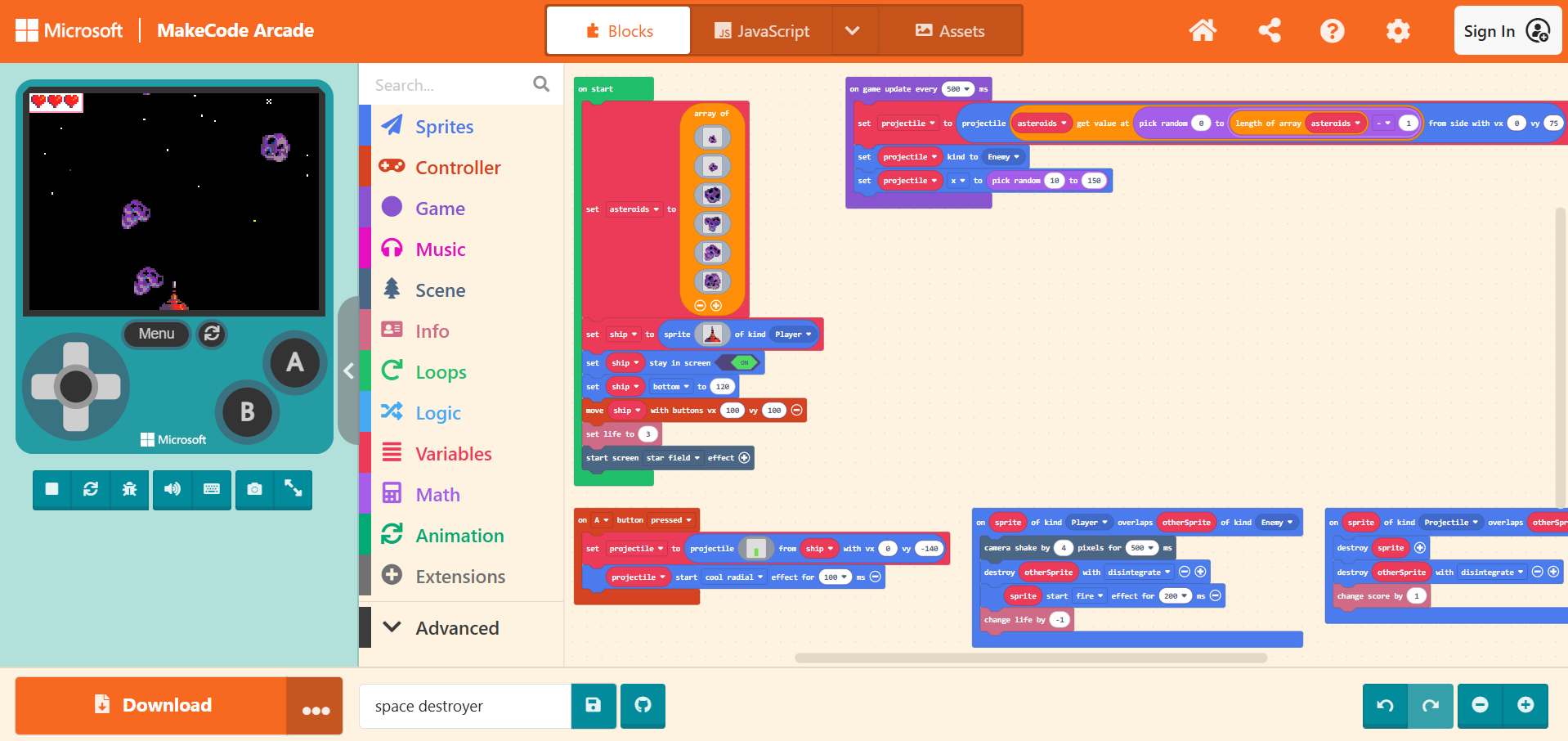
Once the example is opened, you will see the code content and can run the game directly on the simulator located on the left side.